








best free Blender addons for hobbyists
For hobbyists using Blender, free add-ons dramatically expand functionality without requiring financial investment. Popular free tools include Node Wrangler (bundled), LoopTools, Bool Tool, and MeasureIt. These add-ons streamline repetitive tasks, improve workflow efficiency, and allow hobbyists to experiment with professional-grade features without cost.
Free add-ons are especially valuable for learning because they reduce friction in the creative process. Instead of manually building complex node setups or topology fixes, hobbyists can focus on creativity and skill-building.
Best Blender addons for beginners
Beginners benefit most from add-ons that simplify complex workflows. Essential beginner-friendly tools include:
- Node Wrangler (automates shader setup)
- LoopTools (mesh editing shortcuts)
- Bool Tool (easy boolean operations)
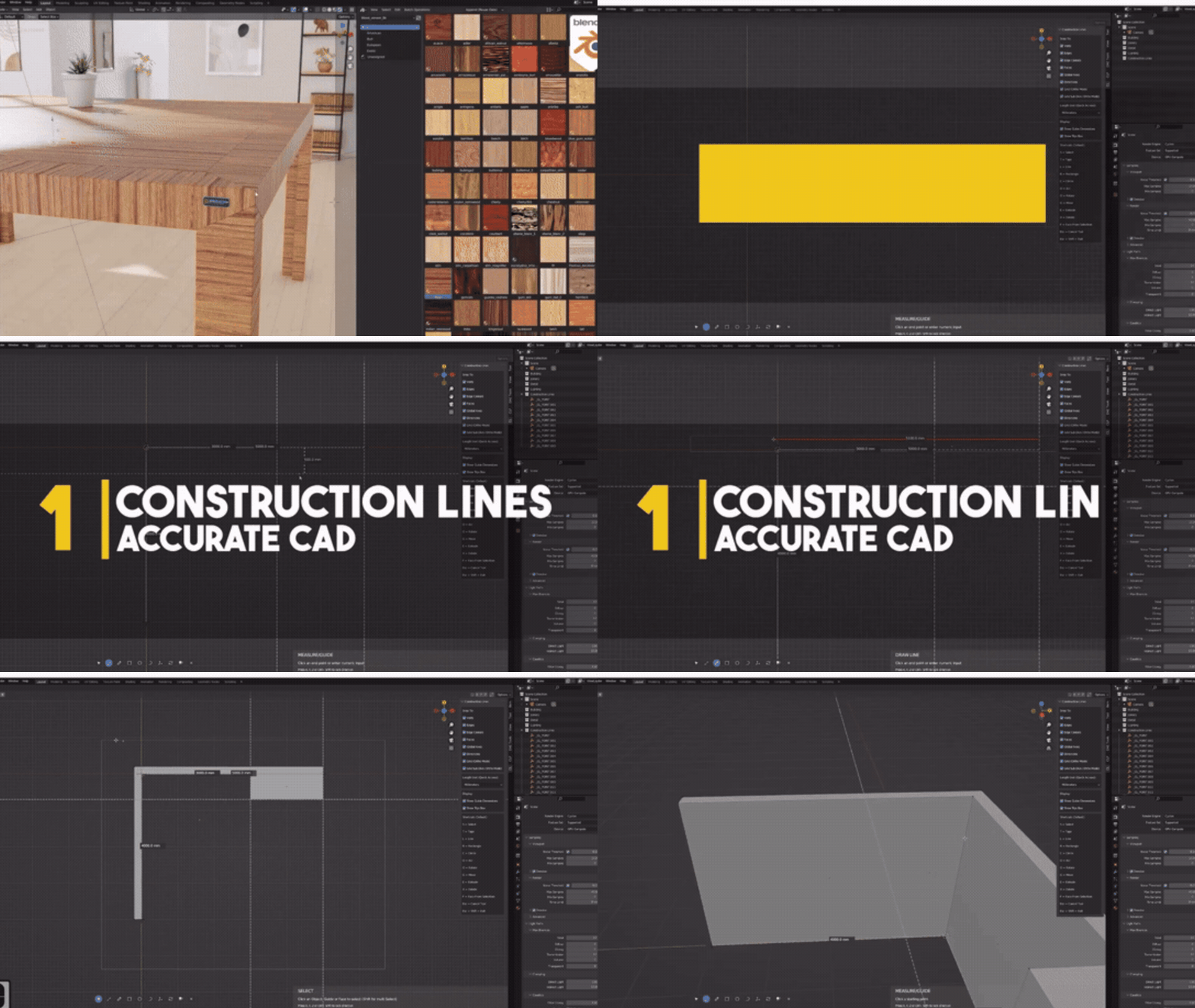
- MeasureIt (precise measurements in viewport)
These tools reduce the learning curve and make Blender more intuitive. Beginners should prioritize add-ons that enhance visibility, simplify controls, and automate repetitive actions.
Must-have Blender addons to speed up modeling
Speed is critical for hobbyists working on personal projects. Add-ons like Hard Ops, Boxcutter, and LoopTools drastically reduce modeling time.
Key benefits include:
- Faster boolean operations
- Instant beveling and smoothing
- Improved mesh manipulation tools
These tools allow hobbyists to iterate quickly, experiment with designs, and complete projects faster without sacrificing quality.
Best Blender addons for hard surface modeling (Hard Ops + Boxcutter)
Hard Ops and Boxcutter are industry-standard tools for hard surface modeling.
Hard Ops focuses on non-destructive workflows, enabling rapid creation of complex mechanical shapes. Boxcutter complements it by allowing real-time boolean cutting directly in the viewport.
Together, they provide:
- Fast boolean workflows
- Clean edge control
- Professional-level modeling speed
These tools are ideal for hobbyists creating sci-fi assets, weapons, or architectural models.

Best Blender addons for retopology and clean topology (RetopoFlow)
RetopoFlow is one of the most advanced retopology tools available for Blender. It provides an interactive interface for rebuilding topology over high-resolution meshes.
Key features include:
- Stroke-based topology creation
- Relax and smoothing tools
- Real-time snapping
For hobbyists working with sculpted models, RetopoFlow ensures clean, animation-ready topology.
Best Blender addons for UV unwrapping and packing (UVPackmaster)
UVPackmaster significantly improves UV packing efficiency compared to Blender’s default tools.
It offers:
- Optimized UV space usage
- Fast packing algorithms
- Multi-object UV support
For hobbyists working on game assets or textures, this add-on ensures better texture quality and reduced wasted space.
Best Blender addons for shader nodes and materials (Node Wrangler)
Node Wrangler is a must-have add-on bundled with Blender. It enhances shader workflows by adding shortcuts and automation.
Key features:
- Automatic texture setup (Ctrl+Shift+T)
- Node preview shortcuts
- Quick linking and alignment
This add-on is essential for hobbyists creating materials quickly and efficiently.

Best Blender addons for rigging characters (Rigify vs Auto-Rig Pro)
Rigify is a free built-in rigging system that generates full character rigs automatically. Auto-Rig Pro, a paid alternative, offers more advanced control and compatibility with game engines.
Comparison:
- Rigify: free, beginner-friendly, fast setup
- Auto-Rig Pro: advanced features, better export pipelines
Hobbyists should start with Rigify and upgrade only if needed.
Best Blender addons for scattering assets and environments (GeoScatter)
GeoScatter is a powerful tool for distributing assets across environments. It is widely used for creating forests, cities, and natural scenes.
Features include:
- Procedural scattering
- Density and mask controls
- Real-time preview
For hobbyists building environments, GeoScatter saves hours of manual placement work.
Best Blender addons for photoreal lighting and HDRI workflows
Lighting add-ons such as HDRI managers and Light Studio tools improve realism. These tools simplify environment lighting using HDRI maps.
Benefits include:
- Quick HDRI rotation and control
- Realistic reflections and lighting
- Faster rendering setup
For hobbyists, these tools make it easier to achieve professional-quality renders.
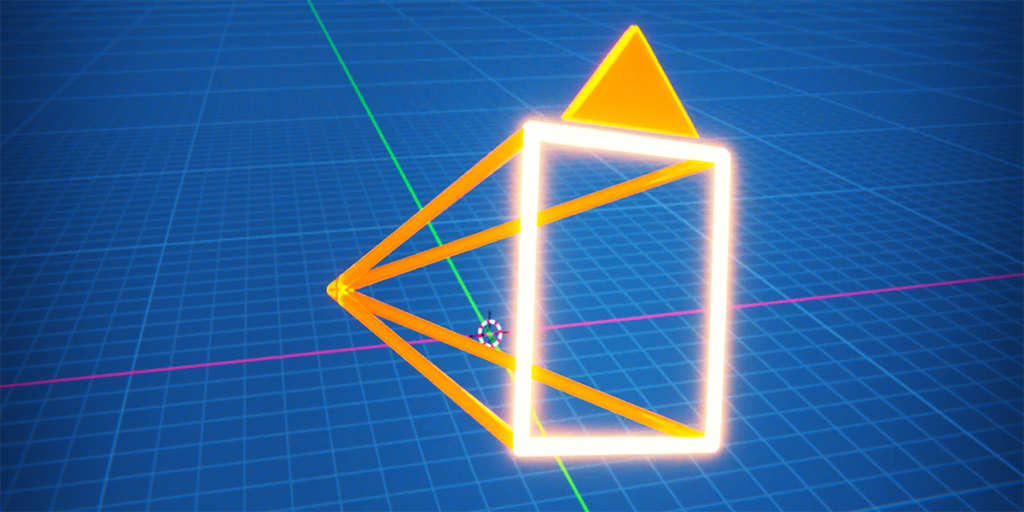
The View Keeper camera addon for saving views and batch rendering
The View Keeper is a highly practical add-on for managing multiple camera angles.
It allows users to:
- Save and switch between camera views
- Batch render multiple shots
- Organize scene compositions
For hobbyists creating animations or product renders, this tool improves workflow efficiency and consistency.
Best Blender addons for kitbashing and asset management
Kitbashing add-ons help organize and reuse assets efficiently. Tools like Asset Browser enhancements and external asset managers allow hobbyists to build scenes faster.
Key advantages:
- Drag-and-drop asset workflows
- Organized libraries
- Faster scene assembly
These tools are ideal for hobbyists working on large or complex scenes.

Blender Extensions platform: how to install addons in Blender 4.2
Blender 4.2 introduces the Extensions platform, making add-on installation easier and more centralized.
Steps to install:
- Open Preferences
- Navigate to Extensions or Add-ons
- Search for the add-on
- Click install and enable
This new system simplifies updates and ensures compatibility with newer Blender versions.
Best Blender addons for 3D printing and STL export
For hobbyists interested in 3D printing, add-ons like 3D Print Toolbox are essential.
Features include:
- Mesh analysis for print errors
- Wall thickness checks
- STL export optimization
These tools ensure models are print-ready and reduce failed prints.
PixelHair realistic hair assets for Blender character creation
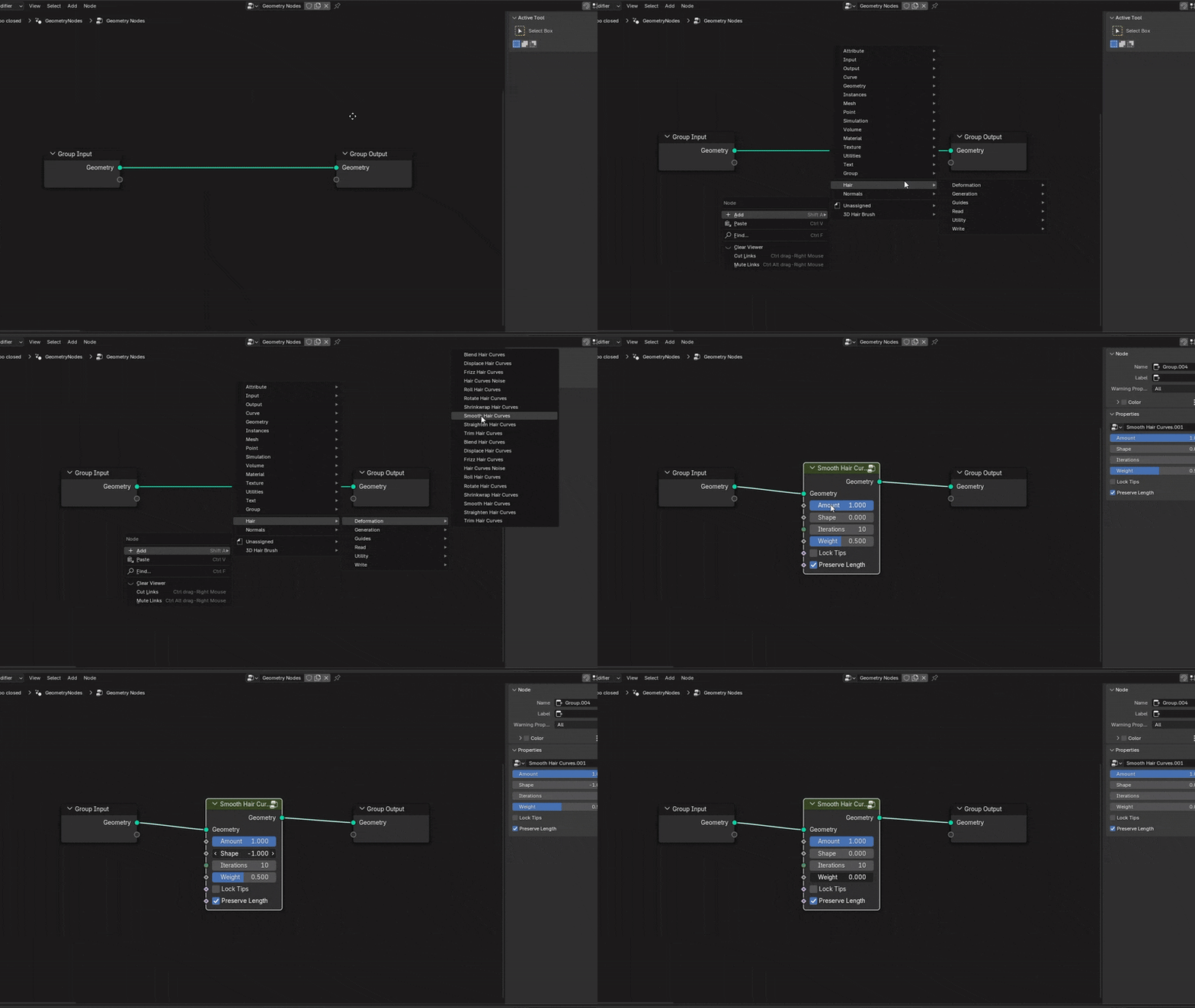
PixelHair is a collection of realistic hair assets designed for Blender users. Created by Yelzkizi (Daniel “Yelzkizi” Isaac), it provides ready-to-use hairstyles that integrate seamlessly into workflows.
Instead of manually creating hair using particle systems or geometry nodes, hobbyists can use PixelHair as a fast alternative.
Key benefits:
- Realistic hair without complex setup
- Compatible with game engines like Unreal Engine
- Time-saving asset solution
PixelHair is especially useful for character artists who want high-quality results without spending hours on grooming systems.

Frequently Asked Questions (FAQs)
- What are the best Blender addons for hobbyists?
Node Wrangler, Hard Ops, Boxcutter, GeoScatter, and UVPackmaster are among the best. - Are Blender addons free?
Many are free, but some advanced tools like Auto-Rig Pro are paid. - How do I install Blender addons?
Go to Preferences > Add-ons or Extensions and install from file or marketplace. - Which addon is best for beginners?
Node Wrangler and LoopTools are ideal for beginners. - Do addons slow down Blender?
Poorly optimized add-ons can, but most well-built ones improve efficiency. - What is the best addon for modeling speed?
Hard Ops combined with Boxcutter is the fastest workflow. - Is GeoScatter worth it for hobbyists?
Yes, especially for environment creation. - What addon helps with UV mapping?
UVPackmaster is one of the best for efficient packing. - Can I use Blender addons for game development?
Yes, many are compatible with game engines like Unreal Engine and Unity. - What is PixelHair used for?
It provides realistic hair assets for character creation.

Conclusion
Blender add-ons transform the software into a powerful, customizable tool for hobbyists. From modeling and texturing to rendering and asset management, the right add-ons can dramatically improve workflow speed and quality.
By combining free tools like Node Wrangler and Rigify with advanced solutions like GeoScatter and UVPackmaster, hobbyists can achieve professional-level results without needing a full studio pipeline.
Choosing the right add-ons depends on your focus, but every hobbyist can benefit from tools that simplify workflows and unlock creative potential.
Sources and Citations
- Blender Extensions Blender manual (Node Wrangler, Rigify, 3D Print Toolbox)
- Node Wrangler – Blender Manual Blender manual (Node Wrangler, Rigify, 3D Print Toolbox)
- Rigify – Blender Manual Blender manual (Node Wrangler, Rigify, 3D Print Toolbox)
- 3D Print Toolbox – Blender Manual UVPackmaster official documentation
- UVPackmaster Documentation RetopoFlow official documentation
- RetopoFlow Documentation GeoScatter documentation and developer pages
- Geo-Scatter Documentation GeoScatter documentation and developer pages
- Geo-Scatter Official Site Hard Ops and Boxcutter documentation
- Hard Ops Documentation Hard Ops and Boxcutter documentation
Recommeded
- How The View Keeper Simplifies Multi-Camera Animations in Blender
- Sin & Siege, a New Heaven-Vs.-Hell Strategy Game, Revealed for PC
- How do I set up a scene with multiple cameras in Blender?
- Nintendo Share Price Jumps 15% After Pokémon Pokopia Success Boosts Switch 2 Momentum
- How to Make Anything a LEGO in Blender with Geometry Nodes: A Step-by-Step Guide



















































































