









Best free Blender add-ons in 2026 (updated must-have list)
Blender continues to evolve rapidly, and in 2026 the ecosystem of free add-ons and extensions has reached a new level of maturity. With the introduction of Blender 4.2 LTS and the official Extensions platform, creators now have easier access to powerful tools that dramatically improve workflows across modeling, rendering, animation, and technical pipelines.
The best free Blender add-ons in 2026 are no longer just optional extras—they are essential productivity tools. From built-in staples like Node Wrangler and Rigify to advanced community-driven extensions such as BlenderKit and Bonsai (BlenderBIM), artists can achieve professional-grade results without spending anything.
This updated list focuses on actively maintained, compatible, and widely used free add-ons that deliver real-world value across multiple disciplines.
Blender Extensions platform in 2026 (where to download free add-ons)
In 2026, Blender’s official Extensions platform has replaced much of the older manual add-on installation process. Accessible directly inside Blender, it acts as a curated marketplace for free and open-source extensions.
Key features include:
- One-click installation and updates
- Verified compatibility with Blender 4.2 LTS+
- Centralized discovery of tools across categories
- Improved security compared to third-party downloads
Users can still install add-ons manually, but the Extensions platform has become the preferred method due to its reliability and ease of use. Popular extensions like BlenderKit and Bonsai are now distributed through this system, ensuring seamless updates.
Add-ons vs extensions in Blender 4.2 LTS (what changed and why it matters)
Blender 4.2 LTS introduces a clearer distinction between “add-ons” and “extensions”:
- Add-ons: Traditional Python-based tools installed manually or bundled with Blender.
- Extensions: Packaged, version-controlled tools distributed via the official Extensions platform.
Why this matters:
- Extensions are easier to maintain and update
- Better dependency handling
- Improved compatibility tracking
- Reduced risk of breaking changes during Blender updates
This shift standardizes how tools are distributed and ensures long-term stability for production environments.
How to install and update Blender extensions in 2026
Installing extensions in Blender 2026 is straightforward:
- Open Blender
- Go to Edit > Preferences
- Navigate to the Extensions tab
- Browse or search for an extension
- Click Install
To update:
- Blender automatically notifies users of updates
- Updates can be applied with one click from the same panel
Manual installation is still possible:
- Download
.zipfiles - Install via Preferences > Add-ons > Install
However, using the Extensions platform is recommended for most users.
Node Wrangler add-on in 2026 (faster shader node workflows)
Node Wrangler remains one of the most essential built-in add-ons in Blender.
Key features:
- Quick node linking with shortcuts
- Automatic texture setup (Ctrl+Shift+T)
- Viewer node previews
- Smart node alignment
In 2026, Node Wrangler continues to receive minor updates for compatibility with new shader systems and Geometry Nodes integration. It significantly speeds up material creation and is considered mandatory for any serious Blender user.
LoopTools add-on for Blender (free modeling tools you should enable)
LoopTools enhances Blender’s modeling capabilities with precision tools.
Core features include:
- Circle and relax tools for clean topology
- Bridge and loft for connecting geometry
- Flatten and straighten for edge alignment
Even in 2026, LoopTools remains a go-to solution for hard-surface and organic modeling tasks, especially when working with complex edge loops.

Rigify add-on for Blender 2026 (free auto-rigging for characters)
Rigify provides a complete auto-rigging system for character animation.
Key benefits:
- Generates full control rigs from a basic metarig
- Supports humanoid and custom rigs
- Compatible with animation workflows and game engines
In 2026, Rigify integrates better with Blender’s animation tools and continues to be a powerful free alternative to paid rigging solutions.
BlenderKit add-on free library (models, materials, HDRIs)
BlenderKit offers a massive library of free and premium assets directly inside Blender.
Free features:
- Drag-and-drop models
- High-quality materials and HDRIs
- Seamless integration with Blender viewport
In 2026, BlenderKit remains one of the best ways to quickly populate scenes without leaving Blender, making it invaluable for both beginners and professionals.
Bonsai (BlenderBIM) add-on in Blender (free BIM tools and IFC workflow)
Bonsai, the evolution of BlenderBIM, brings full Building Information Modeling (BIM) capabilities into Blender.
Key features:
- IFC file support
- Architectural modeling tools
- Data-rich workflows for construction and design
In 2026, Bonsai is widely used in architecture and engineering pipelines, bridging the gap between creative and technical disciplines.
Best free UV unwrapping and UV workflow add-ons for Blender 2026
UV workflows in Blender are enhanced by several free add-ons:
- UVPackmaster Lite (free tier) – Efficient UV packing
- Texel Density Checker – Ensures consistent texture scaling
- Magic UV – Advanced UV manipulation tools
These tools improve efficiency and accuracy when preparing assets for texturing.
Best free geometry nodes extensions and node packs in 2026
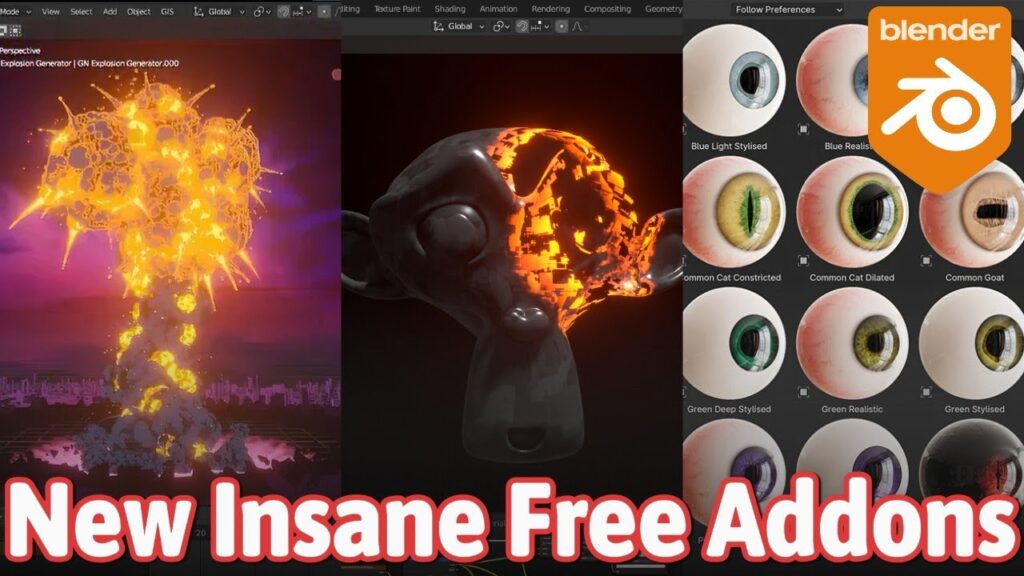
Geometry Nodes continues to expand, supported by free node packs:
- Procedural asset libraries
- Scatter and instancing tools
- Pre-built node groups for environments
These extensions allow users to create complex procedural systems without building everything from scratch.
Best free Grease Pencil add-ons for Blender 2026
Grease Pencil has matured significantly, and add-ons enhance its capabilities:
- Stroke effects and animation helpers
- Cleanup and smoothing tools
- Layer and timing management extensions
These tools are essential for 2D/3D hybrid animation workflows.

Best free sculpting and remeshing add-ons for Blender 2026
Sculpting workflows benefit from:
- Instant Meshes (external integration) – Automatic retopology
- Voxel Remesh tools enhancements
- Sculpt brushes and presets add-ons
These tools improve performance and allow artists to work faster with high-resolution meshes.
Best free camera and animation workflow add-ons for Blender 2026
Camera and animation tools include:
- Camera rig systems for cinematic shots
- Timeline and keyframe management tools
- Motion path visualization extensions
These add-ons streamline animation workflows and improve scene organization.
Best free render optimization add-ons for Cycles and Eevee in 2026
Rendering optimization tools are crucial for performance:
- Adaptive sampling helpers
- Scene optimization scripts
- Light linking and render pass management tools
These add-ons help reduce render times while maintaining visual quality.
Frequently Asked Questions (FAQs)
- What are the best free Blender add-ons in 2026?
Node Wrangler, LoopTools, Rigify, BlenderKit, and Bonsai are among the best. - Are Blender extensions safe to install?
Yes, especially when downloaded from the official Extensions platform. - Do I need add-ons to use Blender professionally?
Not required, but highly recommended for efficiency. - Is BlenderKit free?
It offers both free and paid assets, with a large free library. - What replaced BlenderBIM?
Bonsai is the updated version of BlenderBIM. - Can I use these add-ons in Blender 4.2 LTS?
Yes, most are fully compatible with Blender 4.2 LTS and newer. - Are Geometry Nodes add-ons necessary?
They are optional but extremely useful for procedural workflows. - How do I update Blender add-ons?
Through the Extensions panel or manually reinstalling updated versions. - Do add-ons slow down Blender?
Only if poorly optimized; most modern add-ons are efficient. - Can beginners use these add-ons?
Yes, many are beginner-friendly and improve learning speed.
Conclusion
The Blender ecosystem in 2026 is stronger than ever, with free add-ons and extensions playing a critical role in modern workflows. The shift to the Extensions platform has simplified installation, improved reliability, and made discovering tools easier than ever.
From modeling and rigging to rendering and BIM, the best free Blender add-ons in 2026 provide everything needed to produce professional-quality work without additional cost. Whether you are a beginner or an experienced artist, integrating these tools into your workflow is essential for maximizing productivity and creative potential.
Sources and citation
- Blender Official Documentation
https://docs.blender.org - Blender Extensions Platform
https://extensions.blender.org - BlenderKit Official Website
https://www.blenderkit.com - Bonsai (BlenderBIM) Documentation
https://blenderbim.org - Blender Artists Community Forum
https://blenderartists.org
Recommended
- Canceled Star Wars FPS Is Playable Again – Why “First Assault” Feels Amazing and Sad at the Same Time
- Overwatch Reveals Its Newest Hero Look as Fans Guess Hero 51’s Identity
- How do I create a handheld camera effect in Blender?
- Godzilla Minus Zero Trailer, Plot and Cast Revealed: Release Date, Story Details, and Returning Stars
- How do I add a background image to the camera view in Blender?
- Amazon’s Live-Action Tomb Raider Series Halts Filming After Sophie Turner Injury: What It Means for Lara Croft’s Prime Video Debut
- Marvel Heroes and their Evil Version: The Best Dark Counterparts, Alternate Universes, and Corrupted Variants
- The First-Ever Fight Club 4K Blu-Ray Release Explained
- Marathon: Bungie’s New FPS – Gameplay Details, Developer Insights, and Community Reactions
- Epic Games Acquires Meshcapade: What the Deal Means for Fortnite, Unreal Engine, and MetaHuman



























































































