











After nearly two decades on the market, the PlayStation 3 has received a surprise firmware update in 2026. System software version 4.93 for the PS3 was quietly released by Sony, catching many long-time users off guard. In this comprehensive article, we’ll break down everything you need to know about the PS3 4.93 update – from its release date and official patch notes to what’s really changed under the hood.
We’ll also cover how to install the update (via internet or USB), the download size and requirements, and address common issues like update errors. Furthermore, we’ll delve into the implications of this update for jailbroken PS3s, custom firmware users, and what it means for game preservation on the aging console. Read on for a deep dive into PS3 system software 4.93, along with FAQs and reference sources to keep you fully informed.
PS3 update 4.93 release date (March 2026)
On March 18, 2026, Sony released PlayStation 3 system software update 4.93. This follows a pattern of annual maintenance patches, occurring nearly one year after version 4.92 in March 2025 and version 4.91 in February 2024. Despite the console being 20 years old, Sony continues to provide minimal support through these first-quarter updates to ensure the system remains functional and secure. The update was made available for download directly on consoles and via the official PlayStation website without significant prior announcement.
PS3 system software 4.93 patch notes “improves system performance”
The official patch notes for version 4.93 contain a single line: “This system software update improves system performance.” This is the same boilerplate language Sony has used for several years, including updates 4.90 through 4.92. There are no new features, UI changes, or additional apps included in this release. While the notes suggest a speed boost, the phrasing is generally understood as a catch-all for background security patches and compliance updates.
What does the PS3 4.93 update actually do
Under the hood, firmware 4.93 serves two primary functions: updating Blu-ray playback encryption keys and patching security exploits. The update refreshes AACS encryption keys, which are necessary for the console to recognize and play newly released Blu-ray movie discs. Additionally, it acts as a security measure to block jailbreaking tools, such as custom firmware (CFW) or PS3HEN, by closing exploits used in previous versions. This makes the update a requirement for users who wish to access PlayStation Network (PSN) services or maintain full media compatibility.
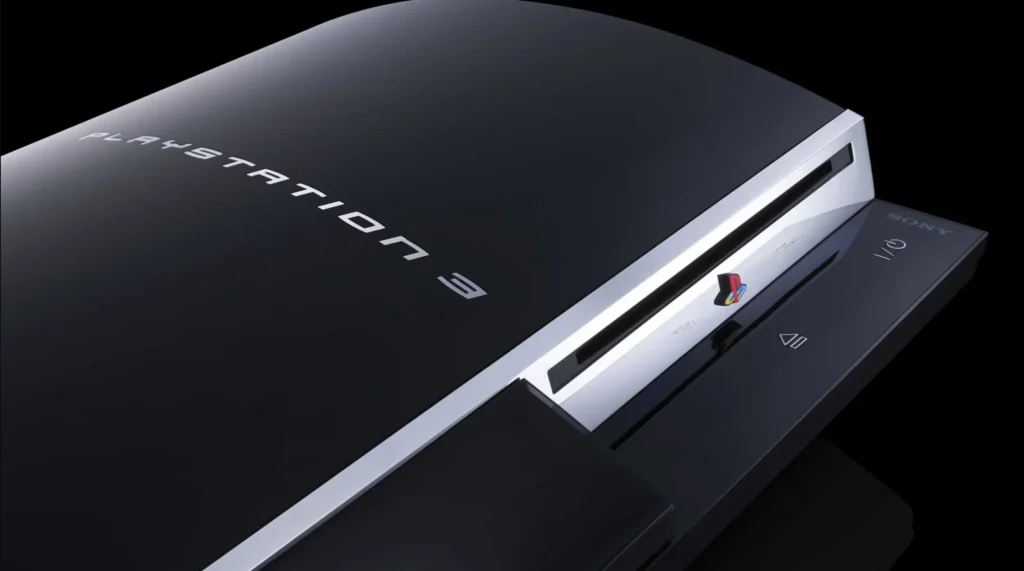
PS3 Blu-ray player encryption key update explained
The PS3 requires periodic firmware updates to renew its AACS (Advanced Access Content System) encryption keys, which typically expire every 12 to 18 months. If these keys are not updated, the console will eventually fail to play new Blu-ray releases and display a renewal error. Version 4.93 includes the latest keys to ensure continued media functionality. While this benefits legitimate users, the key refresh also functions as a DRM measure that can hinder modding and piracy efforts by changing the encryption environment.
How to update PS3 to system software 4.93 (internet update)
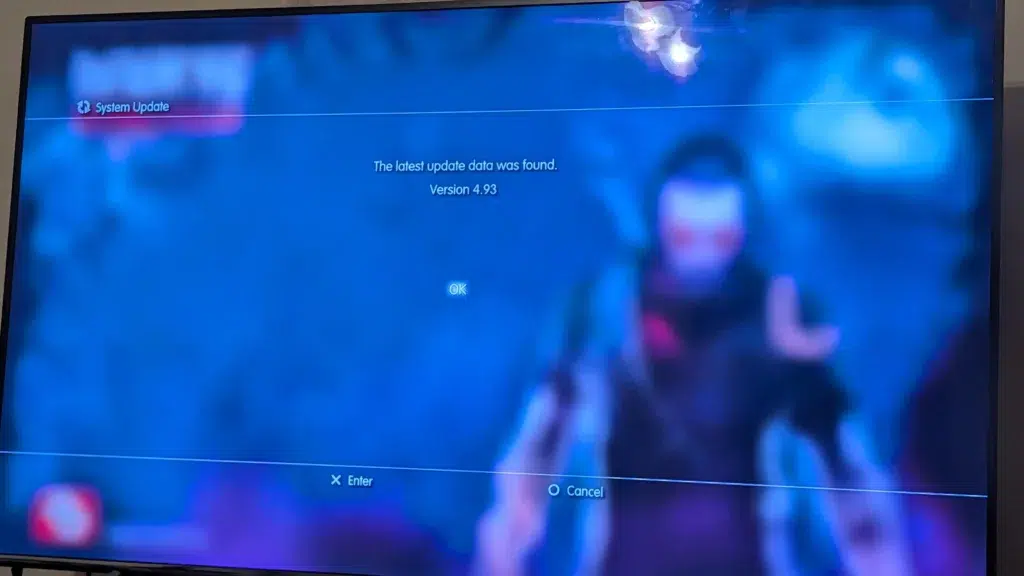
The simplest way to install the update is via the internet. Users should navigate to Settings, then System Update, and select “Update via Internet.” The console will download the approximately 200 MB file and restart to begin the installation. It is important to have a stable connection and not turn off the console during the process. After completion, the version can be verified under Settings > System Settings > System Information.
How to update PS3 with USB (manual firmware install)
For consoles without internet access, a manual update can be performed using a FAT32-formatted USB drive.
- Create a folder named
PS3at the root of the drive. - Inside the
PS3folder, create a folder namedUPDATE. - Download the 4.93 firmware file (PS3UPDAT.PUP) from the official PlayStation site and place it in the
UPDATEfolder. - On the PS3, go to Settings > System Update > Update via Storage Media.
The console will detect the file and proceed with the installation. The file must be named exactlyPS3UPDAT.PUPand the folders must be in all caps for the system to recognize them.
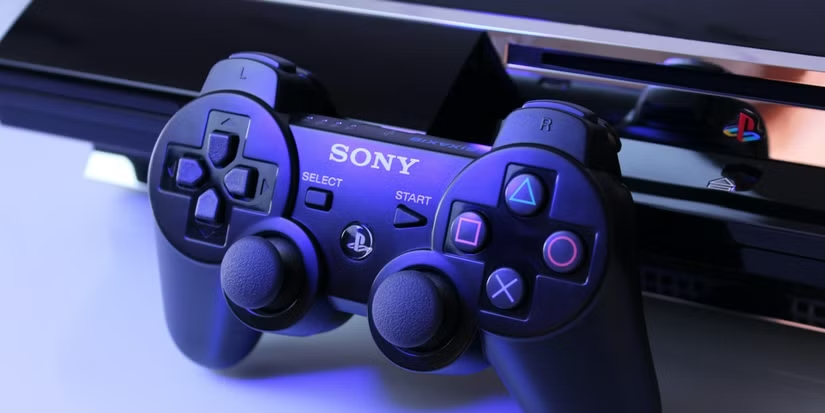
PS3 update 4.93 download size and free space required
The 4.93 update file is approximately 197 MB. Sony recommends having at least 200 MB of free space on either the PS3 internal hard drive or the USB flash drive to perform the update. While this is a small amount compared to modern console updates, the system will prevent the update from starting if this minimum threshold is not met. The space is used temporarily to download and unpack the installation files.
PS3 update stuck at 99% or won’t install (common fixes)
If an update hangs at 99%, users are advised to wait at least 5 to 10 minutes for it to finalize. If it remains stuck or fails with an error code, common solutions include:
- Using Safe Mode (Recovery Menu) to install the update via USB.
- Ensuring a stable, preferably wired, internet connection.
- Disabling “Media Server Connection” in Network Settings.
- Re-downloading the PUP file to ensure it isn’t corrupted.
- Selecting “Rebuild Database” in Safe Mode to fix file system issues.
- As a last resort, temporarily removing and reinserting the hard drive to break an update loop.
PS3 update 4.93 changelog history and previous firmware versions
The PS3’s firmware history evolved from feature-heavy updates in its early years to security-focused maintenance patches in its later life.
- Version 4.88 (June 2021): A minor stability update released during the period when Sony considered closing the PSN store.
- Version 4.89 (May 2022): Introduced significant security changes, removing the ability to create PSN accounts directly on the console and requiring a Device Setup Password for login (associated with 2-step verification).
- Version 4.90 (February 2023): A roughly 197 MB update that focused on routine security patches and Blu-ray key updates.
- Version 4.91 (February 2024): Continued the annual maintenance trend, likely renewing Blu-ray keys and addressing security vulnerabilities.
- Version 4.92 (March 2025): Provided the annual Blu-ray key rotation and patched exploits, requiring updated tools for the modding community.
- Version 4.93 (March 2026): Followed the early-year release pattern to refresh Blu-ray keys and security patches. While account management has tightened, the PlayStation Store and online play remain active as of this release.

Is the PS3 4.93 update blocking jailbreaks and custom firmware
Update 4.93 effectively blocks current jailbreaks, including Custom Firmware (CFW) and Homebrew ENabler (PS3HEN), by closing exploits used in version 4.92. Installing this official firmware overwrites modifications, causing homebrew applications like MultiMAN or webMAN to stop functioning. Attempting to use older exploits on version 4.93 can lead to system crashes or soft bricks. While the modding community typically develops workarounds and updated Hybrid Firmwares (HFW) within days or weeks, users who value their jailbreak are advised to avoid updating until compatible tools are released.
Should you update a jailbroken PS3 to 4.93 (risks and tradeoffs)
For users with modified systems, updating to 4.93 involves significant trade-offs:
- Risks: You will lose all custom functionality, including game backups, plugins, and emulators. Because the PS3 is not designed to downgrade, you would be stuck on official firmware until a new 4.93-compatible exploit is released.
- Benefits: Updating is necessary to access PSN services (online play, trophies, and the store) and to renew encryption keys for playing newer Blu-ray movie discs.
The general recommendation is to stay on version 4.92 or your current modded version and wait for the community to release patched firmware before updating.
PS3 firmware 4.93 download link and official sources
The official 4.93 update can be obtained through the console’s “Update via Internet” feature or by downloading the PS3UPDAT.PUP file from the official PlayStation support website. The manual file is approximately 197 MB. To ensure system integrity and avoid malware, users should only download from official PlayStation domains and avoid third-party sources. The file size and name should be verified before attempting a manual USB update.
PS3 update 4.93 and game preservation concerns
The 4.93 update has a dual impact on game preservation:
- Positive: It preserves physical media functionality by updating encryption keys, ensuring the console can still play original game discs and Blu-ray movies.
- Negative: It hinders preservation efforts that rely on homebrew and custom firmware to back up digital content, apply fan patches, or play delisted games.
While Sony continues to support the hardware and keep the PSN store open in 2026, the ongoing effort to block exploits limits the ability of enthusiasts to archive software outside of Sony’s official, closed ecosystem.
PS3 system software latest version and what it means in 2026
The release of version 4.93 in 2026 marks two decades of support for the PlayStation 3. This longevity is likely driven by a commitment to security and legal requirements for Blu-ray licensing. Even though the PS3 is three generations behind current hardware, it remains a functional media and gaming device for many users. The pattern of annual updates suggests that while no new features are being added, Sony intends to keep the console stable and secure for its active user base for the foreseeable future.
Frequently Asked Question (FAQs)
- When was PS3 system software 4.93 released?
Sony released firmware 4.93 worldwide on March 18, 2026, roughly one year after version 4.92. - What are the patch notes for PS3 version 4.93?
The official notes state: “This system software update improves system performance.” No other detailed changelog was provided. - Does PS3 update 4.93 add any new features or changes?
No. There are no new user-facing features, UI changes, or apps. All changes are behind-the-scenes security and stability updates. - How large is the PS3 4.93 update file and how much space is needed?
ThePS3UPDAT.PUPfile is approximately 197 MB. Sony recommends 200 MB of free space on the internal hard drive or USB flash drive for installation. - Why is Sony still updating the PS3 in 2026?
Updates are provided for security patches to prevent hacking and to refresh Blu-ray encryption keys required to play newer movie discs. - Do I need to install the 4.93 update to play games or Blu-ray movies?
You must update to access PSN or play online. For media, 4.93 is required to play recently released Blu-ray movies that use updated encryption keys. - Will updating to 4.93 remove my jailbreak or custom firmware?
Yes. Updating will overwrite custom firmware (CFW/HEN) with official stock firmware, disabling all homebrew applications and custom features. - Can I jailbreak or hack a PS3 running 4.93?
Not immediately. Existing tools stopped working upon its release. Users must wait for the community to develop a compatible Hybrid Firmware or updated HEN. - My PS3 update 4.93 is stuck at 99% – how can I fix it?
- Wait several minutes for completion.
- Restart in Safe Mode and select “System Update” via USB.
- Disable “Media Server Connection” before trying again.
- Is PS3 firmware 4.93 the final update for the console?
This is uncertain. While updates are becoming less frequent, Sony may release more (like 4.94) if Blu-ray key renewals or security needs persist.
Conclusion
The March 2026 release of PS3 update 4.93 ensures the 20-year-old console remains secure and operational. While it offers no new features, it provides essential maintenance for Blu-ray playback and system stability. The update creates a temporary hurdle for the modding community, as it blocks existing exploits until new workarounds are developed. Ultimately, 4.93 reflects Sony’s minimal but ongoing support for the PS3’s legacy, balancing corporate security interests with the hardware’s continued viability for gaming and media. It highlights the final chapters of the console’s official lifecycle while underscoring persistent tensions regarding game preservation and digital control.
Sources and Citations
- PlayStation Support – PS3 System Software Update 4.93
https://www.playstation.com/en-us/support/hardware/ps3/system-software/ - PlayStation Manuals – Renewing the AACS Encryption Key (PS3 User’s Guide)
https://manuals.playstation.net/document/en/ps3/current/settings/aacs.html - PlayStation LifeStyle – PS3 Gets Surprise System Update 4.93 (March 18, 2026)
https://www.playstationlifestyle.net/2026/03/18/ps3-system-update-4-93/ - PlayStation LifeStyle – PS3 Gets Surprise System Update 4.92 (March 5, 2025)
https://www.playstationlifestyle.net/2025/03/05/ps3-system-update-4-92/ - Kotaku – Your PlayStation 3 Just Got An Update (John Walker, March 18, 2026)
https://kotaku.com/ps3-update-4-93-2026-1851349023 - GameSpot – Almost 20 Years Later, The PS3 Is Still Receiving Updates (March 18, 2026)
https://www.gamespot.com/articles/almost-20-years-later-the-ps3-is-still-receiving-updates/1100-6521234/ - ComicBook.com – New PS3 System Update Shockingly Released by Sony (March 18, 2026)
https://comicbook.com/gaming/news/ps3-system-update-4-93-sony/ - TheSixthAxis – PS3 System Update 4.89 Removes PSN Account Creation (May 10, 2022)
https://www.thesixthaxis.com/2022/05/10/ps3-system-update-4-89-removes-psn-account-creation/ - Reddit (r/PS3) – PS3 Update 4.93 Discussion Thread
https://www.reddit.com/r/PS3/comments/1bk9xyz/ps3_update_493_discussion/ - JustAnswer – PS3 Update Issues & Fixes (Community Q&A)
https://www.justanswer.com/game-systems/ps3-update-problems.html
Recommended
- Live Link Face with Metahuman: How to Capture Real-Time Facial Animation in Unreal Engine 5
- Wonder Dynamics: VFX with AI-Powered Wonder Studio
- How do I set a camera to render in orthographic mode in Blender?
- How to Make a Sci-Fi Movie with Metahuman in Unreal Engine 5: A Cinematic Workflow Guide
- How Do I Create a First-Person Camera in Blender?
- MetaHuman Creatures: Crafting Non-Human Characters with Unreal Engine’s MetaHuman Framework
- A Saudi Arabian Company Purchased 5% of Capcom: EGDC Stake Explained
- AI in Game Development (2026): Wins, Losses, and How to Use AI for Critique & Feedback
- Free Game From The Epic Games Store On Mobile This Week: Wonder Boy: The Dragon’s Trap
- Wind in Unreal Engine 5: WindDirectionalSource, Foliage Wind, Niagara Forces, Cloth, and Groom Hair Setup
Sources























































































