





What Is Ucupaint in Blender?
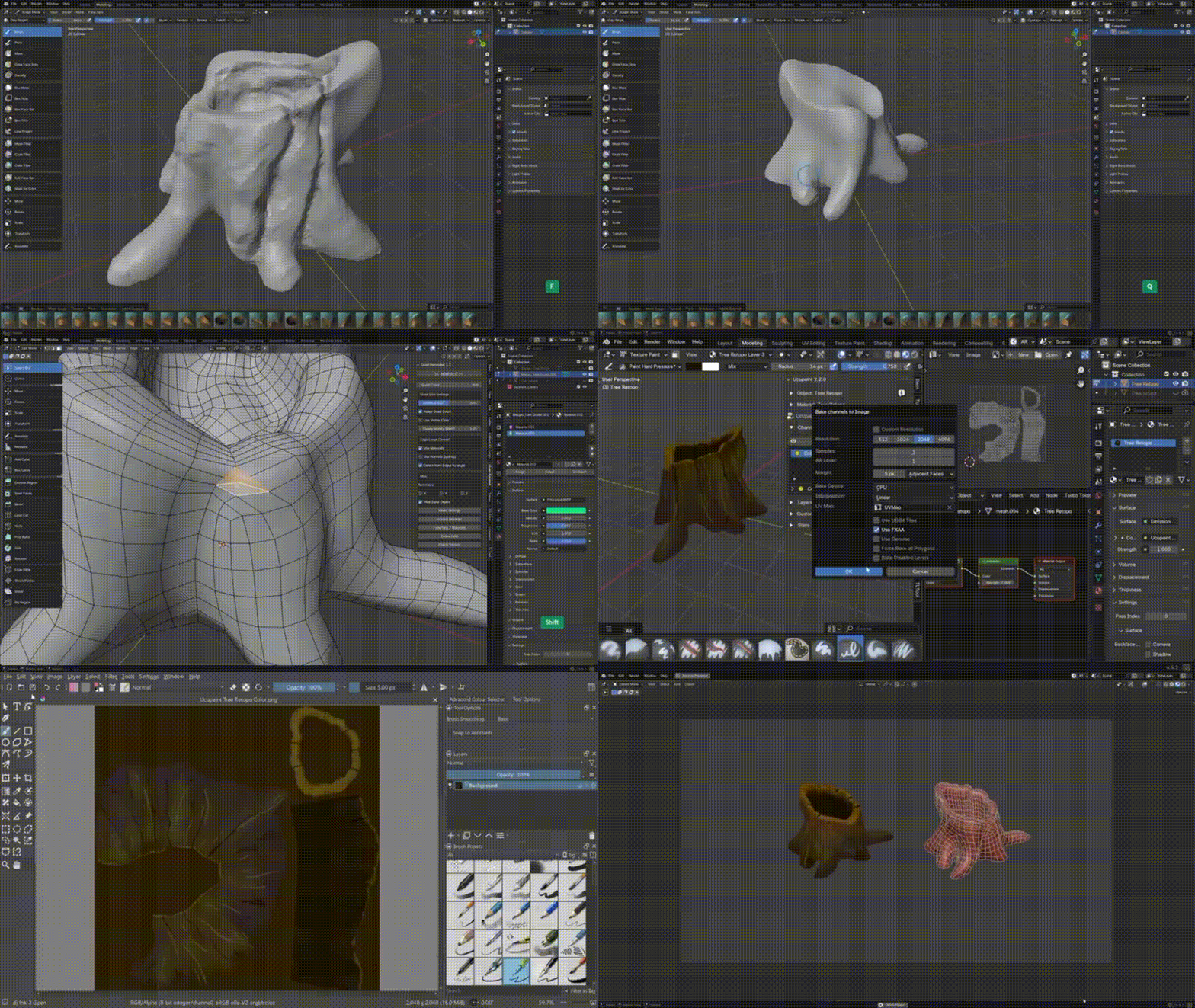
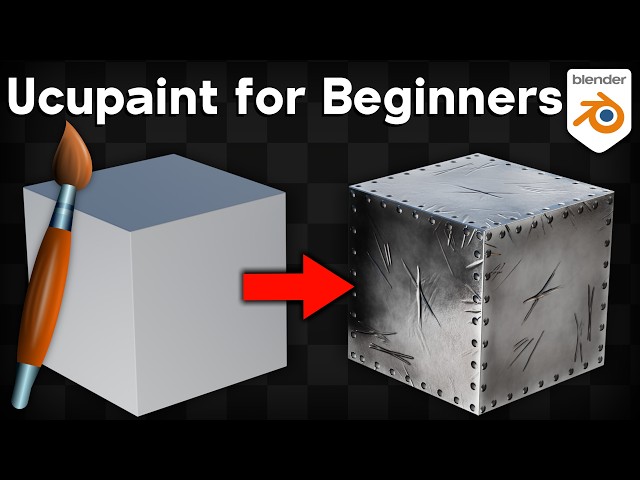
Ucupaint is a powerful node-based texture painting add-on for Blender that introduces a layer-based workflow similar to industry tools like Substance Painter. Instead of painting directly onto a single texture, Ucupaint allows artists to stack multiple layers, apply masks, and control blending modes—all within Blender’s shader editor.
This makes it ideal for beginners who want a non-destructive workflow, as well as advanced users who need flexibility when working on complex materials for games, animations, or cinematic renders.
How to Install Ucupaint (Blender Extensions Install Guide)
Installing Ucupaint is straightforward using Blender’s add-on system:
- Download the Ucupaint add-on file (usually a
.zip). - Open Blender and go to Edit > Preferences > Add-ons.
- Click Install and select the downloaded
.zip. - Enable the checkbox next to Ucupaint.
- Save preferences.
In Blender 4.2 LTS and newer, you can also install add-ons via the Extensions platform if the add-on is published there.
Ucupaint Requirements: Which Blender Versions Are Supported?
Ucupaint works best with modern versions of Blender, particularly:
- Blender 3.0 and above
- Fully compatible with Blender 4.x (including 4.2 LTS)
Older versions may not support all node features required by Ucupaint, especially advanced shader and layer blending systems.
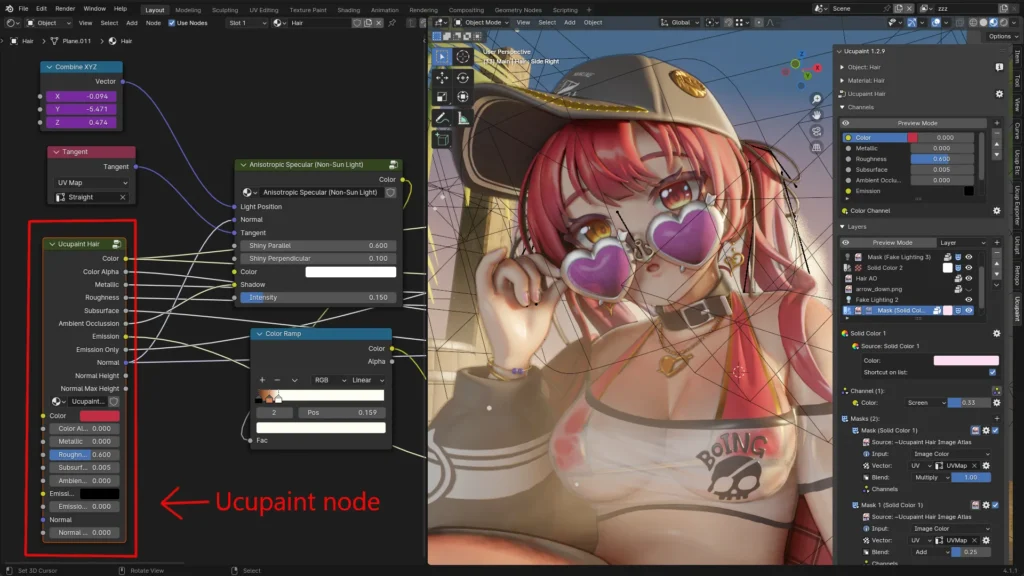
How to Add the Ucupaint Node to Your Material
To start using Ucupaint:
- Select your object.
- Open the Shader Editor.
- Create a new material.
- Press Shift + A > Ucupaint (if installed).
- Add the Ucupaint node group to your material.
- Connect it to the Principled BSDF.
This node becomes the central hub for all your texture layers.
Ucupaint Quick Setup: Fastest Way to Start a Layered Material
For a quick start:
- Add a Ucupaint node to your material.
- Create a base layer.
- Assign an image texture.
- Switch to Texture Paint mode.
- Begin painting directly onto the layer.
This setup allows immediate feedback in the viewport using Blender’s real-time rendering.
How Ucupaint Layers Work (Images, Textures, and Vertex Colors)
Ucupaint layers function similarly to Photoshop layers:
- Image layers: Use bitmap textures for painting.
- Procedural layers: Use noise, gradients, or other generated textures.
- Vertex color layers: Paint directly onto mesh vertex data.
Each layer can control multiple channels such as:
- Base Color
- Roughness
- Metallic
- Normal
- Height
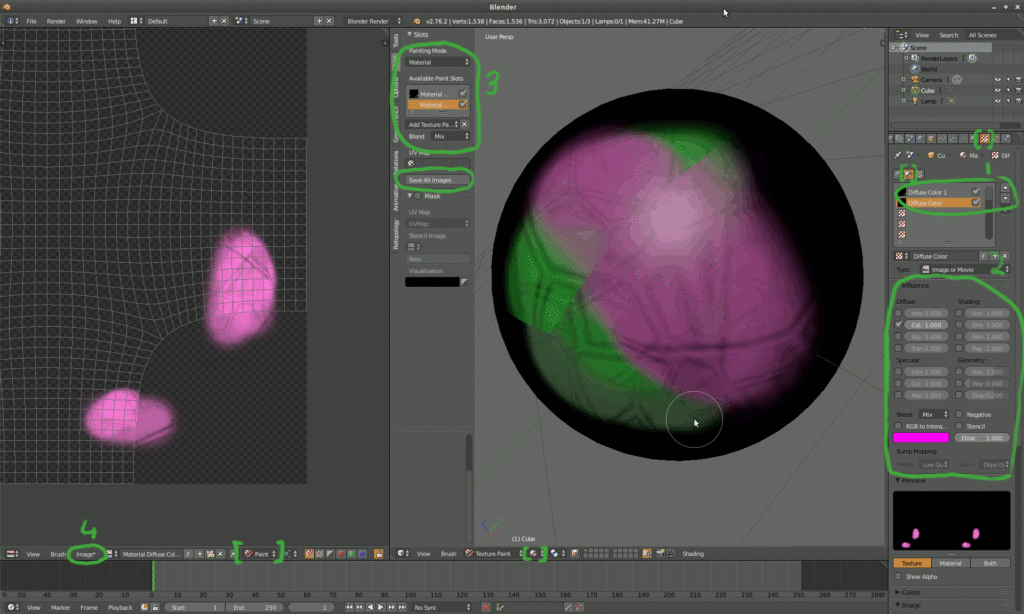
How to Create, Rename, and Organize Layers in Ucupaint
Efficient layer management is essential:
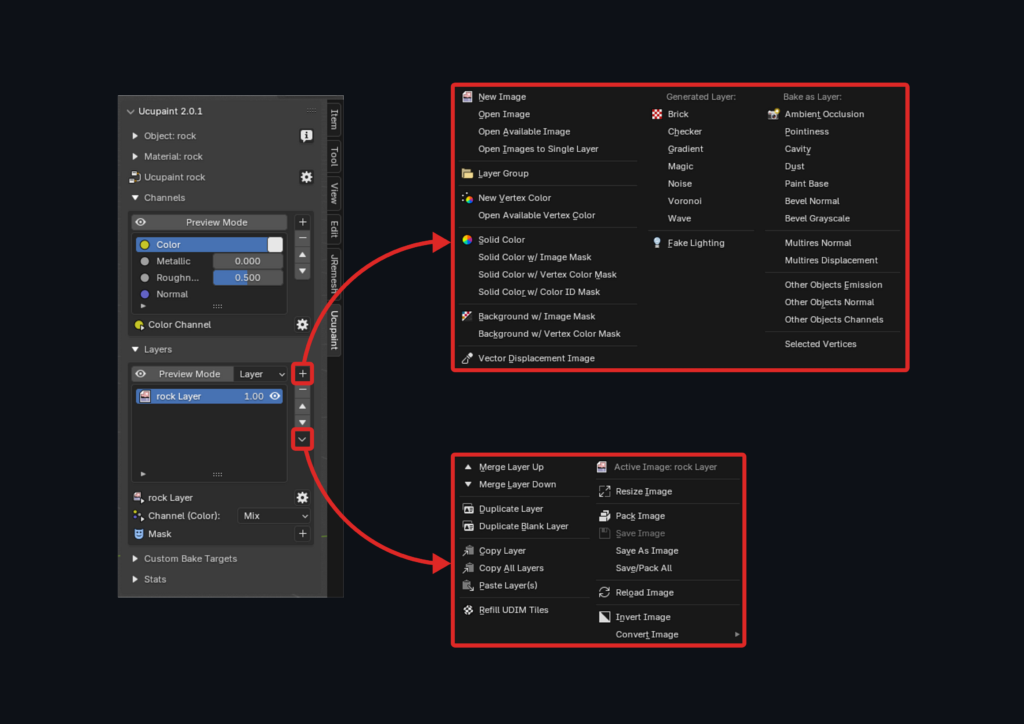
- Click Add Layer in the Ucupaint interface.
- Rename layers for clarity (e.g., “Rust,” “Dirt,” “Scratches”).
- Use grouping to organize complex materials.
- Reorder layers to control blending priority.
Proper organization improves workflow speed and reduces confusion in large projects.
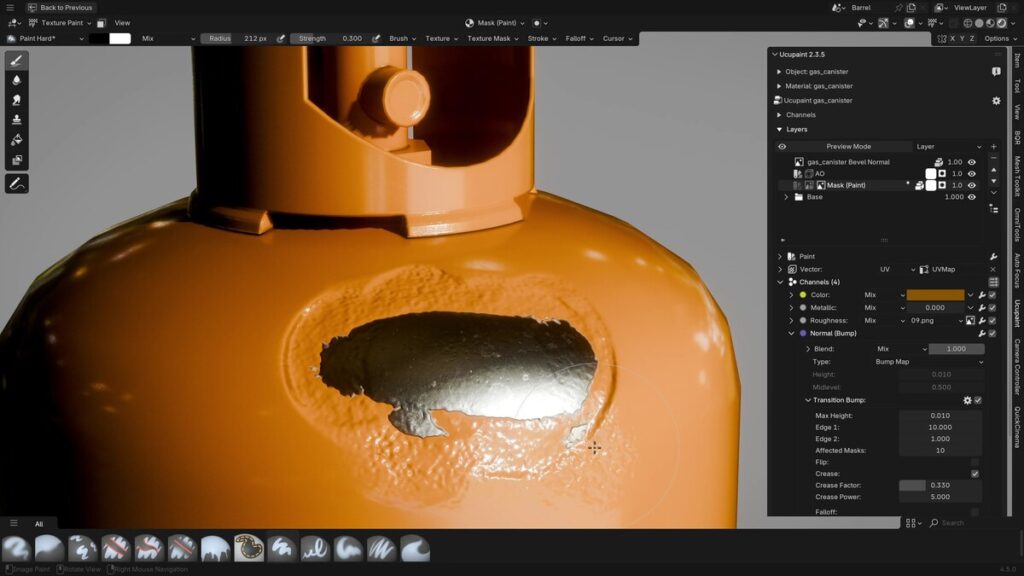
How to Use Masks in Ucupaint for Non-Destructive Painting
Masks allow selective visibility of layers:
- Add a mask to any layer.
- Paint in black to hide and white to reveal.
- Use grayscale values for partial blending.
You can also use procedural masks (noise, curvature, ambient occlusion) to automate wear and tear effects.
How to Texture Paint Base Color With Ucupaint in Blender
To paint base color:
- Create a new image layer.
- Assign a texture resolution (e.g., 2K or 4K).
- Switch to Texture Paint mode.
- Select the correct layer.
- Paint directly onto the model.
This method ensures your base color remains editable and can be modified later without affecting other layers.
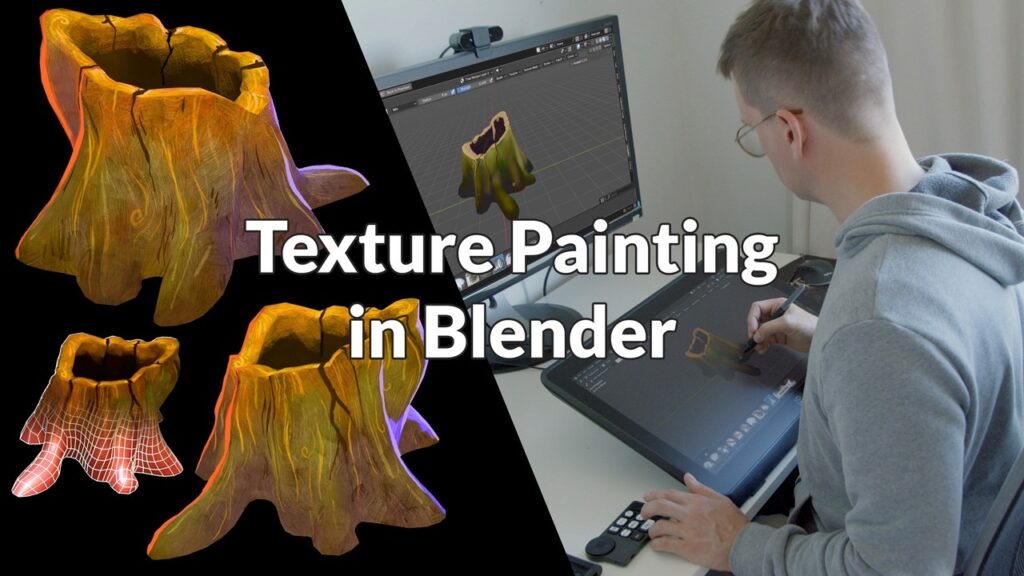
How to Paint Roughness and Metallic Maps With Ucupaint
Ucupaint supports physically based rendering (PBR):
- Add a layer and enable Roughness or Metallic channels.
- Paint grayscale values:
- White = high roughness (matte)
- Black = low roughness (shiny)
- Use separate layers for better control.
This approach aligns with workflows used in engines like Unreal Engine and Unity.
How to Add Height, Normal, and Detail Layers in Ucupaint
For surface detail:
- Add a Height layer for depth effects.
- Use Normal maps for fine surface details.
- Combine multiple detail layers for realism.
These layers enhance realism without increasing polygon count.
How to Bake Textures in Ucupaint (Bake to Image Workflow)
Baking converts layered materials into final textures:
- Create a target image.
- Select your object.
- Go to Render > Cycles.
- Use the Bake panel.
- Choose map type (Diffuse, Normal, etc.).
- Bake to image.
This is essential for exporting assets to game engines.
How to Export Ucupaint Textures for Unreal Engine and Unity
Exporting workflow:
- Save baked textures (Base Color, Normal, Roughness, Metallic).
- Use standard naming conventions.
- Import into Unreal Engine or Unity.
- Assign textures to materials.
Ensure correct color space settings:
- sRGB for Base Color
- Non-Color for maps like Normal and Roughness
Ucupaint Troubleshooting: Black Textures, Missing Nodes, and Common Fixes
Common issues include:
- Black textures: Missing image assignment or incorrect UVs
- Missing nodes: Add-on not enabled
- Painting not visible: Wrong layer selected
Fixes:
- Reassign image textures
- Check UV maps
- Ensure correct render engine (Cycles/Eevee)
Best Ucupaint Settings for Faster Viewport Performance and Painting
To improve performance:
- Use lower texture resolutions while painting
- Enable viewport denoising
- Reduce subdivision levels
- Use Eevee for faster previews
Optimizing settings ensures smoother painting on lower-end systems.
Frequently Asked Questions (FAQs)
- What is Ucupaint used for in Blender?
Ucupaint is used for layer-based texture painting, allowing non-destructive workflows similar to professional texturing tools. - Is Ucupaint free?
Yes, Ucupaint is typically available as a free add-on for Blender. - Does Ucupaint work with Blender 4.2 LTS?
Yes, it is compatible with Blender 4.x versions including 4.2 LTS. - Can beginners use Ucupaint easily?
Yes, it is beginner-friendly with a structured layer system. - What makes Ucupaint different from Blender’s default painting tools?
It adds a layer system, masks, and advanced blending options. - Can I export Ucupaint textures to game engines?
Yes, you can export textures for Unreal Engine and Unity. - Does Ucupaint support PBR workflows?
Yes, it fully supports PBR channels like roughness, metallic, and normal maps. - Why are my textures black in Ucupaint?
This usually happens due to missing UV maps or unassigned images. - Can I use procedural textures in Ucupaint?
Yes, procedural layers can be combined with image textures. - Is baking required when using Ucupaint?
Yes, baking is necessary for exporting textures to external platforms.
Conclusion
Ucupaint provides a powerful, flexible, and beginner-friendly way to texture paint in Blender using a modern layered workflow. By combining image textures, procedural effects, and non-destructive masks, it enables artists to create high-quality materials efficiently. Whether you are preparing assets for games, animations, or real-time engines, mastering Ucupaint can significantly improve both speed and quality in your texturing pipeline.
Sources and citation
- Blender Official Documentation – Add-ons and Texture Painting
https://docs.blender.org/manual/en/latest/ - Ucupaint GitHub / Documentation (Add-on details and usage)
https://github.com/ucupumar/ucupaint - Unreal Engine Documentation – Texture Import and PBR Workflow
https://docs.unrealengine.com/ - Unity Manual – Materials and Textures
https://docs.unity3d.com/Manual/ - Substance Painter Overview – Adobe
https://www.adobe.com/products/substance3d-painter.html
Recommended
- Sony’s Spider-Man Universe Headed For Reboot After Disastrous Morbius, Madame Web, And Kraven Movies: What Tom Rothman Confirmed
- Virtual Influencers: AI-Generated vs 3D-Modeled – Which Is Better?
- How to Install and Set Up The View Keeper in Blender
- What is the clipping range in Blender cameras?
- Resident Evil Requiem is likely the series’ biggest launch ever — 5 million units sold in under a week
- Unlocking Cinematic Power: The Best 5 Blender Camera Add-ons to Elevate Your Workflow
- Netflix On Why It Gave Up On Buying Warner Bros: The Real Reasons the Deal Collapsed
- Mastering Hair Creation in Blender: A Step-by-Step Guide
- How to Create Cinematic Motion Capture with Move One and Metahuman Animator on a Budget (No Mocap Suit Needed)
- 28 Years Later: The Bone Temple Is Coming to Netflix on March 31, 2026 in the US: Release Date, Cast, Plot, and Streaming Details
















































































