






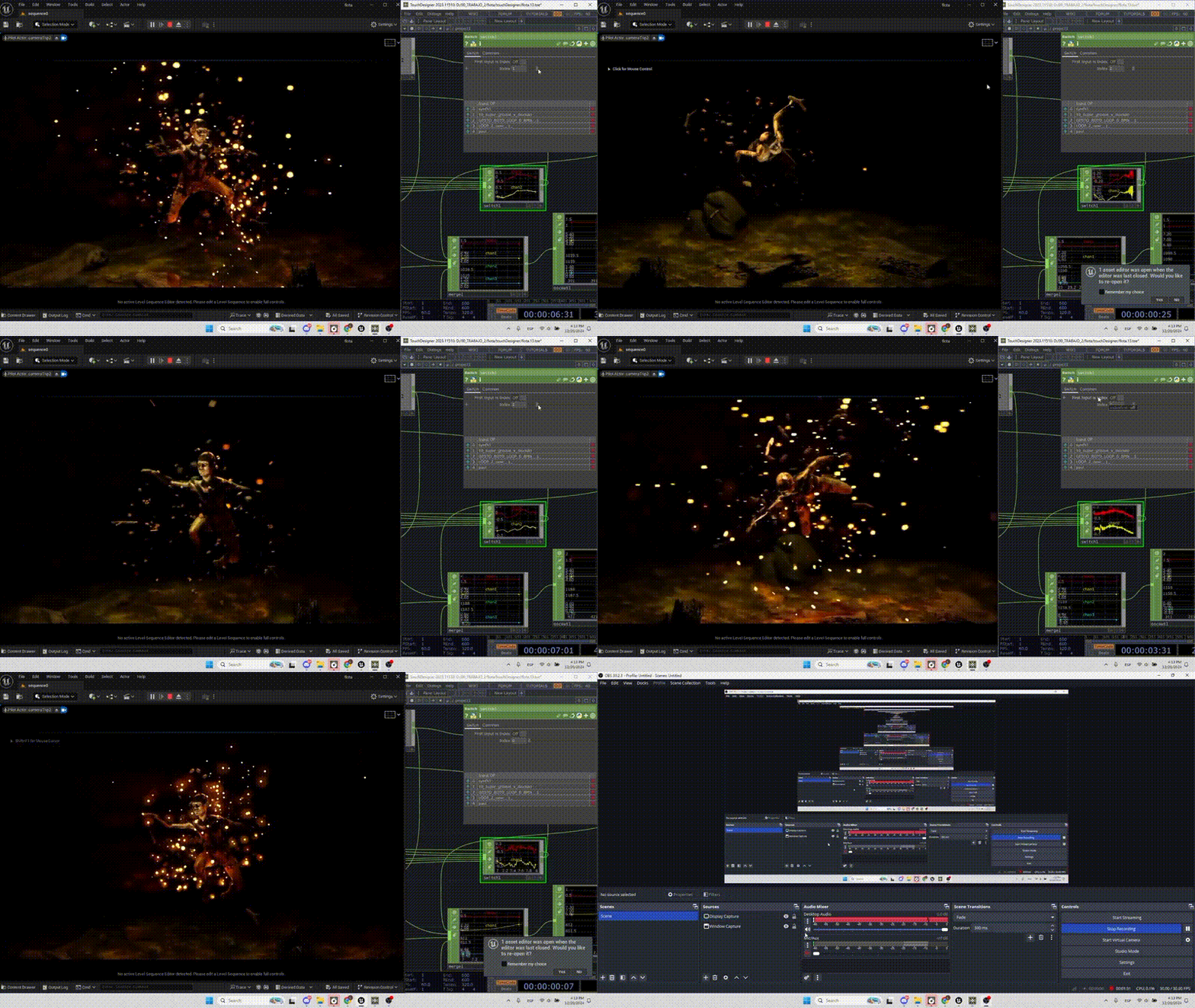
TouchDesigner and Unreal Engine integration overview
TouchDesigner and Unreal Engine integrations enable powerful real-time workflows that combine procedural visuals, data-driven interactivity, and high-fidelity rendering. TouchDesigner excels at node-based visual programming, live data manipulation, and media processing, while Unreal Engine provides industry-leading real-time rendering, physics simulation, and virtual production capabilities.
The integration between these two platforms allows creators to:
- Drive Unreal Engine scenes using live data from TouchDesigner
- Stream textures, video, and control signals between both environments
- Use TouchDesigner as a control layer for Unreal-based virtual production
- Extend Unreal Engine functionality using TouchEngine plugin workflows
These integrations are widely used in live events, broadcast graphics, XR stages, installations, and interactive experiences where real-time responsiveness is critical.
TouchEngine for Unreal Engine plugin download and setup
TouchEngine is a runtime that allows TouchDesigner networks (.tox files) to run inside other applications, including Unreal Engine. The TouchEngine for Unreal plugin enables direct execution of TouchDesigner content within Unreal.
Setup process:
- Download the TouchEngine plugin from the official Derivative website.
- Match plugin version with your Unreal Engine version.
- Extract the plugin into your Unreal project’s
/Pluginsdirectory. - Enable the plugin via Unreal Engine:
- Edit → Plugins → TouchEngine → Enable
- Restart Unreal Engine.
- Verify plugin installation by checking for TouchEngine Actor and components.
Important considerations:
- Ensure TouchDesigner build compatibility with the plugin version
- GPU drivers must be up to date for stable execution
- Windows is the primary supported platform for TouchEngine workflows
How to load TouchDesigner TOX files in Unreal Engine
TOX files are packaged TouchDesigner networks. These files can be loaded directly into Unreal Engine using the TouchEngine plugin.
Steps to load a TOX file:
- Import the
.toxfile into the Unreal Content Browser - Create a TouchEngine Actor in the scene
- Assign the TOX file to the actor’s TouchEngine component
- Initialize the network
- Expose parameters and outputs
Once loaded:
- The TouchDesigner network runs inside Unreal
- Inputs and outputs become accessible via Unreal properties
- Real-time updates occur without needing to recompile the TOX file
This workflow allows seamless embedding of procedural systems, generative visuals, and data-driven logic into Unreal projects.
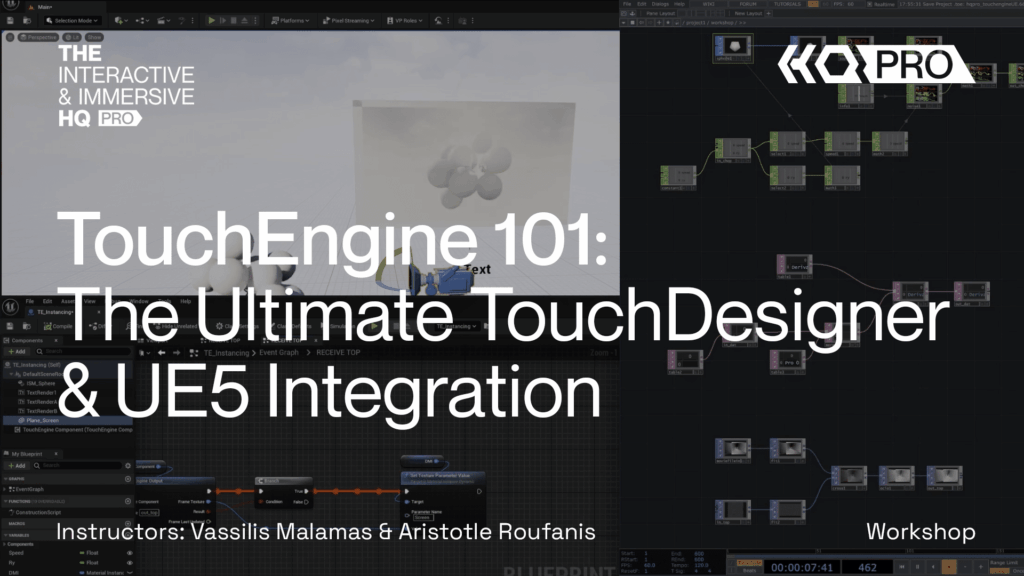
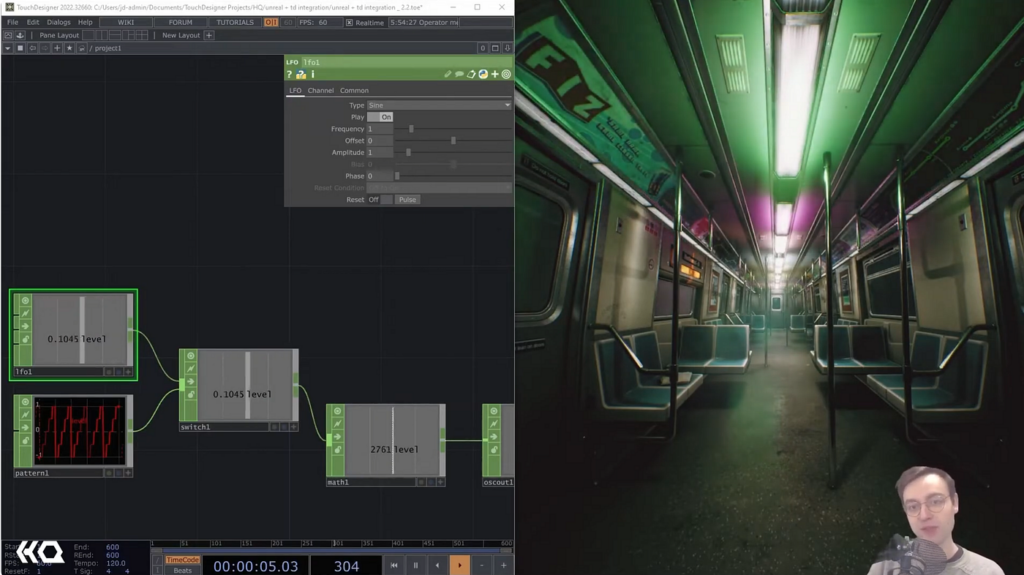
TouchEngine CHOP inputs and outputs in Unreal Engine
CHOPs (Channel Operators) in TouchDesigner handle time-based data such as animation curves, audio signals, and control values.
In Unreal Engine:
- CHOP inputs allow Unreal to send numeric data into TouchDesigner
- CHOP outputs allow TouchDesigner to send values back to Unreal
Common use cases:
- Driving Unreal Blueprint parameters using TouchDesigner signals
- Sending physics or gameplay data into TouchDesigner
- Synchronizing animation timelines
Implementation details:
- CHOP channels map to float arrays or structured parameters
- Naming conventions must match between TOX and Unreal
- Data updates occur per frame for real-time responsiveness
TouchEngine TOP texture inputs and outputs in Unreal Engine
TOPs (Texture Operators) manage image and video data in TouchDesigner.
In Unreal:
- TOP inputs allow Unreal textures to be fed into TouchDesigner
- TOP outputs allow TouchDesigner-generated textures to appear in Unreal materials
Workflow:
- Define TOP inputs/outputs in the TOX file
- Bind Unreal textures or render targets to those inputs
- Use output textures in Unreal materials
Applications:
- Real-time generative textures
- Video processing pipelines
- Interactive shader inputs
This enables high-performance GPU-based texture exchange between both systems.
TouchDesigner to Unreal Engine texture streaming with Spout
Spout is a GPU-based texture sharing technology for Windows that allows zero-copy texture transfer between applications.
Workflow:
- TouchDesigner outputs a Spout sender
- Unreal Engine receives the texture via a Spout receiver plugin
Advantages:
- Low latency
- High resolution support
- GPU-efficient transfer
Use cases:
- Live visuals from TouchDesigner driving Unreal materials
- Interactive installations
- Projection mapping workflows
Limitations:
- Windows-only
- Requires compatible Spout plugins in Unreal
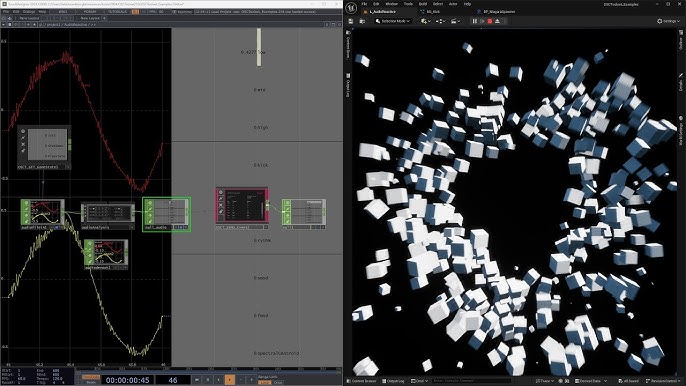
TouchDesigner to Unreal Engine video streaming with NDI
NDI (Network Device Interface) enables video streaming over IP networks.
Workflow:
- TouchDesigner outputs an NDI stream
- Unreal Engine receives it via an NDI plugin
Benefits:
- Works over network (local or remote)
- Supports multiple streams
- Easy integration with broadcast systems
Use cases:
- Live video feeds into Unreal scenes
- Remote content distribution
- Virtual production pipelines
NDI is preferred when network flexibility is required over direct GPU sharing.
Unreal Engine to TouchDesigner video streaming workflow
Streaming video from Unreal Engine to TouchDesigner allows reverse control workflows.
Methods:
- NDI output from Unreal to TouchDesigner
- Spout output (if supported)
- Render targets exported to external pipelines
Steps:
- Enable NDI or streaming plugin in Unreal
- Output scene or camera feed
- Receive in TouchDesigner using NDI In TOP or Spout In TOP
Applications:
- Post-processing Unreal renders in TouchDesigner
- Feedback loops for generative visuals
- Real-time compositing
OSC from TouchDesigner to Unreal Engine Blueprints
OSC (Open Sound Control) is widely used for sending real-time control data.
Workflow:
- TouchDesigner sends OSC messages
- Unreal receives them via OSC plugin or Blueprints
Implementation:
- Define OSC addresses (e.g.,
/camera/position) - Bind incoming messages to Blueprint variables
- Trigger events or animations
Use cases:
- Interactive installations
- Performance control systems
- Live parameter tweaking
OSC is lightweight, flexible, and ideal for rapid prototyping.
TCP and UDP networking between TouchDesigner and Unreal Engine
For more structured communication, TCP and UDP protocols are used.
TCP:
- Reliable, ordered delivery
- Suitable for critical data
UDP:
- Faster, low-latency
- Suitable for real-time updates
Implementation:
- Use TouchDesigner DATs or CHOPs for networking
- Use Unreal sockets or plugins for communication
Applications:
- Custom data pipelines
- Multiplayer-style synchronization
- Sensor data streaming
Choosing between TCP and UDP depends on reliability vs speed requirements.
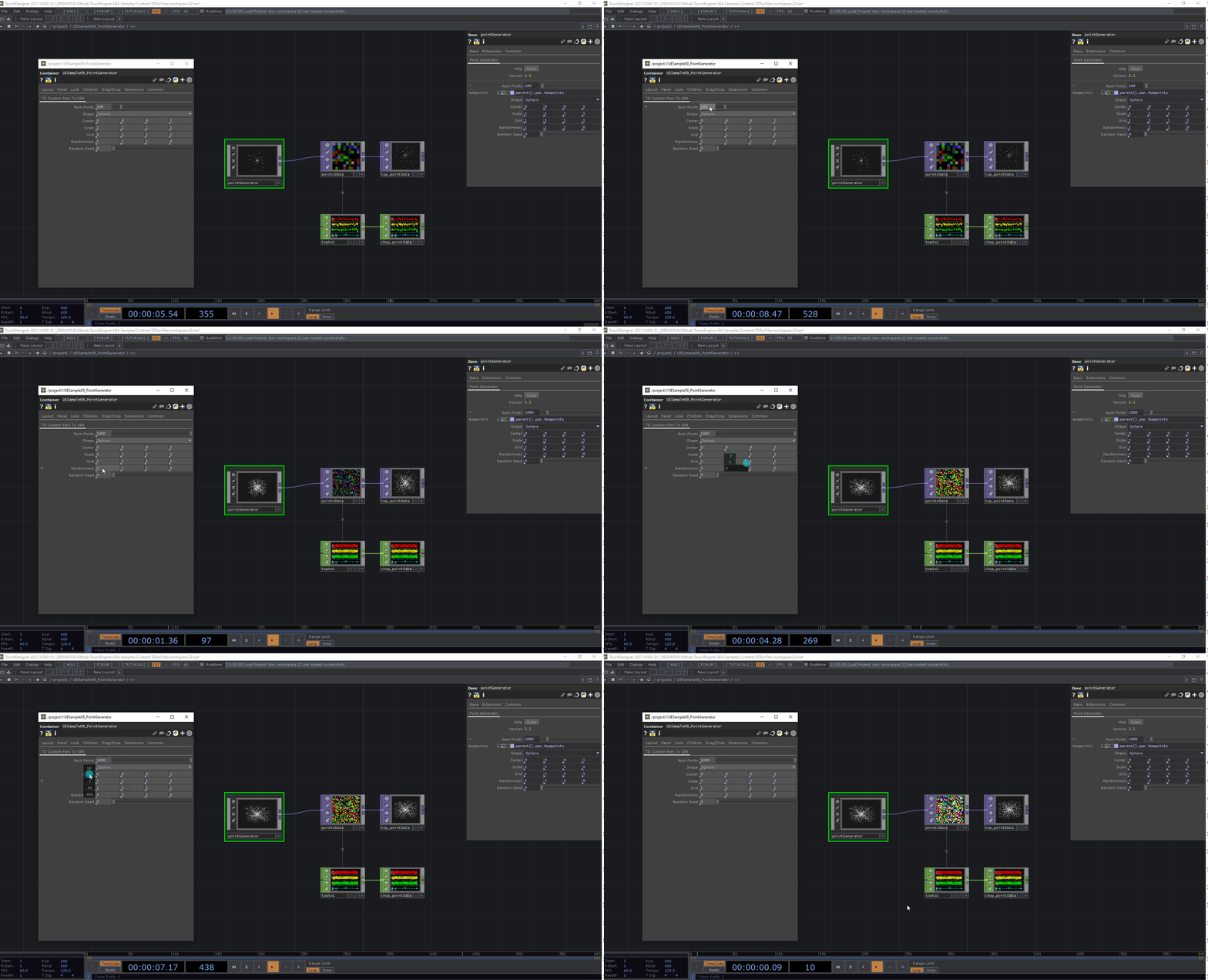
Real-time parameter control: TouchDesigner Custom Parameters in Unreal
Custom Parameters in TouchDesigner can be exposed to Unreal Engine via TouchEngine.
Workflow:
- Create custom parameters in the TOX file
- Load TOX into Unreal
- Parameters appear in TouchEngine component
- Control them via Blueprints or UI
Benefits:
- Real-time tweaking
- Centralized control interface
- Non-destructive workflow
Examples:
- Adjusting shader properties
- Controlling animation speed
- Switching visual states
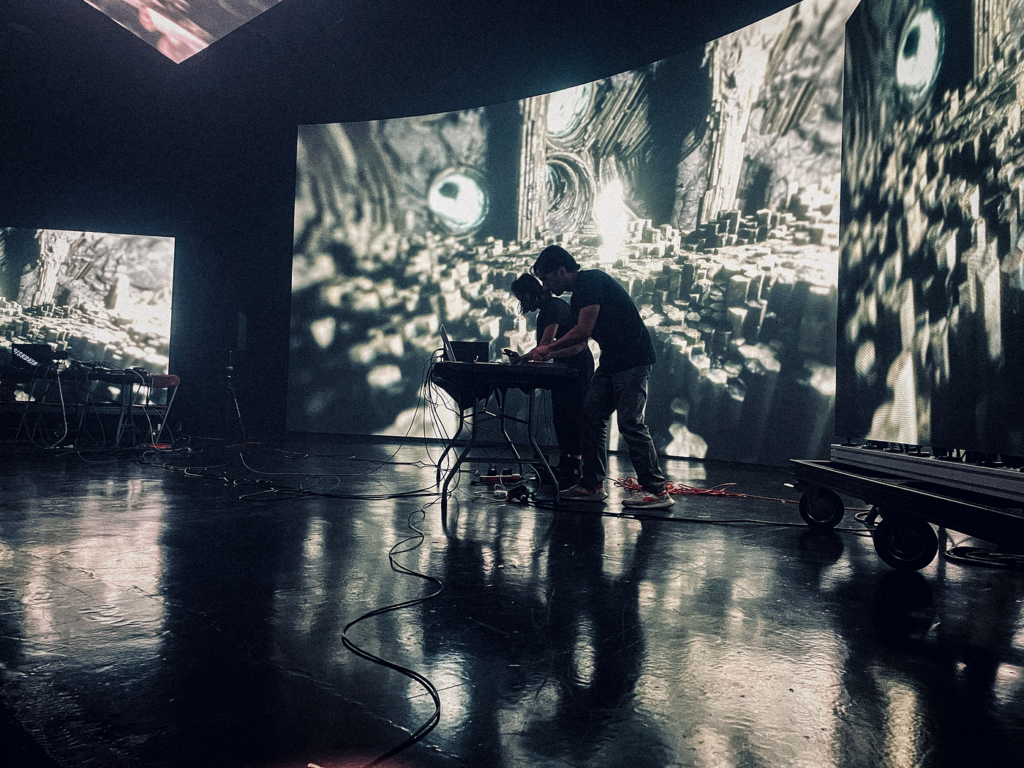
TouchDesigner virtual production control for Unreal nDisplay setups
In virtual production, TouchDesigner acts as a control hub for Unreal nDisplay systems.
Capabilities:
- Trigger scene changes
- Control lighting and effects
- Manage multi-screen setups
Workflow:
- TouchDesigner sends OSC/TCP commands
- Unreal nDisplay cluster receives instructions
- Synchronization across nodes
Use cases:
- LED volume stages
- Live broadcast environments
- XR production pipelines
TouchDesigner provides a flexible control layer for complex real-time systems.
TouchEngine performance optimization in Unreal Engine (GPU/CPU)
Performance optimization is critical for real-time workflows.
Best practices:
- Minimize heavy TOP operations
- Use GPU-accelerated nodes
- Reduce resolution where possible
- Optimize CHOP channel counts
- Avoid unnecessary parameter updates
In Unreal:
- Use efficient render targets
- Limit tick updates
- Profile GPU/CPU usage
Balancing both systems ensures stable frame rates and low latency.
TouchEngine plugin troubleshooting and common import errors
Common issues include:
- TOX file not loading due to version mismatch
- Missing dependencies in TouchDesigner network
- Incorrect parameter bindings
- GPU incompatibility
Troubleshooting steps:
- Verify plugin and TouchDesigner versions
- Check console logs in Unreal
- Simplify TOX network for debugging
- Ensure correct file paths
Frequent fixes:
- Re-export TOX file
- Update drivers
- Restart Unreal after plugin changes
Best TouchDesigner and Unreal Engine integration examples and use cases
Key use cases:
- Live concert visuals controlled via TouchDesigner
- Interactive museum installations
- Broadcast graphics pipelines
- Virtual production LED walls
- Real-time data visualization dashboards
Advanced examples:
- AI-driven visuals controlling Unreal scenes
- Sensor-based environments reacting in real time
- Generative art installations
These integrations enable highly dynamic and immersive experiences.
Frequently Asked Questions (FQAs)
- What is TouchEngine in Unreal Engine?
TouchEngine allows TouchDesigner networks to run inside Unreal Engine using TOX files. - Can TouchDesigner control Unreal Engine in real time?
Yes, via OSC, TCP, UDP, or TouchEngine parameter exposure. - What is the difference between Spout and NDI?
Spout is GPU-based (local), while NDI works over networks. - Do I need coding knowledge for integration?
Basic scripting helps, but many workflows are node-based. - Can I use TouchDesigner for virtual production?
Yes, especially for controlling Unreal nDisplay setups. - Is TouchEngine cross-platform?
Primarily supported on Windows. - How do I optimize performance?
Reduce resolution, limit updates, and use GPU acceleration. - Can I send textures from Unreal to TouchDesigner?
Yes, via NDI, Spout, or render targets. - What are CHOPs and TOPs?
CHOPs handle data channels, TOPs handle textures/images. - Is this workflow suitable for beginners?
Intermediate knowledge is recommended, but beginners can start with simple setups.
conclusion
TouchDesigner and Unreal Engine integrations provide a powerful bridge between procedural data-driven systems and high-end real-time rendering. Through the TouchEngine plugin, streaming technologies like Spout and NDI, and networking protocols such as OSC and TCP/UDP, creators can build highly interactive, scalable, and visually rich experiences.
Whether for live events, virtual production, or interactive installations, mastering these workflows unlocks a new level of creative control and technical capability in real-time environments.
sources and citation
- Derivative – TouchEngine Documentation
https://derivative.ca/UserGuide/TouchEngine - Derivative – TouchDesigner Official Docs
https://derivative.ca/UserGuide - Unreal Engine Documentation – Plugins and Integration
https://docs.unrealengine.com/ - NDI Official Documentation
https://www.ndi.tv/ - Spout Official GitHub
https://github.com/leadedge/Spout2 - Unreal Engine OSC Plugin Documentation
https://docs.unrealengine.com/osc-plugin - TouchDesigner Networking Guide
https://derivative.ca/UserGuide/Network_Protocols - Unreal Engine nDisplay Documentation
https://docs.unrealengine.com/ndisplay - TouchDesigner CHOP and TOP Documentation
https://derivative.ca/UserGuide/CHOP
https://derivative.ca/UserGuide/TOP - Real-Time Graphics and Virtual Production Resources
https://www.unrealengine.com/en-US/virtual-production
Recommended
- Scriptorium: Master of Manuscripts is the Kingdom Come: Deliverance and Animal Crossing-inspired medieval cozy art game with tiny dragons “Hans Capon mentioned therefore GOTY
- Mastering the Arcane Art Style in Blender: A Comprehensive Workflow Guide to Replicating Arcane’s Visual Aesthetics
- Just Days Before the Oscars, Netflix Closes Deal for Maggie Kang and Chris Appelhans to Return for KPop Demon Hunters 2
- Hades 2 Aphrodite Guide: Boons, Character Design, and Gameplay Mechanics
- How To Heal In Windrose: All Healing Items Explained (Bandages, Potions, Rally, Bonfires)
- Is Arcane 3D Animated? Unveiling the Secrets Behind Its Revolutionary Style
- How do I change the camera aspect ratio in Blender?
- Rockstar Hackers Leak Data Ahead of Deadline: What Was Exposed, ShinyHunters’ Demands, and GTA 6 Impact
- The audience for Warhammer 40,000: Space Marine 2 has grown to 12 million people — why the playerbase keeps rising



















































































