








The PlayStation 5 storage expansion ecosystem has matured significantly since Sony first enabled M.2 SSD upgrades. In 2026, the market offers a wide range of high-performance PCIe Gen4 drives that meet Sony’s strict requirements while delivering faster load times, better thermal efficiency, and improved value across capacities. This guide covers everything you need to know about choosing the best SSDs for PS5, including top picks for 1TB, 2TB, and 4TB, installation steps, and troubleshooting.
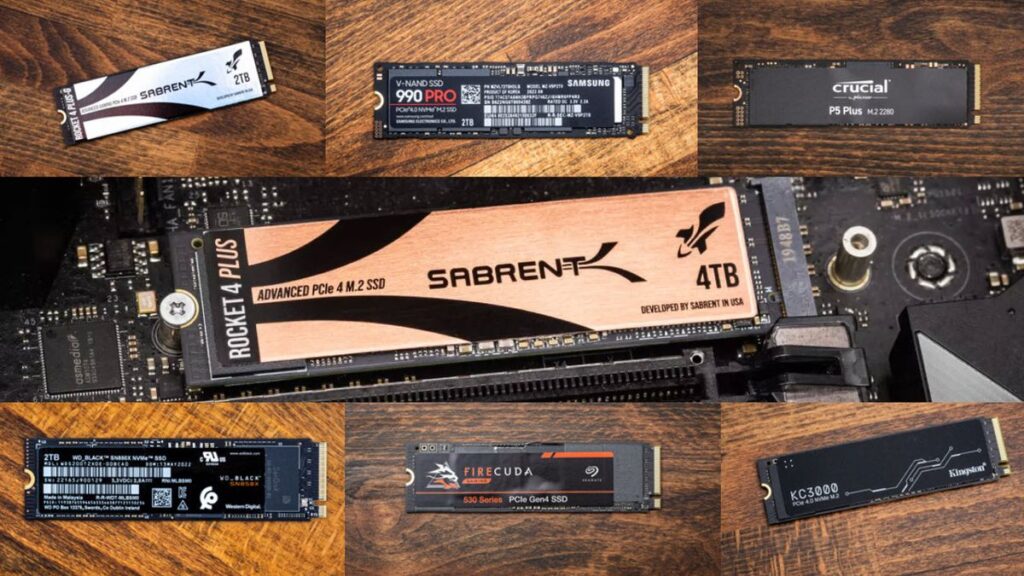
PS5 M.2 SSD requirements (Gen4, 5,500MB/s, heatsink size limits)
Sony requires specific hardware standards for compatible PS5 SSD upgrades. These are not suggestions—they are mandatory for reliable performance:
- Interface: PCIe Gen4 x4 NVMe M.2 SSD
- Minimum sequential read speed: 5,500MB/s
- Form factor: 2230, 2242, 2260, 2280, or 22110
- Heatsink: Required (either pre-installed or added manually)
- Maximum dimensions (including heatsink):
- Width: up to 25mm
- Height: up to 11.25mm
- Length: varies by form factor
While drives below 5,500MB/s may function, they can cause slower load times or performance inconsistencies. For optimal results, aim for drives rated between 6,500MB/s and 7,500MB/s.
Best 1TB SSD for PS5
For users prioritizing affordability and solid performance, the 1TB category remains the most accessible entry point.
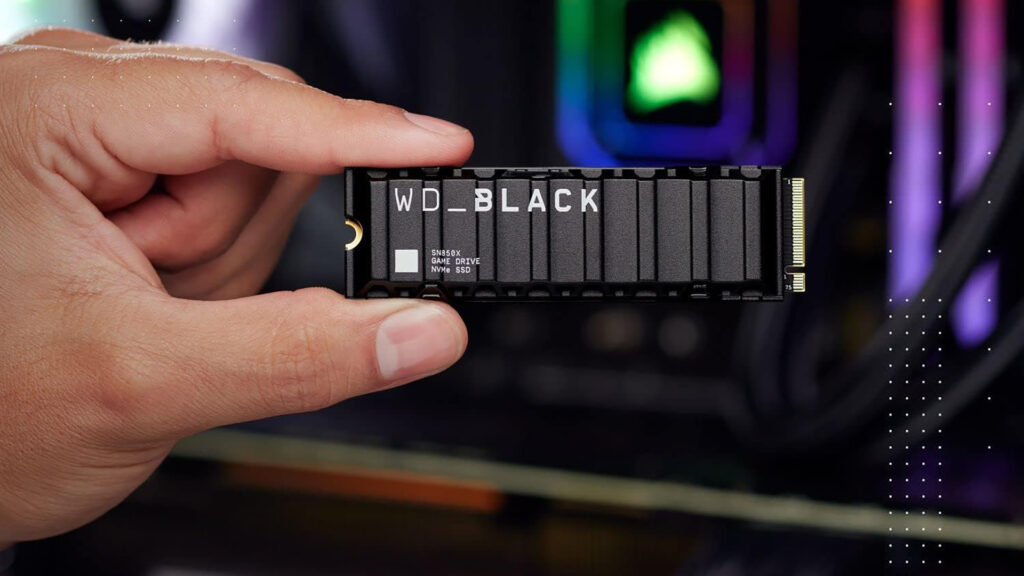
- Top Pick: WD Black SN850X 1TB
- Why it stands out:
- Excellent real-world performance
- Stable thermals with heatsink variant
- Consistent pricing and availability
Alternative:
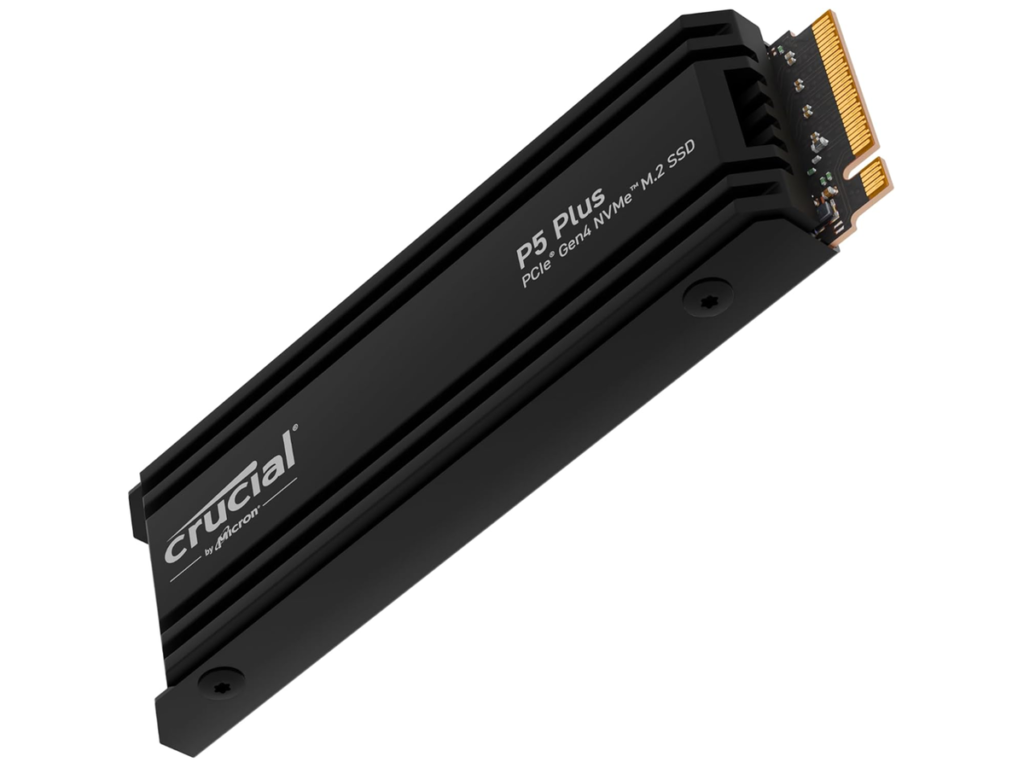
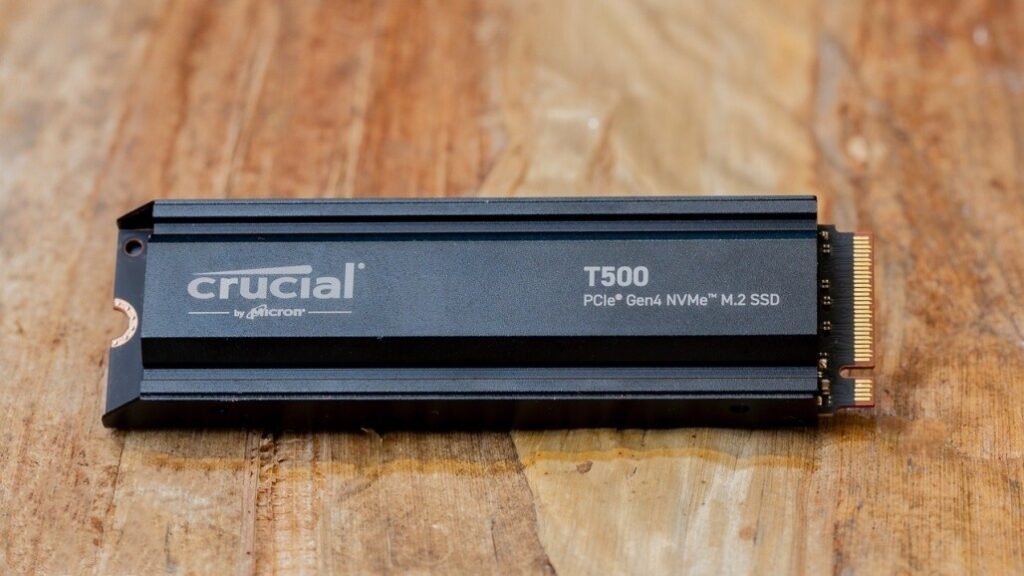
- Crucial T500 1TB — strong value with newer controller efficiency
A 1TB SSD is ideal for casual players who want to store a handful of large titles like Call of Duty or open-world RPGs without constantly deleting content.
Best 2TB SSD for PS5
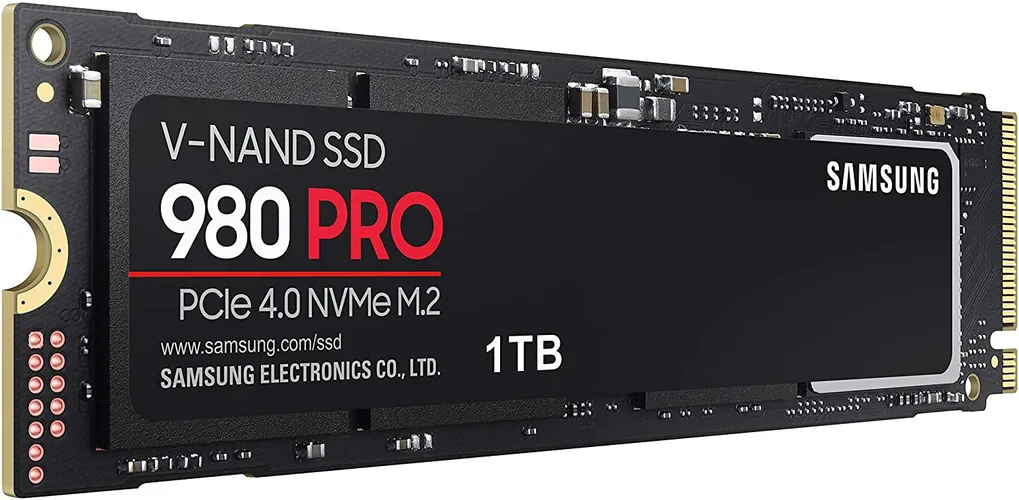
The 2TB tier is widely considered the sweet spot for PS5 users.
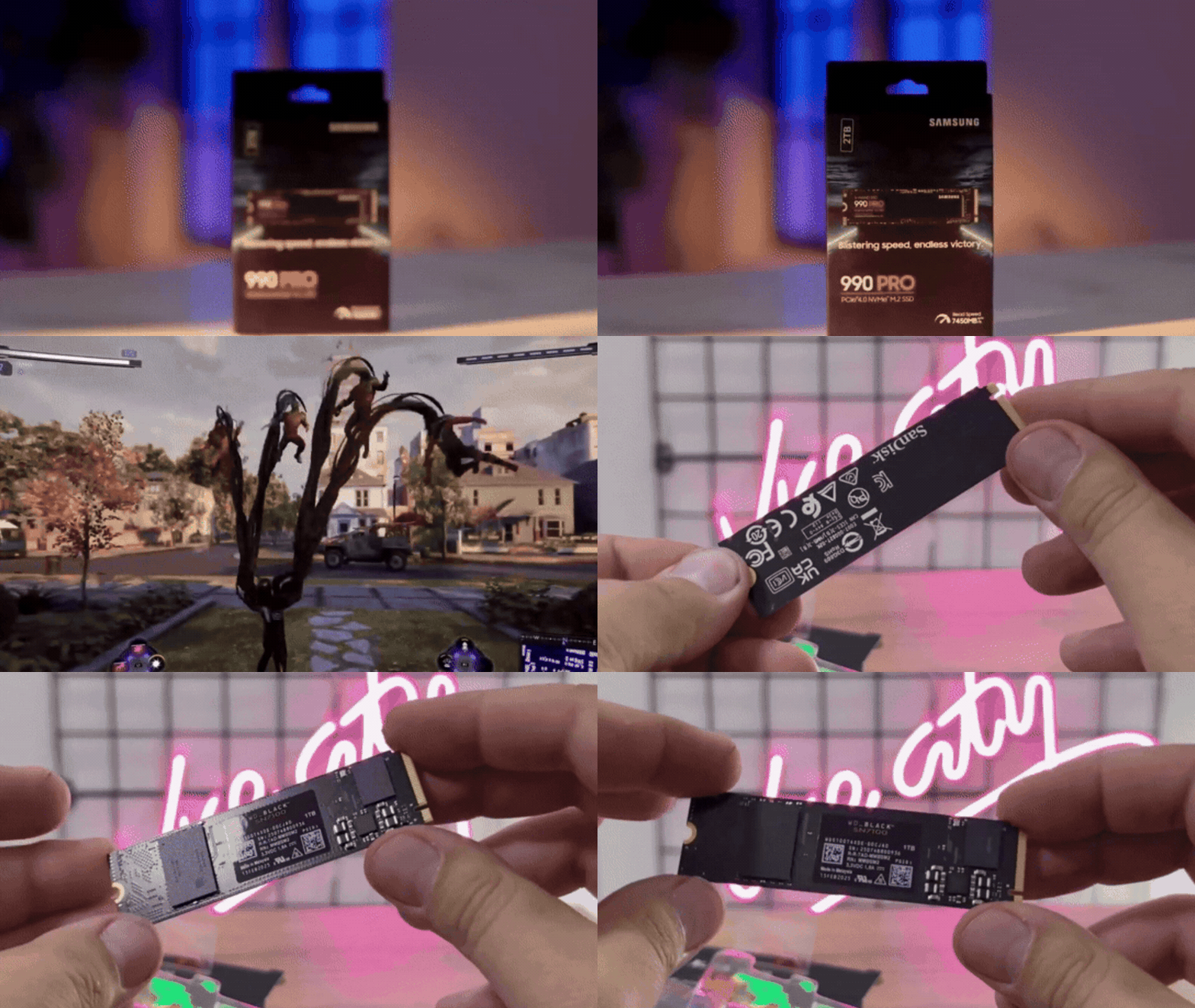
- Top Pick: Samsung 990 Pro 2TB
- Why it stands out:
- Industry-leading efficiency
- Excellent sustained performance
- Reliable firmware and longevity
Alternative:
- WD Black SN850X 2TB — slightly better value, similar performance
A 2TB SSD allows users to store 30–50 modern AAA games, depending on file sizes.
Best 4TB SSD for PS5
For power users and collectors, 4TB SSDs eliminate storage limitations.
- Top Pick: Seagate FireCuda 530 4TB
- Why it stands out:
- Exceptional endurance ratings
- High sustained speeds under load
- Proven reliability in gaming environments
Alternative:
- Crucial T500 4TB — more affordable with strong performance
4TB is ideal for users with large digital libraries or frequent downloads from PlayStation Plus.
WD Black SN850X for PS5 (performance, temps, and value)
The WD Black SN850X remains one of the most balanced SSDs for PS5:
- Performance: Up to ~7,300MB/s read speeds
- Load times: Nearly identical to internal PS5 storage
- Thermals: Stable with built-in heatsink variant
- Value: Often discounted, making it a top recommendation
It consistently delivers low latency and stable sustained speeds, making it one of the safest picks for long-term use.
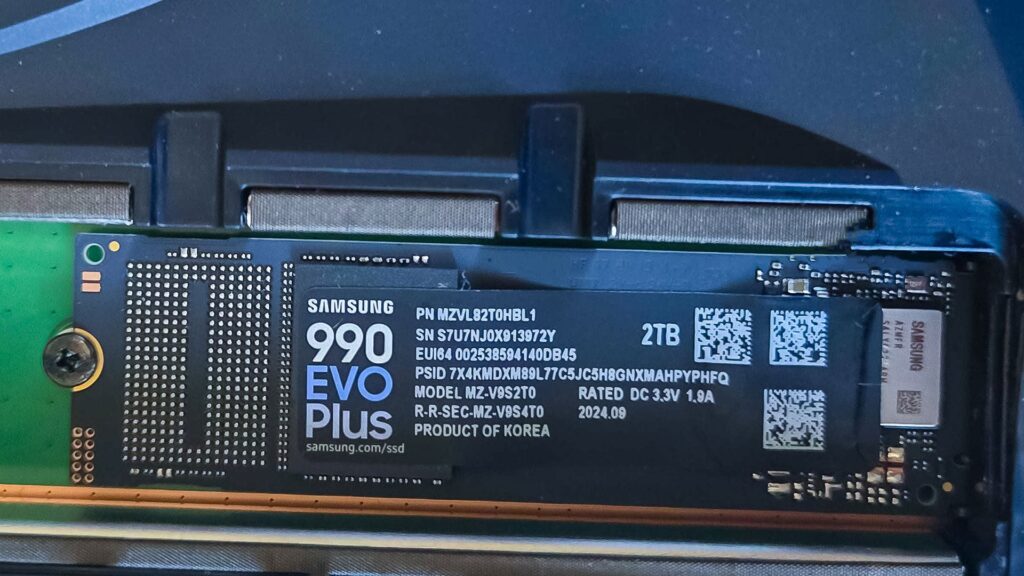
Samsung 990 Pro with heatsink for PS5 (is it worth it?)
The Samsung 990 Pro with Heatsink is a premium option:
- Performance: Up to ~7,450MB/s
- Efficiency: Lower power consumption than competitors
- Thermals: Excellent due to Samsung’s controller design
Is it worth it?
Yes—if priced competitively. It excels in efficiency and long gaming sessions, but may not justify a significantly higher price compared to alternatives.
Seagate FireCuda 530 for PS5 (real-world load times and thermals)
The Seagate FireCuda 530 is known for durability and performance:
- Load times: Comparable to top-tier drives
- Thermals: Runs warmer but manageable with proper heatsink
- Endurance: Among the highest TBW ratings in the market
It’s a great choice for heavy users who frequently install and delete large games.
Crucial T500 vs Samsung 990 Pro for PS5
Comparison highlights:
- Crucial T500
- More affordable
- Excellent burst performance
- Slightly lower sustained speeds
- Samsung 990 Pro
- Better efficiency
- More consistent under heavy load
- Higher premium pricing
Verdict:
Choose the T500 for value; choose the 990 Pro for maximum consistency and efficiency.
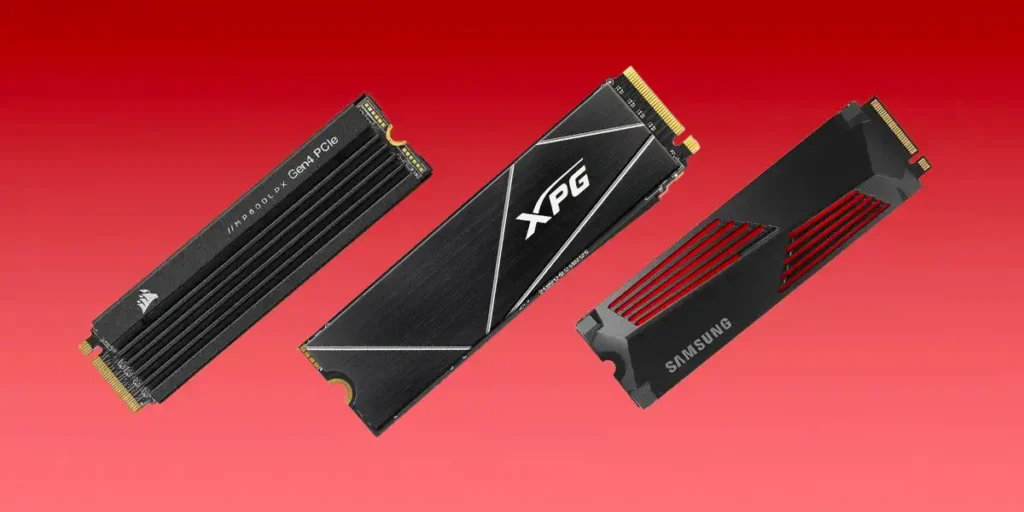
Do you need a heatsink for a PS5 SSD?
Yes. Sony explicitly requires a heatsink.
- Prevents overheating
- Maintains sustained speeds
- Reduces thermal throttling
Most recommended SSDs come with pre-installed heatsinks, which simplifies installation.
Best budget SSD for PS5 that still meets the speed requirement
- Top Budget Pick: Crucial T500
- Why it works:
- Meets 5,500MB/s requirement
- Competitive pricing
- Reliable real-world performance
Other budget-friendly options may exist, but many fail to maintain consistent speeds under load.
How to install an M.2 SSD in a PS5 (step-by-step guide)
- Turn off and unplug the PS5
- Remove the side panel
- Unscrew the M.2 slot cover
- Insert the SSD at a slight angle
- Secure it with the spacer and screw
- Replace the cover and panel
- Turn on the PS5
- Format the SSD when prompted
The PS5 will automatically test read speed during setup.
How to move PS5 games to the M.2 SSD
- Go to Settings > Storage
- Select Console Storage
- Choose games to move
- Select Move to M.2 SSD
This process is fast and allows efficient storage management.
PS5 SSD not recognized (common causes and fixes)
Common issues:
- SSD not fully inserted
- Incompatible drive (wrong Gen or speed)
- Missing heatsink
- Outdated PS5 system software
Fixes:
- Reinstall SSD
- Update firmware
- Verify compatibility specs
PS5 SSD overheating and thermal throttling (how to prevent it)
Prevention tips:
- Use a quality heatsink
- Avoid enclosed spaces
- Keep PS5 vents clean
- Choose efficient SSDs like Samsung 990 Pro
Thermal throttling reduces performance and can cause stuttering in games.
PS5 SSD size guide (2230 vs 2242 vs 2280 vs 22110)
- 2230: Very small, rare for PS5 use
- 2242 / 2260: Less common
- 2280: Standard and most recommended
- 22110: Longer, less widely supported
Best choice: 2280 for compatibility and availability.
Frequently Asked Questions (FAQs)
- What is the best SSD for PS5 in 2026?
WD Black SN850X and Samsung 990 Pro are top-tier choices. - Is 1TB enough for PS5?
Yes, but 2TB is more practical for modern game sizes. - Can I use a Gen3 SSD in PS5?
Not recommended—it does not meet Sony’s speed requirements. - Do all PS5 SSDs need a heatsink?
Yes, either built-in or added separately. - Does SSD speed affect gameplay?
Mainly impacts load times, not in-game performance. - Can I store PS4 games on the SSD?
Yes, and they benefit from faster loading. - What happens if SSD overheats?
It throttles performance and may cause instability. - How long do PS5 SSDs last?
Most last years under normal gaming use. - Is 4TB worth it?
Yes, for large digital libraries. - Can I upgrade SSD later?
Yes, you can replace or expand storage anytime.
Conclusion
Choosing the best SSD for PS5 in 2026 comes down to balancing performance, capacity, and price. The WD Black SN850X offers the best overall value, the Samsung 990 Pro excels in efficiency, and the Seagate FireCuda 530 delivers unmatched endurance. For most users, a 2TB PCIe Gen4 SSD with a heatsink provides the ideal upgrade, ensuring fast load times, stable performance, and enough storage for modern gaming demands.
Sources and Citations
- Sony Interactive Entertainment – PS5 M.2 SSD requirements
https://www.playstation.com/en-us/support/hardware/ps5-install-m2-ssd/ - Manufacturer specifications (Samsung, WD, Seagate, Crucial official product pages)
https://www.samsung.com/
https://www.westerndigital.com/
https://www.seagate.com/
https://www.crucial.com/
Recommended
- Blender Redistribute Curve Points Geometry Nodes Preset: A Comprehensive Guide
- How do I simulate a GoPro-style camera in Blender?
- Nacon Postpones Game Showcase After Filing for Insolvency: Nacon Connect 2026 Delayed to May
- PBR vs Hand-Painted Texturing: Differences, Workflows, and When to Use Each
- How to Add Texture to a 3D Model in Blender: A Step-by-Step Guide to Creating Stunning Materials
- A Beginner’s Guide to The View Keeper Add-on for Blender



























































































