


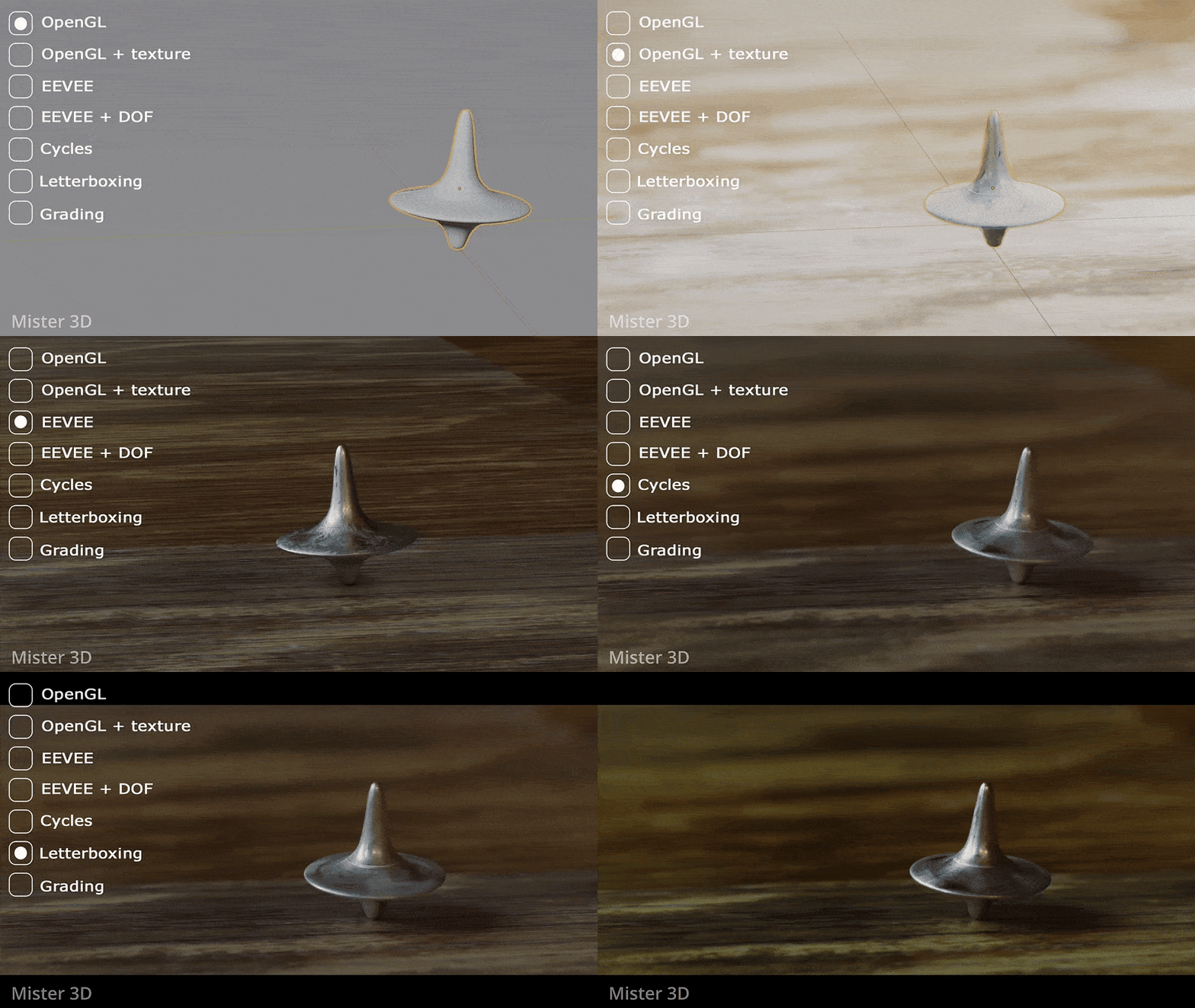

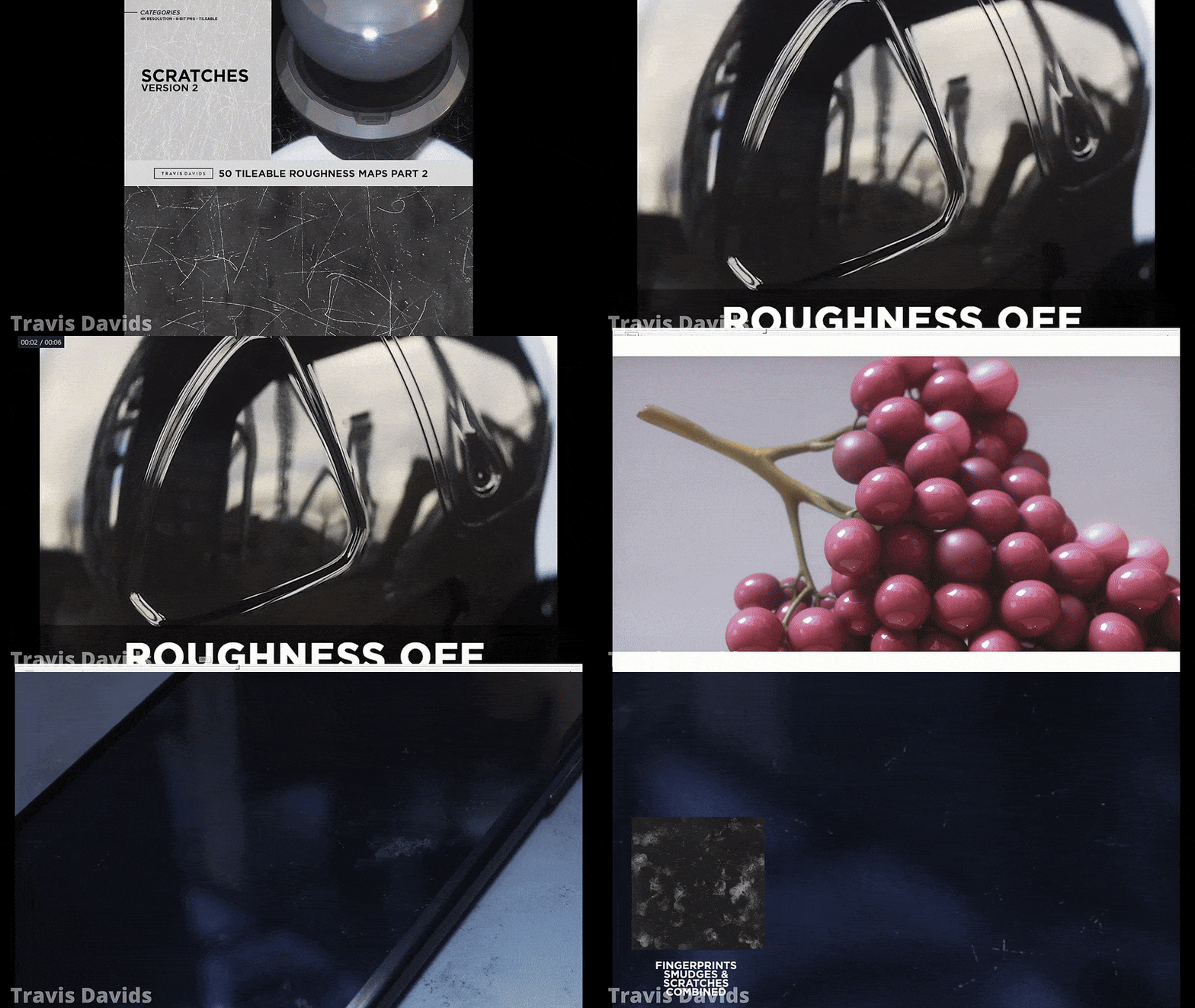


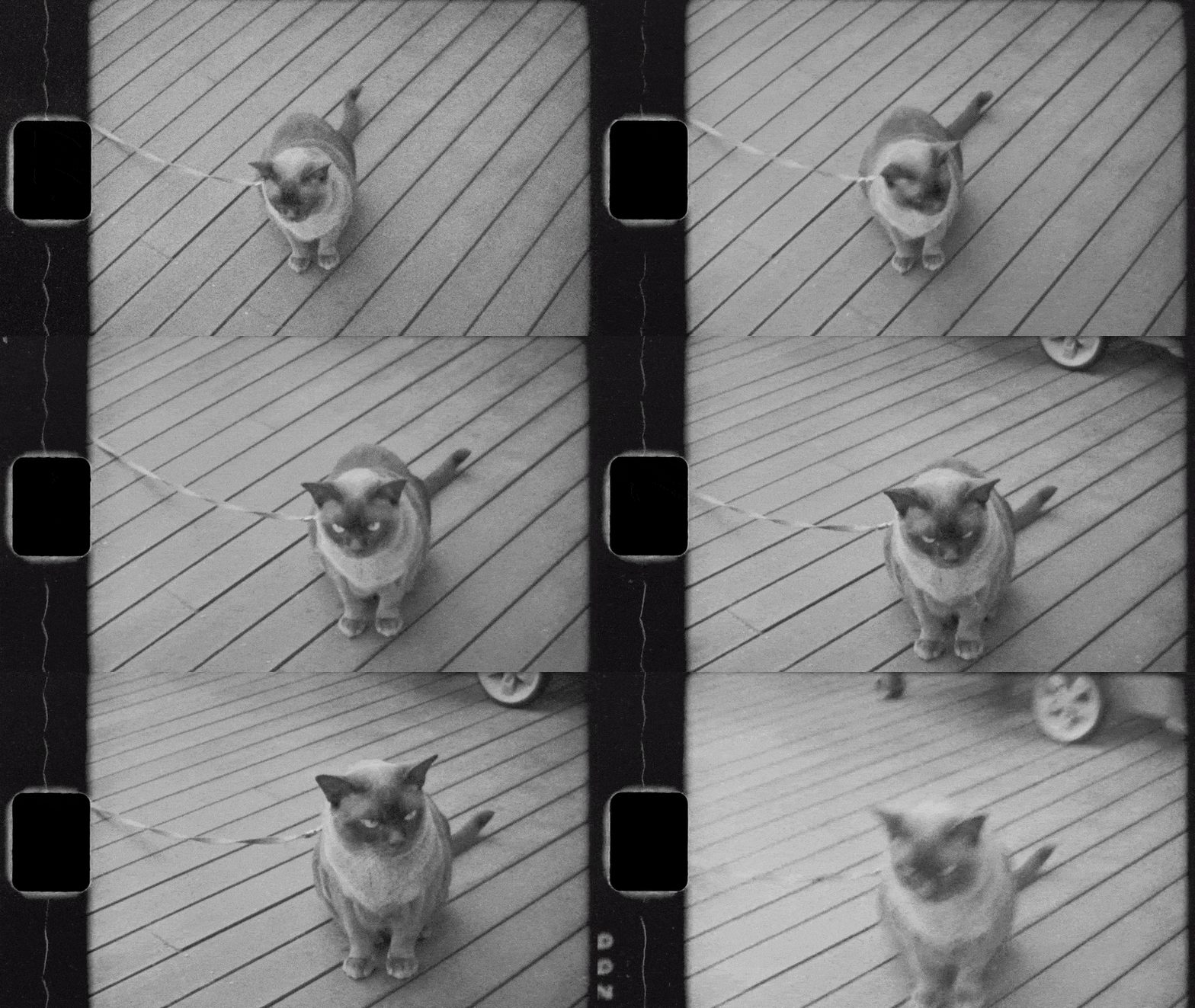

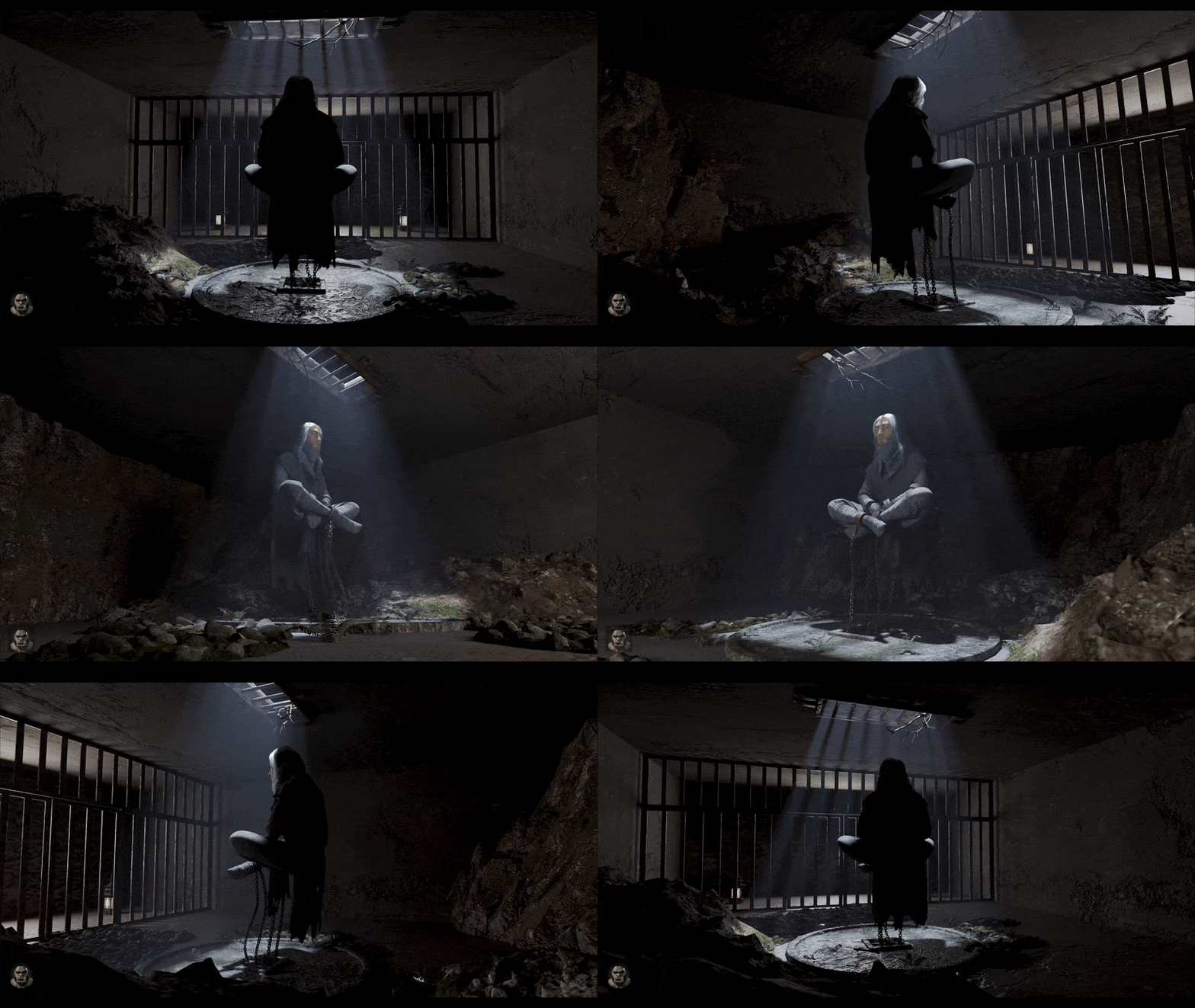

In April 2026, Chaos launched a free Community Edition of V-Ray for Blender, turning what had previously been a paid or trial-based product into a no-cost entry point for Blender artists. The new offer is a genuine change in access, not just a short-term promo: Chaos’s current Community Edition pages describe a free, renewable license, while older Chaos support pages from 2025 still described V-Ray for Blender as a commercial product without a permanent free version. For artists working around the open-source ecosystem stewarded by the Blender Foundation, that makes V-Ray newly relevant for learning, portfolio work, look development, and certain freelance use cases.
What Is V-Ray and Why It Matters for Blender Users
V-Ray for Blender is Chaos’s Blender integration built on the V-Ray 7 core, bringing the broader V-Ray rendering ecosystem into Blender rather than offering a lightweight or experimental side tool. Chaos positions V-Ray as a production-proven renderer used across visualization, film, TV, and design workflows, and the Blender version includes core rendering, V-Ray/V-Ray GPU support, Chaos Cosmos integration, Chaos Cloud access, the V-Ray Frame Buffer, and support for essential Cycles materials.
Why that matters is simple: Blender users now have direct access to an industry-standard renderer without having to start from a paid subscription. Before this Community Edition, V-Ray for Blender was primarily a commercial upsell or trial path. Now it is also a practical learning and portfolio renderer, which lowers the barrier to entering V-Ray-based pipelines while staying inside Blender.

Why Chaos Made V-Ray Free for Blender Users in 2026
Chaos’s stated reason is community expansion. In its official announcement, the company says Blender is a starting point for many young artists and that the goal of the Community Edition is to “give back” and empower creators to reach world-class visual quality. Chaos also says the Blender and V-Ray communities had been asking for the integration for some time, and the commercial launch in late 2025 came after roughly 200 days in beta and its largest testing group yet.
Read together, those statements suggest a clear strategy: make V-Ray easier to try early, let students, hobbyists, educators, solo creators, and small freelancers become fluent in the renderer, and reserve the unrestricted production, support, AI, and pipeline features for paid plans. That is an inference from Chaos’s own positioning, but it fits the way the Community Edition is marketed against the 30-day trial and the commercial tiers.
Is V-Ray Really Free for Blender? Full Breakdown of the Community Edition
Yes, V-Ray is really free for Blender users through the Community Edition, but it is not “unrestricted free” in the sense of a full commercial studio license. Chaos describes it as a standalone free product that lasts 90 days, can be renewed an unlimited number of times, and requires completing a short survey to acquire or renew the license. Chaos’s Community Edition documentation also says the free edition has nearly all the functionality of the paid version, which is why the launch is important.
The bigger picture is that Chaos now offers three access paths. The Community Edition is the free route for learning, teaching, content creation, portfolios, and small-scale freelance work; the 30-day trial is the feature-complete evaluation path; and paid plans are the unrestricted production option with official support. That distinction matters because many artists will see “free” and assume “everything,” when the real offer is “most core features, with production caps.”
Can You Use V-Ray for Blender for Commercial Projects?
Yes, but with an important qualifier. Chaos explicitly says the Community Edition allows freelance commercial use, and its examples are initial test renders and client concept presentations. The Community Edition page also says the offer is designed for personal and small-scale freelance projects, while large-scale productions, team collaboration, and deeper pipeline work are still better suited to paid V-Ray plans.
So the safest interpretation is this: commercial use is allowed, but the free version is positioned for lighter freelance and concept-stage work rather than unrestricted studio delivery. The missing production features in the free tier reinforce that reading because batch rendering, distributed rendering, cloud collaboration, export to V-Ray formats, and several pipeline-oriented capabilities remain behind paid access.
How to Download V-Ray for Blender Community Edition (Step-by-Step Guide)
The workflow is straightforward, but it is not a one-click anonymous download. You need a Chaos account, a short survey, an install, and an activation inside Blender.
- Go to the V-Ray for Blender Community Edition page, sign in to your Chaos account, or create one if you do not already have one.
- Complete the short survey used to issue the Community Edition license. Once submitted, the free license becomes active for 90 days.
- Download the Community Edition installer from the post-survey download step and run the installer on your machine.
- Accept the end-user license agreement and privacy policy, then complete the installation.
- Open Blender, go to Edit > Preferences > Add-ons, search for V-Ray, and enable the V-Ray for Blender add-on.
- Sign in with your Chaos credentials when prompted and set V-Ray as the renderer. After that, you can start rendering.
A final operational detail matters: Chaos says the Community Edition license is tied to the user’s my.chaos account, and the documentation states that if you are not logged in or do not have internet access, you cannot use the Community Edition. Renewal also happens through my.chaos, and if you do not renew before expiry, you must reacquire the license rather than simply extending it afterward.
V-Ray for Blender System Requirements and Compatibility
On Windows, Chaos lists an AVX2-capable Intel 64 or AMD64 processor, 8 GB RAM minimum, 8 GB swap minimum, and 64 GB RAM or more recommended depending on scene size. For GPU acceleration on Windows, Chaos lists CUDA- or RTX-capable NVIDIA hardware with supported drivers. On macOS, Chaos lists macOS 11 or newer, Apple M1 or later, and 8 GB or more recommended RAM, with GPU acceleration on Apple Silicon.
Compatibility is broader in 2026 than it was at the initial commercial release. Chaos’s current OS support page says V-Ray for Blender is available for Windows and macOS, with Linux still planned for a future release. Its compatibility matrix also lists support across Blender 4.2 LTS, 4.3, 4.4, 4.5 LTS, and 5.0, so the current target is not just one narrow Blender build.
How V-Ray Integrates with Blender Workflow and Node System
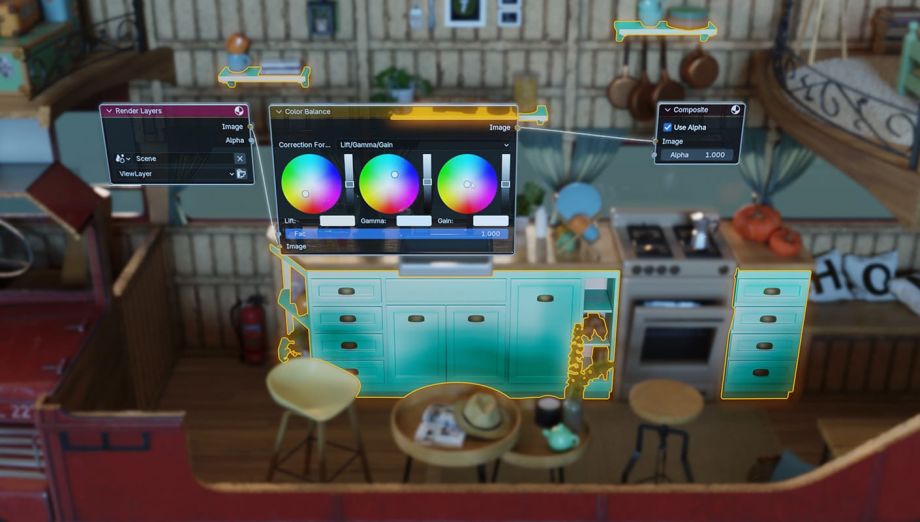
Inside Blender, V-Ray is not treated like a bolt-on render export button. Chaos’s documentation describes a dedicated V-Ray Node Editor that works as a general node tree for creating and managing materials, textures, and geometry with Shader, Object, and World node trees. That means users can work in a node-based environment that feels familiar to Blender artists while still exposing V-Ray-specific controls.
The integration story is strongest inside Blender itself. Chaos says V-Ray can render essential Cycles materials out of the box, offers a Cycles-to-V-Ray material converter, supports Geometry Nodes workflows, supports Blender’s Hair System, and can render interactively in Blender’s 3D Viewport. At the same time, there are two practical caveats: not all Cycles shader nodes are convertible, and V-Ray shaders live inside the V-Ray Node Editor rather than the standard Blender Shader Editor.
For Community Edition users specifically, the integration is excellent for working inside Blender, but intentionally limited for pipeline handoff. Chaos’s free-versus-paid comparison says the free tier does not include export to V-Ray formats and broader pipeline integration, so the Community Edition is strongest as a Blender-native working renderer rather than a full cross-DCC pipeline node.
V-Ray for Blender Features: What You Get in the Free Version
The free version includes far more than a “demo renderer.” Chaos says V-Ray for Blender offers the essential V-Ray functionality for scene creation, rendering, and asset preparation directly inside Blender, including V-Ray and V-Ray GPU, V-Ray lights and materials, most V-Ray objects and utilities, Chaos Cosmos integration, Chaos Cloud rendering, and V-Ray Frame Buffer post-processing. The Community Edition docs go further and describe the free tier as having nearly all the functionality of the paid version except for a clearly defined set of restrictions.
In practice, that means free users still get core rendering engines, CPU and GPU workflows, interactive rendering, denoising, post-processing tools, ready-to-render assets, and a substantial materials-and-lighting toolkit. Chaos’s render-engine documentation also confirms that V-Ray for Blender provides both CPU and GPU engines, with GPU rendering aimed at speed and CPU rendering aimed at complete feature coverage.
How V-Ray Improves Realistic Rendering in Blender Projects
V-Ray’s realism advantage comes less from “magic” and more from how many production-oriented tools are bundled into a single workflow. Chaos highlights Global Illumination, physically accurate lights, Sun & Sky, HDRI-based Dome Lighting, atmospheric effects such as Aerial Perspective and Environment Fog, adaptive light handling, and camera controls based on ISO, shutter speed, and aperture. The same feature page emphasizes realistic caustics, real-world lens effects, and a robust shader/material stack designed for both photoreal and stylized work.
For Blender artists, the practical benefit is faster realism with fewer manual hacks. Chaos explicitly argues that V-Ray reduces the need for complex manual node setups by combining default physical behaviors, denoisers, frame-buffer tools like Light Mix and layered compositing, and a ready-made asset ecosystem. That does not mean Cycles cannot produce realism; it means V-Ray wraps many realism-focused controls into a more turnkey professional workflow.
V-Ray Asset Library and Chaos Cosmos: What’s Included for Free Users
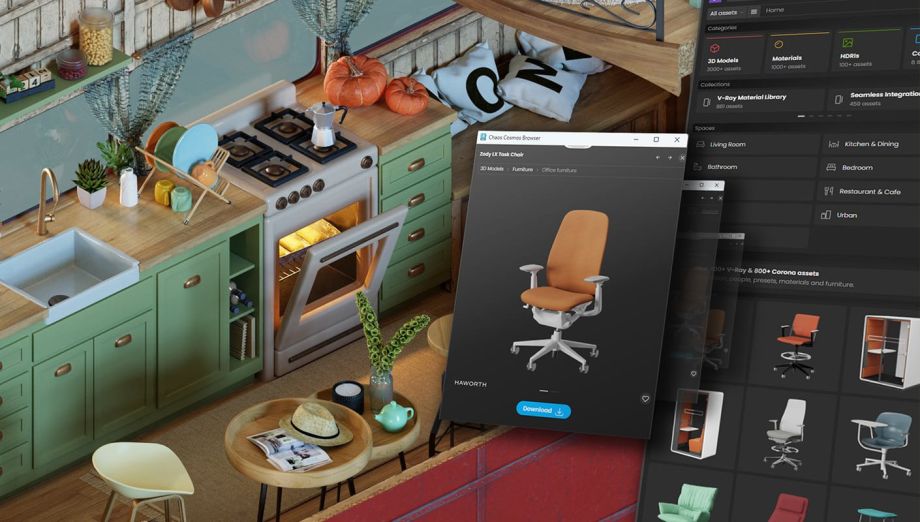
Free users do get Chaos Cosmos. Chaos’s documentation says the Cosmos Browser is integrated directly into V-Ray for Blender, is included as part of the installation, and lets users sign in, search, filter, download, and import assets such as vegetation, materials, furniture, accessories, lighting fixtures, vehicles, people, animals, presets, and HDRI skies. Assets are downloaded locally and can be reused across host platforms.
One detail deserves careful handling because Chaos’s own public pages are inconsistent. The Community Edition launch materials describe the free offer as including 14,000+ Cosmos assets, while the main V-Ray for Blender features page describes access to 8,800+ 3D models, materials, and HDRIs. The safest conclusion is not to normalize those numbers into one definitive figure, but to say that free users clearly receive a substantial Cosmos catalog and that the exact asset count varies across Chaos’s public pages, likely because different pages count different asset types or catalog slices.
Limitations of the Free V-Ray for Blender Version Explained
The most important free-tier restrictions are not hidden. Chaos says the Community Edition is capped at 2K square resolution (2560×2560) and 8-bit output, while the paid version removes the resolution cap and supports 32-bit output. The free edition also does not include cloud collaboration, AI-powered tools, official Chaos support, batch/headless rendering, distributed rendering, export to V-Ray formats and pipeline integration, or the VFB History panel.
Those limits matter because they define who the free version is really for. A 2K, 8-bit ceiling is usually workable for learning, social content, portfolio renders, and concept approval, but it is much less attractive for high-end compositing, large print output, or production pipelines that depend on distributed renders and cross-DCC handoff. Add the login-and-internet requirement and the 90-day renewal cycle, and the Community Edition looks less like a universal studio replacement and more like a seriously capable training and solo-creator license.
V-Ray vs Blender Cycles: Which Renderer Is Better in 2026?
There is no universal winner. Cycles remains Blender’s built-in physically based path tracer, and Blender’s own documentation says Blender ships multiple render engines with different strengths, including Cycles for physically accurate path tracing and Eevee for real-time rendering. Blender’s GPU documentation also shows that Cycles supports a broader range of render backends, including CUDA, OptiX, HIP, oneAPI, and Metal. By contrast, Chaos’s current system requirements emphasize NVIDIA acceleration on Windows and Apple Silicon on macOS for V-Ray GPU workflows.
V-Ray’s case is stronger when you value the wider V-Ray ecosystem and its workflow tools: VFB post-processing, Chaos Cosmos, Chaos Cloud rendering, physical camera/lens models, integrated GI/lighting controls, and a renderer meant to match broader V-Ray-based pipelines. Cycles, however, still has two major advantages for many Blender users: it is native and unrestricted inside Blender, and Blender’s own manual notes that caustics in path tracing can be inefficient and noisy, which is exactly the kind of problem V-Ray tries to solve with alternative production-oriented controls and optimizations.
So, in 2026, the better renderer depends on the job. If you want the most native Blender experience, broader free hardware compatibility, and no account or resolution restrictions, Cycles usually remains the better default. If you want to learn V-Ray, access Chaos’s workflow stack, and produce polished concept or portfolio work in a pro-style renderer at no license cost, the new Community Edition makes V-Ray harder to ignore.
V-Ray for Blender vs Paid V-Ray Plans: Key Differences
The paid plans are defined less by the core renderer and more by the removal of restrictions and the addition of production services. Chaos’s own comparison shows that paid access unlocks unlimited resolution, 32-bit output, official support, cloud collaboration, AI-powered tools, batch/headless rendering, distributed rendering, and export to V-Ray formats for pipeline integration. Community Edition users still get the core renderer and many daily-use features, but not the production envelope around it.
Chaos’s current pricing pages also show that the commercial lineup is now organized around broader V-Ray plans such as V-Ray Solo and V-Ray Premium, with Solo listed as a named license and Premium as a floating/team license. The public pricing page currently lists Solo at US $45/month billed annually ($540/year) and Premium at US $59.90/month billed annually ($718.80/year), with Premium also including additional cloud- and suite-level capabilities. That makes the free-versus-paid choice less about “Can I render at all?” and more about “Do I need unrestricted output, support, collaboration, and production scale?”
Who Should Use V-Ray for Blender Community Edition? (Beginners vs Professionals)
The Community Edition is clearly aimed at beginners and solo users first. Chaos explicitly lists students, newbies, educators, content creators, hobbyists, freelancers, researchers, and add-on developers as the intended audience. The marketing language around portfolios, tutorials, learning resources, and small-scale freelance use confirms that this is the core user profile the free tier is designed to serve.
Professionals should still split into two camps. Independent professionals who want to learn or pitch in V-Ray can get real value from the Community Edition, especially for look development and concept work. But professionals running high-resolution campaigns, multi-machine rendering, 32-bit compositing, or cross-application pipelines will outgrow the free version quickly, because the features they rely on are exactly the ones Chaos reserves for paid plans.
Is V-Ray for Blender Worth Using Over Other Free Render Engines?
Yes, for the right purpose. The Community Edition gives Blender users a cost-free way to learn a renderer with strong production heritage, integrated post tools, a sizable ready-made asset library, and an ecosystem that extends beyond Blender. If your goal is to build a V-Ray-fluent portfolio, produce polished concept visuals, or test whether the V-Ray workflow suits your art direction, the answer is clearly yes.
But it is not automatically the best free renderer for every Blender artist. Blender’s own render-engine documentation makes clear that Eevee and Cycles serve different strengths, with Eevee prioritized for real-time work and Cycles for physically accurate path tracing. Because Cycles is native, unrestricted, and more flexible across GPU ecosystems, many artists will still prefer it for final unrestricted output. The strongest case for the free V-Ray offer is not “replace every free renderer,” but “add a serious professional renderer to your toolkit without paying for access.”

FAQ questions and answers
- Is V-Ray for Blender Community Edition permanently free?
It is free to use, but the license runs for 90 days at a time and must be renewed through Chaos. Chaos says renewals are unlimited as long as you complete the renewal flow. - Do I need a Chaos account to use the free version?
Yes. Chaos requires users to log in or create an account to get the license, and the activation flow is tied to the user’s Chaos account. - Can I use the Community Edition offline?
Chaos’s activation documentation says no: if you are not logged in or do not have internet access, you cannot use the Community Edition. - What happens if I forget to renew before the 90 days end?
Chaos says renewal must happen before expiry. If you miss it, you need to go through the acquisition process again rather than simply extend the expired license. - What is the maximum output quality in the free version?
The Community Edition is capped at 2K square resolution and 8-bit output. Paid V-Ray plans remove those caps and allow 32-bit output. - Does the free version include Chaos Cosmos?
Yes. Chaos includes Cosmos with the Community Edition, although different Chaos pages currently quote different asset counts for the included catalog. - Can the free version render on the GPU?
Yes. V-Ray for Blender supports V-Ray and V-Ray GPU. On Windows, Chaos targets NVIDIA GPU acceleration; on macOS, Chaos lists Apple M1 or later for GPU acceleration. - Does V-Ray for Blender support Cycles materials?
Yes, for supported materials. Chaos says V-Ray can render essential Cycles materials and provides a conversion path to V-Ray materials, but not every Cycles shader node is convertible. - Is the Community Edition good enough for paid client work?
For some work, yes. Chaos explicitly allows freelance commercial use and cites initial test renders and client concept presentations, but it still positions paid plans as the correct option for larger commercial productions and team pipelines. - Should a beginner choose V-Ray Community Edition or Cycles first?
If a beginner wants the most native Blender path with no account requirements or output limits, Cycles is still the simpler default. If the goal is to learn V-Ray’s ecosystem and build portfolio pieces in a production-style renderer, Community Edition is now a strong alternative.

conclusion
V-Ray Is Now Free For Blender Users in a way that genuinely matters. The Community Edition is not a crippled teaser; it is a serious, renewable free license that preserves most of the core V-Ray experience, including the renderer itself, Cosmos access, Cloud rendering, VFB tools, and Blender-side workflow integration. That makes it one of the more consequential renderer-access changes Blender users have seen in recent years.
At the same time, the free offer is carefully bounded. The 2K/8-bit cap, renewal cycle, account dependency, lack of official support, and missing production features make it best for learning, portfolios, concept work, and light freelance jobs rather than full-scale studio deployment. In other words, Chaos has not made all of V-Ray free for all types of Blender work; it has made V-Ray accessible enough that many more Blender artists can start using it seriously. That distinction is the real meaning of the new Community Edition.
sources and citation
- Chaos Community Edition launch post — V-Ray for Blender Community Edition now available https://blog.chaos.com/v-ray-for-blender-community-edition
- Chaos Community Edition landing page — V-Ray for Blender Community Edition https://www.chaos.com/vray/blender/community
- Chaos Docs — V-Ray for Blender documentation hub https://documentation.chaos.com/space/VBLD
- Chaos Docs — Community Edition release notes page https://documentation.chaos.com/space/VBLD/710968294
- Chaos Docs — Installation https://documentation.chaos.com/space/VBLD/117638104
- Chaos Docs — Installation and Licensing https://documentation.chaos.com/space/VBLD/117637473/Installation%2Band%2BLicensing
- Chaos Docs — System Requirements https://documentation.chaos.com/space/VBLD/117637933/System%2BRequirements
- Chaos Docs — Supported Features https://documentation.chaos.com/space/VBLD/117638249
- Chaos Docs — Chaos Cosmos Browser https://documentation.chaos.com/space/VBLD/117637925/Chaos%2BCosmos%2BBrowser
- Chaos Docs — Download Cosmos Assets https://documentation.chaos.com/space/VBLD/117639361
- Chaos Docs — V-Ray Node Editor https://documentation.chaos.com/space/VBLD/117639212/V-Ray%2BNode%2BEditor
- Chaos Docs — V-Ray Nodes https://documentation.chaos.com/space/VBLD/117640059
- Chaos pricing page — V-Ray for Blender https://www.chaos.com/vray/blender
- Chaos pricing hub https://www.chaos.com/pricing
- Chaos Help Center — How much does V-Ray for Blender cost? https://support.chaos.com/hc/en-us/articles/36717958669329-How-much-does-V-Ray-for-Blender-cost
- Chaos Help Center — What V-Ray subscription plans are available? https://support.chaos.com/hc/en-us/articles/4402140329873-What-V-Ray-subscription-plans-are-available
- Chaos Help Center — Chaos Help Center homepage / support categories https://support.chaos.com/hc/en-us
- Chaos contact/support page
- https://www.chaos.com/contact-us
- Blender Manual — Render engine introduction https://docs.blender.org/manual/en/latest/render/introduction.html
- Blender Manual — Cycles introduction https://docs.blender.org/manual/en/latest/render/cycles/introduction.html
- Blender Manual — EEVEE introduction https://docs.blender.org/manual/en/latest/render/eevee/introduction.html
- Blender Manual — GPU rendering in Cycles https://docs.blender.org/manual/en/latest/render/cycles/gpu_rendering.html
- Blender Manual — Cycles light paths / caustics https://docs.blender.org/manual/en/latest/render/cycles/render_settings/light_paths.html
- Blender Manual — Cycles reducing noise / path tracing and caustics note https://docs.blender.org/manual/en/latest/render/cycles/optimizations/reducing_noise.html
- Blender Manual — Cycles sampling https://docs.blender.org/manual/en/latest/render/cycles/render_settings/sampling.html
- Blender Manual — EEVEE overview https://docs.blender.org/manual/en/latest/render/eevee/index.html
- Blender Manual — EEVEE limitations https://docs.blender.org/manual/en/latest/render/eevee/limitations/limitations.html
- Chaos product/features page — V-Ray for Blender features https://www.chaos.com/vray/blender/features
- Chaos blog — V-Ray for Blender original product announcement/background https://blog.chaos.com/vray-blender
- Chaos blog — V-Ray for Blender Update 1 https://blog.chaos.com/v-ray-blender-update-1
Recommended
- Animating 2D Illustrations in Blender: A Comprehensive Guide for Vocaloid and J-Pop Themed Characters
- Love Death and Robots Season 4: Release Date, Episodes, Animation Studios, and Everything We Know So Far
- Heroes of Might and Magic: Olden Era Early Access Release Date, Wishlist Milestone, and What to Expect
- Blender Trim Hair Curves Geometry Nodes Preset: Comprehensive Guide for 3D Hair Grooming
- How to Create a Trailer in Unreal Engine 5: Step-by-Step Guide for Cinematic Results
- What is the View Keeper?
- TANGLED Framework: Diffusion-Based 3D Hair Strand Generation with MultiHair and PixelHair Integration
- Some PC Gaming RAM Actually Got Cheaper For The First Time In Months — DDR5 Price Drop, Best Deals, and Why It Might Not Last
- How do I make the camera orbit around an object in Blender?
- Can you render a 360-degree view using Blender cameras?






















































































