








What Are 3D Interactive Caustics in Rendering (reflection vs Refraction)
This summary provides a comprehensive technical overview of rendering, simulating, and optimizing caustics across major 3D platforms including Blender, Unreal Engine 5, and Unity.
What Are Caustics in Computer Graphics?
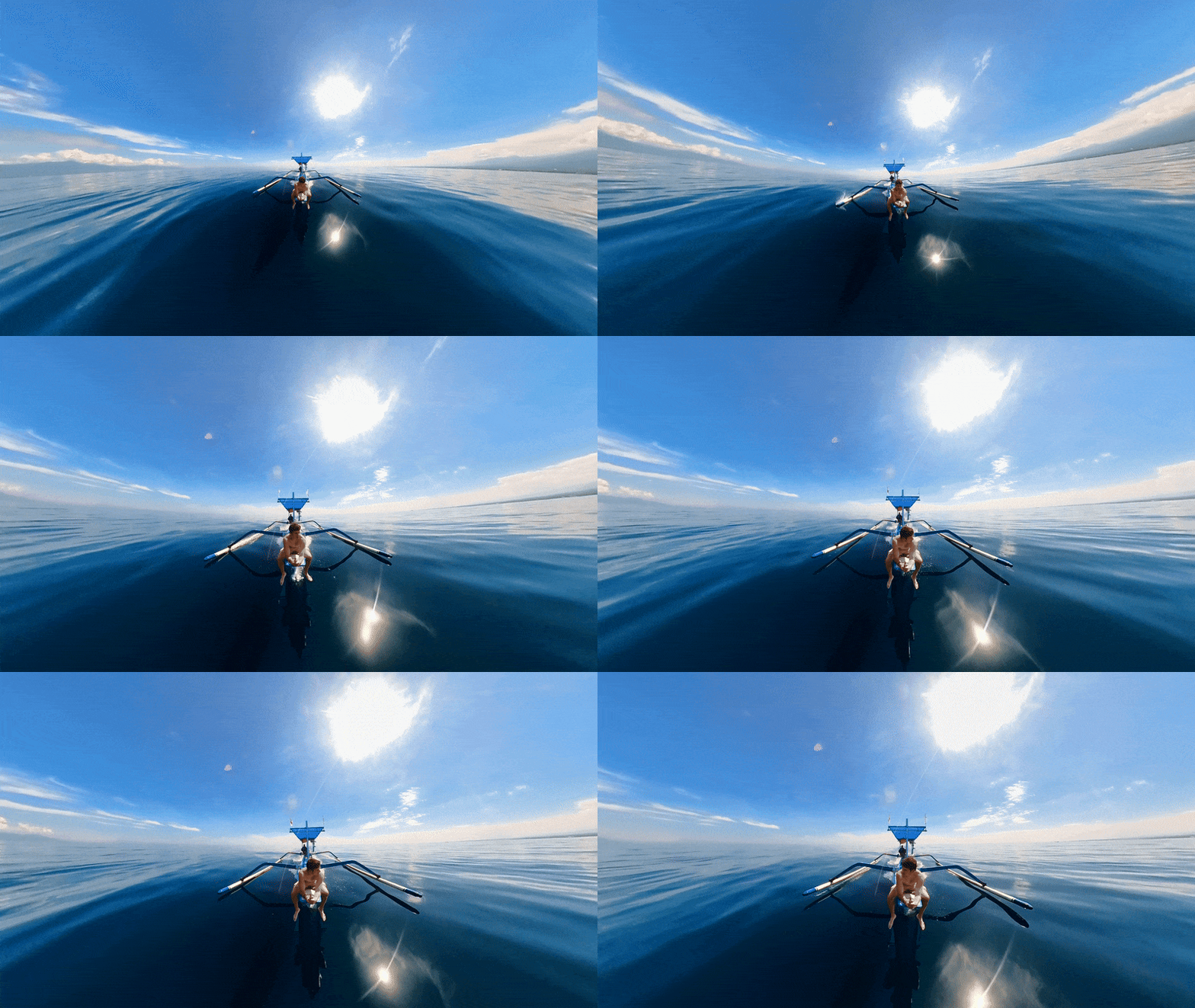
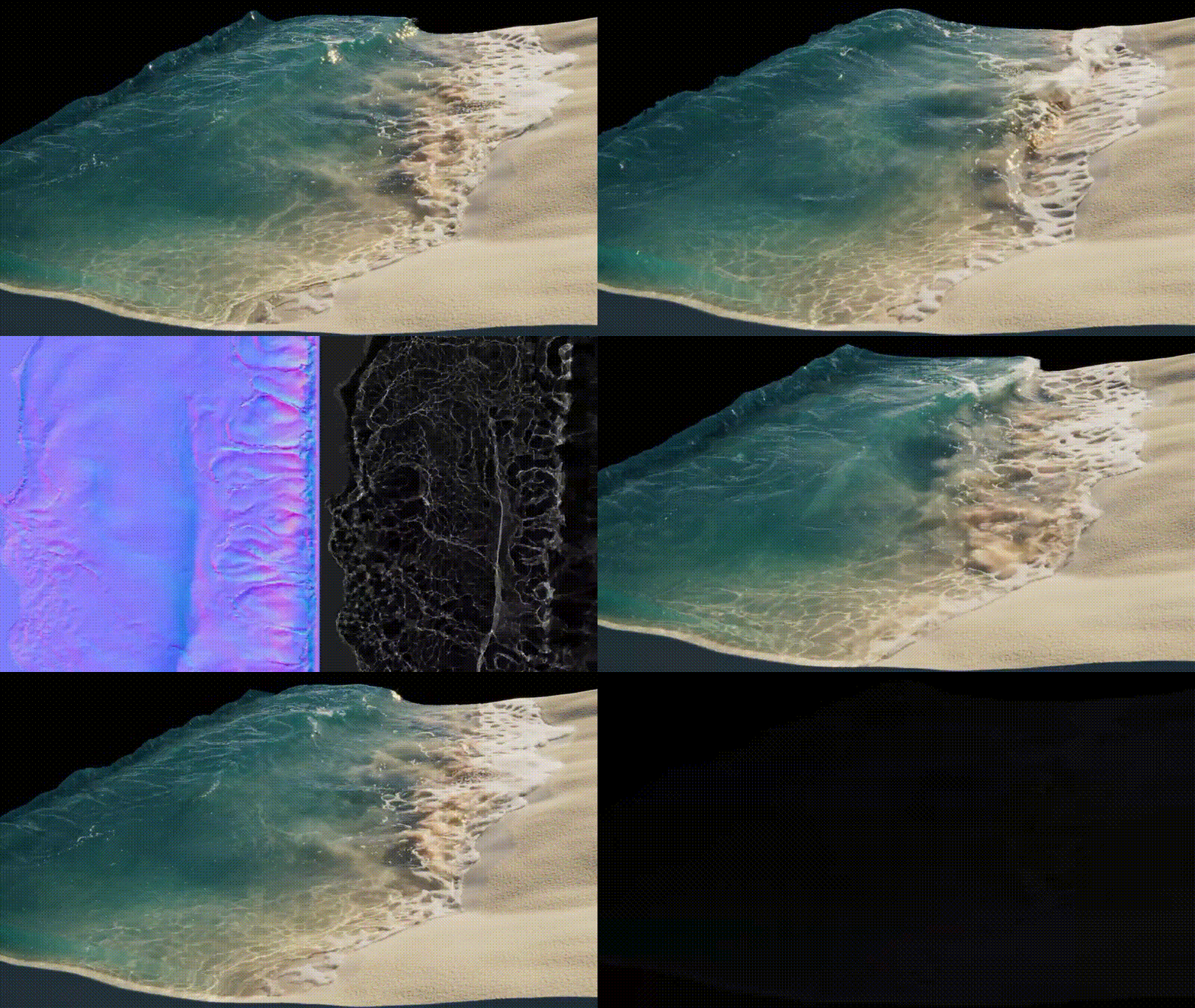
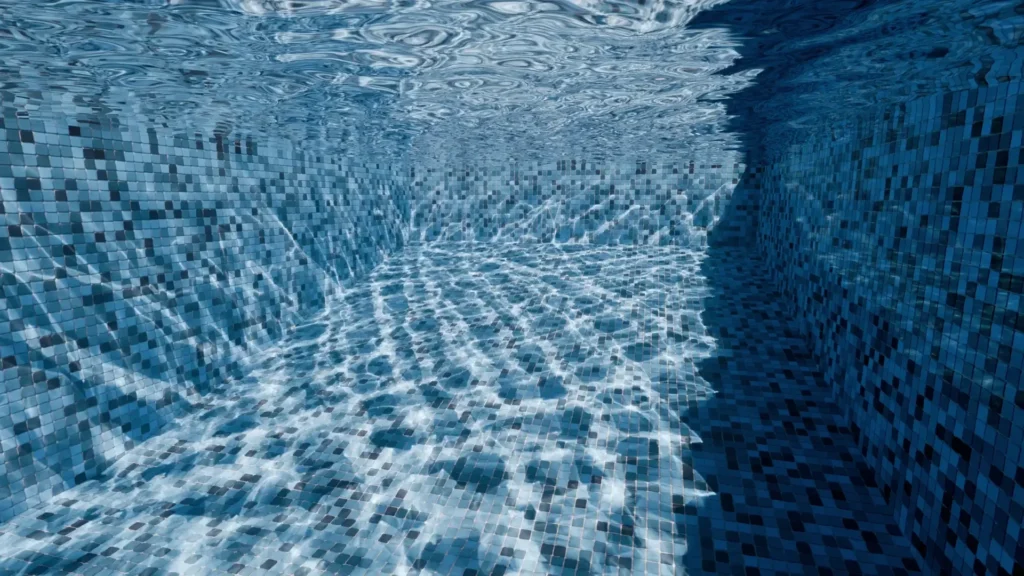
Caustics are focused light patterns created when light reflects off shiny surfaces (reflection caustics) or refracts through transparent materials (refraction caustics).
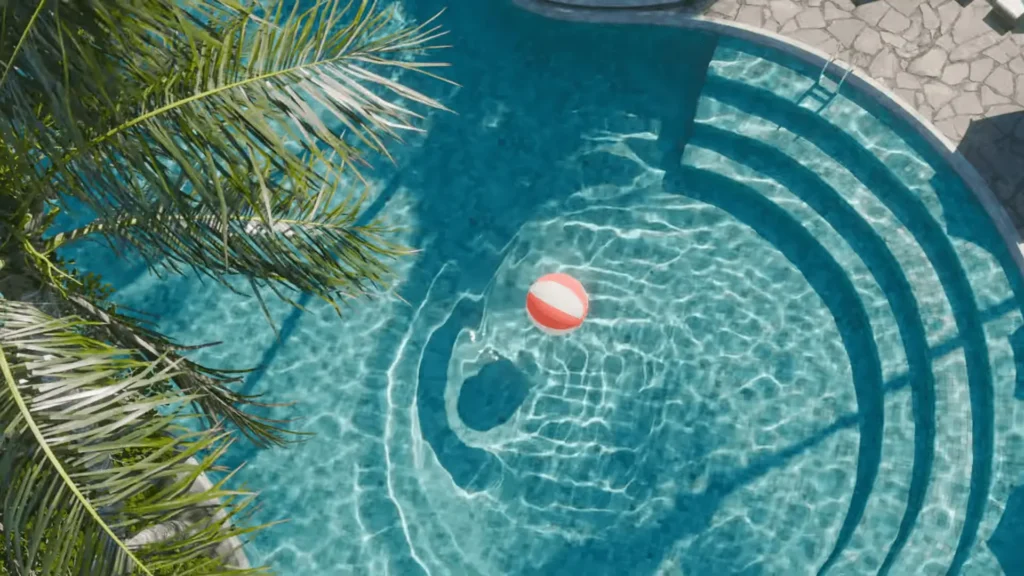
- Refraction Caustics: Common examples include light ripples at the bottom of a pool or sunlight passing through a glass of water onto a table.
- Reflection Caustics: Bright spots created by curved mirrors or polished metal spoons.
- Rendering Challenge: Accurate simulation is computationally expensive because it requires tracing and focusing numerous light rays, a task usually reserved for offline path tracers rather than real-time game engines.
Blender Cycles Caustics Settings
Blender’s Cycles renderer is physically based but limits caustics by default to reduce “firefly” noise.
- Reflective and Refractive Toggles: Located under Light Paths, these allow specular light bounces to illuminate diffuse surfaces. Disabling them makes renders faster and cleaner but less physically accurate.
- Shadow Caustics (MNEE): Introduced in Blender 3.2+, this specialized solver (Manifold Next Event Estimation) allows sharp refractive caustics to resolve quickly within shadows.
- Setup: Requires enabling “Shadow Caustics” on a Sun or Spot light, “Cast Shadow Caustics” on the refractive object (e.g., glass), and “Receive Shadow Caustics” on the receiving surface (e.g., floor).
- Limitation: It only handles refractive caustics within direct shadows; it does not support reflective caustics or patterns outside of shadowed regions.

Blender Caustics Noise Reduction
Because caustics converge slowly, several settings help manage noise:
- Filter Glossy: Blurs sharp glossy reflections to eliminate fireflies at the cost of some caustic detail.
- Clamping: Setting Clamp Indirect (e.g., to a value of 1.0 or 2.0) limits the maximum brightness of light bounces, effectively killing speckles but potentially darkening the scene.
- Samples: Increasing sample counts is the “brute-force” fix, often requiring thousands of samples for clean results.
- Denoising: Modern denoisers (OptiX, OIDN) can clean residual grain but may blur fine caustic patterns.
Baking Caustics for Unreal Engine and Unity
To avoid high real-time performance costs, caustics can be “baked” into textures in Blender and imported into game engines.
- Baking Process: Using addons like Benary’s Caustics Baking, light patterns are rendered into a static image file.
- Implementation: The resulting texture is applied in Unreal or Unity as a Light Cookie (modulating a light source) or a Decal (projecting the pattern onto surfaces).
- Pros/Cons: This method provides high visual richness at almost zero GPU cost but is non-dynamic; the patterns will not update if the light or objects move.
Unreal Engine 5 Caustics Workflows
Unreal Engine 5 offers different methods depending on the required performance:
- Light Function Materials: A common real-time technique where a material modulates a light’s intensity. By panning and tiling caustic textures within the material, artists can simulate moving water ripples on a ceiling or floor.
- Path Tracer Caustics: UE5’s offline Path Tracer supports true caustics. It uses an Approximate Caustics setting (
r.PathTracing.ApproximateCaustics = 1) by default to produce production-ready results with fewer samples by smoothing out caustic contributions.

Unity HDRP and URP Caustics
Universal Render Pipeline (URP): URP lacks a native system but supports caustics through Decal Projectors (projecting a tiled, animated texture) or custom shaders. Optimization in URP focuses on limiting the number of overlapping projectors and using efficient mobile-friendly shaders.semi-static solutions (like animating a static texture) can look good enough and save a lot of frame time. The goal is to get the appearance of those shimmering patterns without cratering your FPS. With careful optimization, even mobile games can include subtle caustics for added realism, while high-end applications in URP (on PC/console) can afford more elaborate approaches.
HDRP Water System: Unity’s High Definition Render Pipeline includes a built-in water system that generates real-time refractive caustics.
Settings: Users can tune the Simulation Band (choosing which wave size affects the pattern), Virtual Plane Distance, and Resolution.
Advanced Use: While caustics default to appearing underwater, they can be projected onto above-water surfaces using an API and Decal Projectors.
This FAQ summary explains the technical concepts, rendering challenges, and software-specific implementations of caustics in modern 3D engines.
Frequently Asked Questions (FAQs)
- What are caustics in 3D rendering?
Caustics are bright, patterned light effects created when light reflects off a curved reflective surface or refracts through a transparent object before illuminating another surface. Common examples include wavy patterns at the bottom of a pool or the focused light spot cast by a glass of water. They enhance realism by simulating the natural concentration and dispersion of light. - What is the difference between reflective and refractive caustics?
Reflective caustics occur when light bounces off a shiny surface (like polished metal or a mirror) and focuses onto another surface. Refractive caustics occur when light passes through a transparent material (like water or glass), bends, and converges on a surface. Essentially, reflective caustics involve “bouncing” light, while refractive caustics involve “bending” light through materials. - Why are caustics so noisy and slow to render in engines like Cycles?
They are noisy because they rely on uncommon light paths that random-path tracers struggle to find efficiently, resulting in “firefly” noise (isolated bright pixels). They are slow because a high number of samples are required to converge these rare paths into a clean image. While some renderers use specialized techniques like photon mapping or MNEE to speed up the process, traditional path tracing remains inefficient for these effects. - Does Blender Eevee support caustics?
Not physically. As a real-time rasterization engine, Eevee does not calculate light bending or focusing. To achieve the effect, artists must “fake” it using projected textures, light cookies, or specific addons that use “lightsheets” or helper meshes to project caustic patterns onto surfaces. For physically correct results, Cycles or another path tracer is required. - How do I enable and use caustics in Blender Cycles?
In the Render Properties > Light Paths panel, enable Reflective and/or Refractive Caustics. For sharper results in Blender 3.2+, use Shadow Caustics:- Light source (Sun/Spot): Check “Shadow Caustics.”
- Refractive object: Check “Cast Shadow Caustics.”
- Receiving surface (floor): Check “Receive Shadow Caustics.”Ensure objects are set to Shade Smooth and that your Light Path bounce counts (Glossy and Total) are high enough to prevent paths from being cut off.
- How can I reduce fireflies (bright noise) from caustics in Cycles?
Several techniques can mitigate noise:- Clamp Indirect: Set a value (e.g., 1, 2, or 5) to cap the maximum brightness of caustic samples.
- Filter Glossy: Use a small value (e.g., 0.5) to blur sharp highlights and blend noise.
- Increase Samples: Use higher sample counts combined with a Denoiser for final smoothing.
- Multiple Importance Sampling (MIS): Ensure MIS is enabled on the light source.
- Light Size: Use larger light sources (like area lights) to create softer, faster-converging caustics rather than tiny, intense points of light.
- Can I bake caustics in Blender and use them in a game engine?
Yes. You can render caustic lighting as an image texture in Blender (using manual baking or the Caustics Baking addon) and import it into Unity or Unreal. This texture can be applied as an emissive map in a material or projected via decals. This “embeds” the high-quality Cycles patterns into a real-time environment with virtually no performance cost, though it remains static unless the texture is manually animated (e.g., scrolling a pool caustic). - How do I create water caustics in Unreal Engine 5?
The standard method is using a Light Function. Create a material with its domain set to Light Function, using a caustic pattern texture. Assign this material to a Movable or Stationary Directional or Spot Light. The light will then project the pattern onto the scene. You can animate the effect by panning the textures or using a flipbook within the material editor. - How do Unity’s HDRP water caustics work, and can I customize them?
In Unity HDRP, enable the Water System and the Caustics toggle on the Water surface component. HDRP computes these automatically based on wave simulation. Customization options include:- Adjusting which wave bands (ripples vs. swells) influence the pattern.
- Tuning the virtual plane depth and resolution.
- Modifying water clarity (absorption distance) to affect caustic intensity.Note that these only affect surfaces below the water line; above-water caustics (like light on a boat hull) require manual scripting using the caustics buffer and decals.
- How can I implement and optimize water caustics in Unity URP?
Since URP lacks a built-in system, you must implement caustics manually:- Light Cookies: Use a Directional Light cookie with a tiled caustic texture.
- Decal Projectors: (URP 2021+) Project caustics onto specific areas under water.
- Optimization: Limit the projector’s area, use lower resolution textures, and provide a toggle in quality settings to disable the effect on low-end mobile or VR hardware where over-draw can drastically reduce frame rates.
Conclusion
Caustics, those dancing ribbons and sparkling patterns of light, are a hallmark of realism in scenes involving glass or water. Achieving3D interactive caustics requires balancing visual fidelity with performance. Blender’s Cycles gives artists the tools to generate stunning caustic effects (especially with new shadow caustics in Blender 3.2+), albeit with the well-known challenges of noise and render time. Through techniques like filtering, clamping, and high sample counts, one can tame the noise and even bake out caustic textures for use elsewhere. On the real-time front, Unreal Engine 5 leverages tricks like Light Functions to bring approximated caustics to life in real-time, and its Path Tracer can produce reference-quality caustics with the help of intelligent sampling approximations.
Unity offers a built-in solution in HDRP that makes adding water caustics almost plug-and-play, while URP, being lighter weight, relies on clever custom implementations to sprinkle in those effects where needed.– ×2
For developers and artists, the choice often comes down to context: use offline rendering or baking for cinematic, physically-accurate caustics, and use optimized approximations for games or VR where every millisecond counts. Fortunately, the gap is closing, techniques like screen-space caustics, improved denoisers, and hardware-accelerated ray tracing are making caustics more accessible in interactive applications. It’s now quite feasible to include believable caustics in an interactive scene, whether bybaking them from Blender to Unity/Unreal or generating them on the fly with engine tools.– ×1
In summary, 3D interactive caustics in Blender, Unreal, and Unity involve a toolkit of approaches: from toggling a few settings and baking textures in Blender, to authoring special light materials in Unreal, to tweaking water systems in Unity. By understanding the underlying principles (reflection vs refraction, noise vs accuracy trade-offs) and using the right method for the task, you can enrich your 3D scenes with beautiful caustic lighting that elevates the realism and immersion for the viewer.
Sources and Citations
- Chaos Group Blog – “What Are Caustics and How to Render Them the Right Way”, https://blog.chaos.com/what-are-caustics-and-how-to-render-them
- Blender Artists Forum – “Reflective and refractive caustics – When to use?”, https://blenderartists.org/t/reflective-and-refractive-caustics-when-to-use/1184358
- Blender Artists Forum – “Caustics, 3.1” by moony, https://blenderartists.org/t/caustics-3-1/1350967
- Insydium Cycles4D Manual – “Rendering: Reduce Noise”, https://docs.insydium.ltd/cycles-4d/rendering/reduce-noise/
- Blender StackExchange – “How can I render caustics using Cycles?”, https://blender.stackexchange.com/questions/558/how-can-i-render-caustics-using-cycles
- Reddit – “Revisiting Caustics in Blender”, https://www.reddit.com/r/blender/comments/12m5f9v/revisiting_caustics_in_blender/
- Unreal Engine 5 Documentation – “Using Light Functions”, https://dev.epicgames.com/documentation/en-us/unreal-engine/using-light-functions-in-unreal-engine
- Unreal Engine 5 Documentation – “Path Tracer in Unreal Engine”, https://dev.epicgames.com/documentation/en-us/unreal-engine/path-tracer-in-unreal-engine
- Unity HDRP Manual – “Caustics in the Water System”, https://docs.unity3d.com/Packages/com.unity.render-pipelines.high-definition@latest/manual/WaterSystem-Caustics.html
- Unity HDRP Manual – “Customize caustics in the water system”, https://docs.unity3d.com/Packages/com.unity.render-pipelines.high-definition@latest/manual/WaterSystem-Customize-Caustics.html
- Reddit – “I’ve created a caustics volume shader for URP (free)”, https://www.reddit.com/r/Unity3D/comments/psg0u3/ive_created_a_caustics_volume_shader_for_urp_free/
- Unity Forums – “Stylized Water 2 URP – Mobile performance”, https://forum.unity.com/threads/stylized-water-2-urp-mobile-performance.1168450/
Recommended
- How To Become Ruler In The Sims 4: Royalty And Legacy Guide
- Mastering Lighting in Unreal Engine 5: Complete Guide to Realistic Game Illumination
- Avatar Ty Lee Voice Actor Comments on Leak: Reacts to Aang Movie Footage Leak and Calls for Theatrical Release
- Samsung Brings Glasses-Free 3D Gaming and HDR10+ to GDC 2026: Odyssey 3D Monitor, 120+ Supported Games, and New Studio Partnerships
- Xsolla Accessibility, Social Impact & Entertainment IP Licensing at London Games Festival 2026
- Windrose: 17 Minutes of Early Access Pirate-Survival Gameplay Reveals Open-World Combat, Ships, and Co-Op Adventure
- Skate is Adding a Limited-Time Nike SB Pop-Up Event (April 14–May 5): Dates, Grom at Night, Challenges, and Rewards
- Marvel has released the official trailer for A Marvel Television Special Presentation: The Punisher: One Last Kill, starring Jon Bernthal, with a Disney+ premiere date set for May 12, 2026.
- Giving Your Game Away on Steam: How Graveyard Keeper’s Free Giveaway Generated $250,000+ in DLC Sales in Days
- TouchDesigner and Unreal Engine Integrations: TouchEngine Plugin Workflows for Real-Time Data + Video



























































































