





Maya 2027 new features explained: complete overview of what’s new
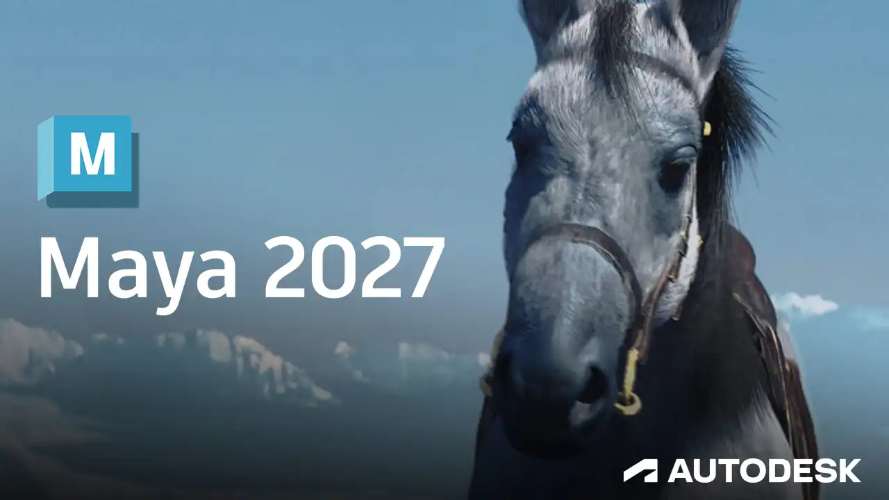
Maya 2027 introduces a significant set of upgrades aimed at improving modeling precision, animation workflows, real-time review, and production pipeline integration. This release focuses heavily on non-destructive workflows, USD-based asset creation, and modern procedural simulation systems.
Key highlights include the Smart Bevel system for topology-aware beveling, integrated layer-based skinning tools based on ngSkinTools concepts, expanded USD workflows for production pipelines, and improvements to Sequencer for shot-based animation editing. Additionally, Autodesk continues pushing procedural workflows with Bifrost 3.0 and rendering performance with Arnold 5.6.0.
The inclusion of an AI-powered Autodesk Assistant marks a step toward intelligent in-app guidance, while playblast and review tools have been refined for faster iteration.
Maya 2027 vs Maya Creative 2027: what’s the difference?
Maya 2027 and Maya Creative 2027 serve different user segments.
Maya 2027 is the full-featured version designed for studios and professionals. It includes advanced features such as Bifrost simulations, full USD pipeline tools, Arnold rendering, and complete rigging and animation toolsets.
Maya Creative 2027 is a streamlined version aimed at smaller teams and individual creators. It includes core modeling, animation, and rendering features but excludes high-end tools like Bifrost procedural systems, advanced USD authoring, and certain pipeline integrations.
The primary differences include:
- Full Bifrost graph and simulation tools available only in Maya 2027
- Advanced USD tools like Component Creator and Variant Manager limited to Maya 2027
- Pipeline integration and extensibility features reduced in Maya Creative
- Lower cost and simplified licensing for Maya Creative
Maya 2027 system requirements for Windows, macOS, and Linux
Maya 2027 requires modern hardware to support its expanded real-time and procedural workflows.
Minimum and recommended specifications typically include:
Windows:
- OS: Windows 10 or 11 (64-bit)
- CPU: Multi-core Intel or AMD processor
- RAM: 16GB minimum (32GB recommended)
- GPU: DirectX 12 compatible GPU with 4GB VRAM minimum
- Storage: SSD recommended for optimal performance
macOS:
- macOS 13 or newer
- Apple Silicon (M1/M2/M3) or supported Intel CPU
- 16GB RAM minimum
- Metal-supported GPU
Linux:
- Supported distributions such as Rocky Linux or RHEL-based systems
- 16GB RAM minimum
- NVIDIA GPU with updated drivers
High-end workflows involving Bifrost, USD, or Arnold GPU rendering benefit significantly from 32GB–64GB RAM and GPUs with 8GB+ VRAM.
How to download and install Autodesk Maya 2027 (step-by-step)
Installing Maya 2027 follows the standard Autodesk workflow:
- Visit the Autodesk official website
- Sign in with an Autodesk account
- Navigate to Products and select Maya 2027
- Choose your operating system version
- Download the installer
- Run the installer and follow on-screen instructions
- Select installation components (Arnold, Bifrost, USD plugins)
- Complete installation and launch Maya
- Activate using subscription or trial license
Users should ensure GPU drivers are updated before launching for optimal stability.
Smart Bevel in Maya 2027: cleaner bevels on messy topology
Smart Bevel is one of the standout modeling features in Maya 2027. It is designed to intelligently interpret edge flow and produce clean bevels even on complex or non-ideal topology.
Unlike traditional bevel tools, Smart Bevel analyzes surrounding geometry to:
- Automatically adjust segment distribution
- Maintain consistent curvature
- Prevent overlapping or pinching artifacts
- Adapt to hard-surface modeling scenarios
This results in significantly cleaner geometry, especially when working with imported meshes or boolean-heavy assets.

Smart Bevel for post Boolean modeling in Maya 2027
Post-Boolean workflows are notoriously difficult due to messy topology. Smart Bevel directly addresses this by stabilizing edge flow after boolean operations.
When applied after a boolean cut or union, Smart Bevel:
- Detects irregular edge loops
- Reconstructs bevel transitions
- Preserves sharp edges where necessary
- Reduces manual cleanup
This makes it ideal for hard-surface modeling, particularly in game asset creation and product visualization pipelines.
Maya 2027 Skin Tools (ngSkinTools): layer-based skinning workflow
Maya 2027 integrates a layer-based skinning system inspired by ngSkinTools, providing a more flexible and non-destructive approach to character rigging.
Key features include:
- Multiple weight layers for different influences
- Additive and subtractive blending modes
- Separation of base deformation and corrective layers
- Real-time preview of layer contributions
This workflow allows artists to iterate quickly without permanently overwriting weight data.
How to mask and mirror skin weights in Maya 2027 Skin Tools
Masking and mirroring are essential for efficient skinning, and Maya 2027 improves both processes.
Masking allows artists to isolate specific regions of a mesh and apply weight changes only within that area. This is particularly useful for fine-tuning joints like shoulders and hips.
Mirroring tools have been enhanced to:
- Support topology-based mirroring
- Improve accuracy across asymmetrical meshes
- Maintain consistent deformation behavior
Together, these features reduce manual correction and speed up rigging workflows.

Maya 2027 Sequencer updates: shot trimming, time scale mode, and labels
Sequencer receives major usability upgrades in Maya 2027.
New features include:
- Shot trimming directly in the timeline
- Time scale mode for retiming animation sequences
- Labeling system for better shot organization
These improvements make Sequencer more viable for cinematic workflows and previsualization tasks.
Maya 2027 playblast improvements for Sequencer and shot review
Playblast has been enhanced for faster iteration and clearer review output.
Updates include:
- Improved playback performance
- Better synchronization with Sequencer shots
- Higher quality output options
- Reduced lag when switching shots
These changes streamline the review process, especially in collaborative environments.
Maya 2027 USD Component Creator: build production-ready USD assets
USD (Universal Scene Description) continues to be a core focus in Maya 2027.
The USD Component Creator allows artists to assemble assets in a structured, pipeline-friendly format. It supports:
- Geometry, materials, and variants in a unified structure
- Non-destructive asset assembly
- Export-ready configurations for downstream tools
This tool is essential for studios adopting USD-based pipelines.
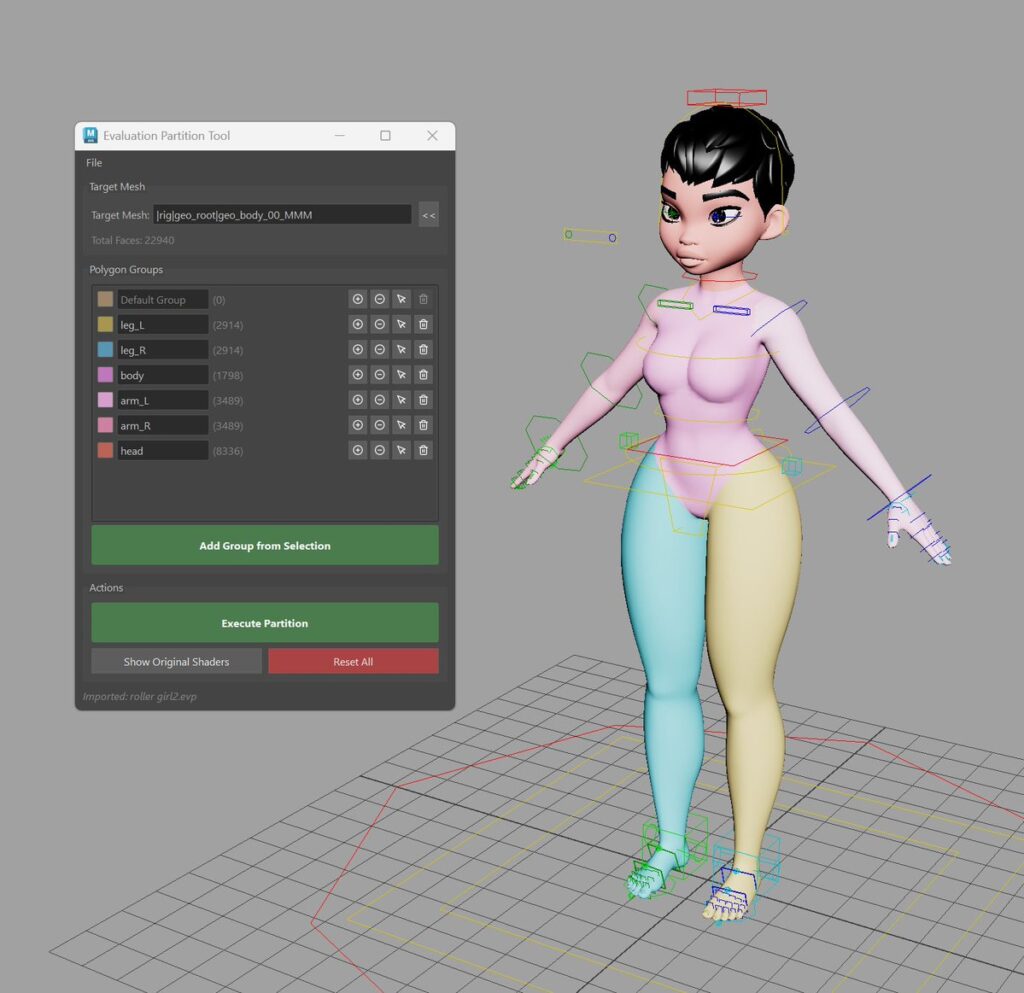
Maya 2027 USD Variant Manager: manage variant sets in one place
Variant Manager simplifies the creation and management of USD variants.
Artists can:
- Define multiple asset variations (LOD, materials, geometry)
- Switch between variants in real time
- Organize complex asset configurations
This improves efficiency in large productions where multiple asset versions are required.
Autodesk Assistant in Maya 2027: AI help inside Maya (tech preview)
Autodesk Assistant introduces AI-powered support directly within Maya.
Features include:
- Context-aware help suggestions
- Tool usage guidance
- Troubleshooting assistance
- Quick access to documentation
As a tech preview, it represents Autodesk’s move toward integrating AI into creative workflows.
Bifrost 3.0 in Maya 2027: new RBD constraints and small-scale liquids
Bifrost 3.0 expands procedural simulation capabilities.
Key additions include:
- Enhanced rigid body dynamics (RBD) constraints
- Improved stability for complex simulations
- Small-scale liquid simulation tools
- Better integration with procedural graphs
These updates make Bifrost more suitable for both VFX and real-time content creation.

Arnold for Maya 5.6.0 in Maya 2027: hair, volumes, and GPU performance
Arnold 5.6.0 introduces rendering improvements focused on performance and quality.
Highlights include:
- Faster GPU rendering performance
- Improved hair and fur shading
- Enhanced volume rendering
- Better memory optimization
These updates benefit both cinematic rendering and high-quality still image production.
Frequently Asked Questions (FAQs)
1. What is the biggest feature in Maya 2027?
Smart Bevel and USD workflow tools are among the most impactful additions.
2. Is Maya 2027 better for game development?
Yes, improved modeling, USD integration, and performance tools make it more suitable.
3. Does Maya 2027 include ngSkinTools?
It integrates similar layer-based skinning functionality inspired by ngSkinTools.
4. Is Bifrost 3.0 included by default?
Yes, it is included in the full Maya 2027 installation.
5. Can Maya 2027 run on Mac?
Yes, including support for Apple Silicon devices.
6. What is USD in Maya 2027?
USD is a framework for managing complex 3D scenes and assets in production pipelines.
7. Is Autodesk Assistant fully released?
No, it is currently in tech preview.
8. Does Smart Bevel replace traditional bevel tools?
No, but it enhances workflows, especially for complex topology.
9. Is Maya Creative 2027 suitable for professionals?
It depends on the workflow; it lacks some advanced features found in full Maya.
10. Does Arnold 5.6.0 improve GPU rendering?
Yes, it includes performance optimizations and better GPU support.

conclusion
Maya 2027 represents a strong evolution of Autodesk’s flagship 3D software, focusing on intelligent modeling tools, modern rigging workflows, USD-based pipelines, and procedural simulation advancements. With Smart Bevel improving hard-surface modeling, layer-based skinning enhancing rigging efficiency, and Bifrost 3.0 expanding simulation capabilities, the release is well-suited for both game development and high-end VFX production.
The continued investment in USD workflows and the introduction of AI-assisted tools indicate a forward-looking approach, positioning Maya 2027 as a critical tool in modern content creation pipelines.
Sources and citation
- Autodesk Maya official release notes
https://www.autodesk.com/products/maya - Autodesk USD documentation
https://help.autodesk.com - Arnold renderer official documentation
https://docs.arnoldrenderer.com - Autodesk Bifrost documentation
https://help.autodesk.com/view/BIFROST - CG Channel – Maya updates coverage
https://www.cgchannel.com - 80.lv – Maya feature breakdown articles
https://80.lv
Recommended
- The Internet Reacts To The First Photo Of Amazon’s God Of War: Ryan Hurst’s Kratos First Look Sparks Memes, Backlash, and Debate
- Exploring MOVA’s Contour Facial Capture Technology: Photorealistic Tracking in Film and Gaming
- Control Resonant Gameplay Trailer Shows New Enemies, Abilities and Everything We Know So Far
- Capcom Addresses The Street Fighter 6 Incest Storyline Fans Have Been Losing Their Minds Over
- How do I make the camera look at an object automatically in Blender?
- Maxon Adds Real-Time Renderer Redshift Live to Redshift 2026.4: Features, Workflow Benefits, and What It Means for 3D Artists
- Avatar Aang Movie Footage Leak: What We Know About the Alleged Paramount+ Leak Before Release
- How to Install and Set Up The View Keeper in Blender
- How to Retarget Any Animation in Unreal Engine: Mixamo, CC3, Daz3D, and Metahuman Workflow Guide
- Nintendo Confirms a Summer Release Date for Rhythm Heaven Groove / Rhythm Paradise Groove (July 2, 2026)




























































































