








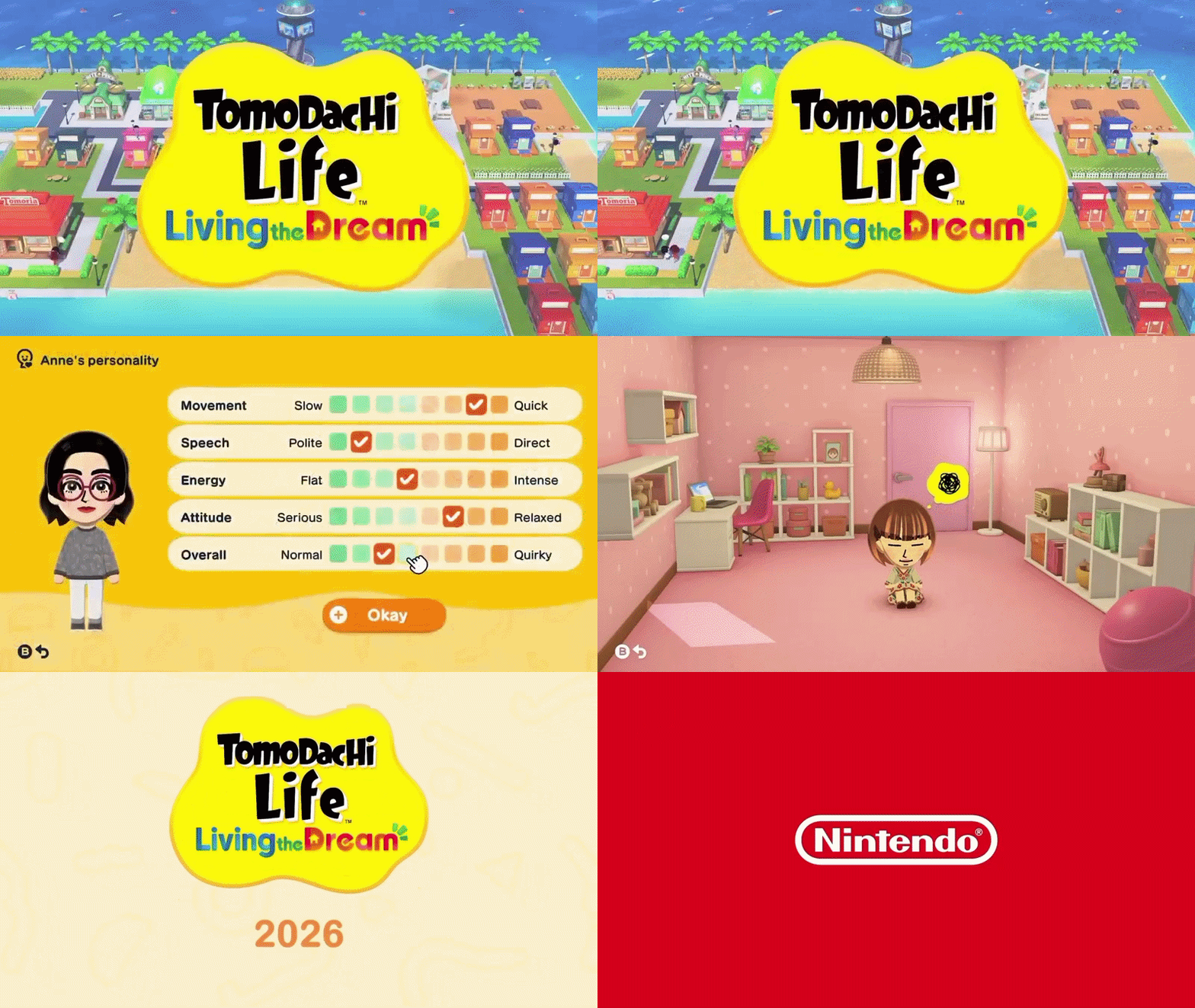
As of April 23, 2026, the official support material for Tomodachi Life: Living the Dream shows a very specific kind of lockout: the game’s screenshots and videos are still captured and stored on the console, but several of the easiest built-in sharing routes are disabled for this title. The game launched on April 16, 2026 for Nintendo Switch, is playable on Nintendo Switch 2, and its media can still be moved off-console through local file-management methods even though phone-first sharing is restricted.
Tomodachi Life: Living the Dream screenshot sharing restrictions explained
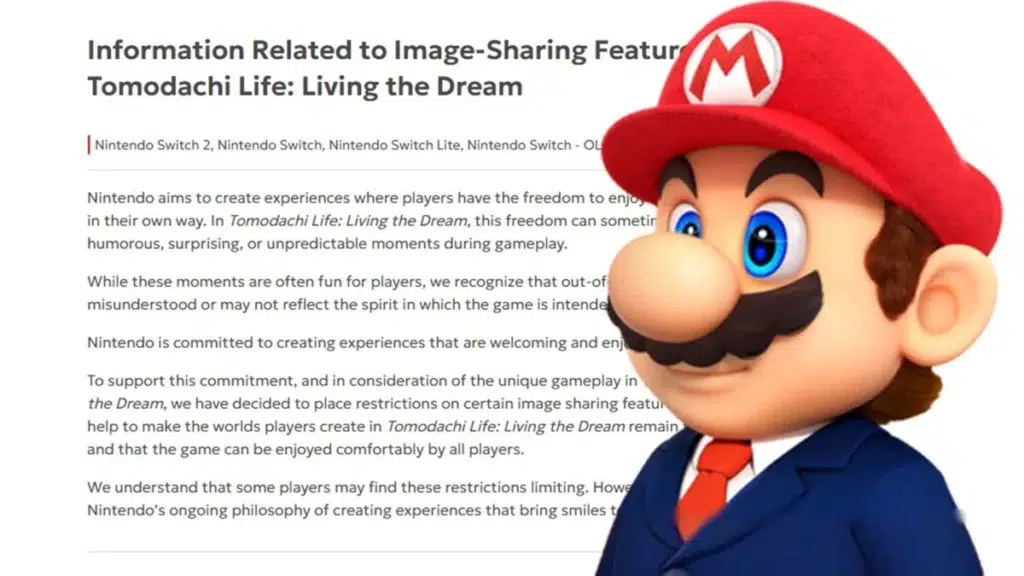
The restriction is narrower than a total capture ban. Nintendo’s FAQ says players can still post screenshots and videos to social media or stream gameplay, but certain system functions are disabled for media taken in Tomodachi Life: Living the Dream. Those unavailable functions include transferring screenshots and videos to smartphones, directly posting them to social media, and automatically uploading them to the Nintendo Switch App on Nintendo Switch 2. On the Japanese product page, Nintendo is even more explicit, stating that smartphone image transfer is unavailable and that image and video sharing functions have partial limits.
Why Nintendo blocked Tomodachi Life screenshots from being sent to phones
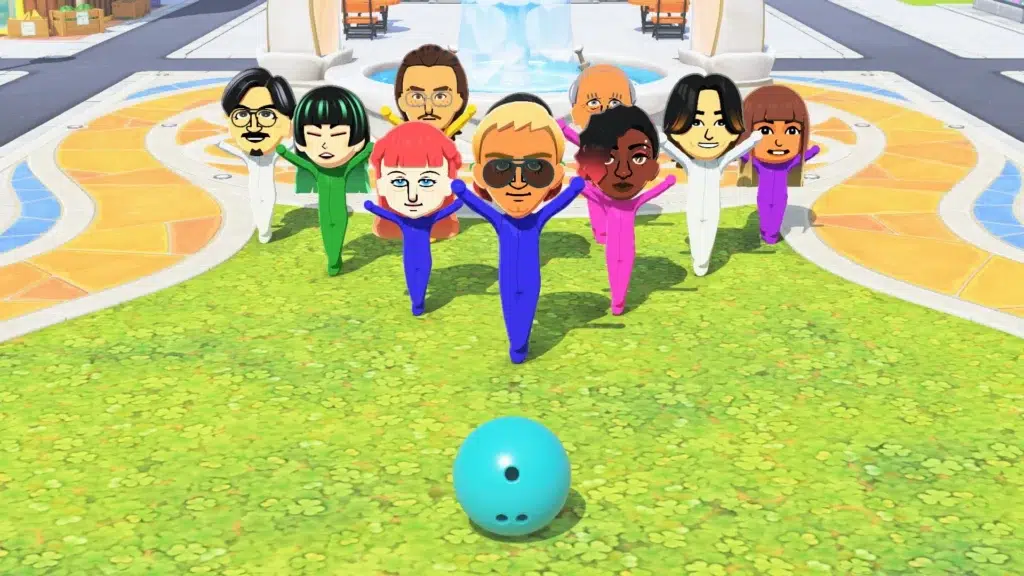
Nintendo’s published rationale is that Tomodachi Life: Living the Dream can generate humorous, surprising, and unpredictable scenes, and those scenes can be misunderstood when removed from their original context. Because sending a file straight to a phone is the fastest route from console album to a social timeline, disabling phone transfer directly targets that quick-sharing pipeline while leaving the captures themselves intact on the console.
Nintendo’s reason for restricting Tomodachi Life image sharing
The broader reasoning is safety and platform stewardship, not technical impossibility. In its dedicated support notice, Nintendo says the restrictions are meant to keep the worlds players create “fun and safe” and enjoyable for everyone. That explanation fits with the company’s wider community and parental-control language, which emphasizes friendlier online spaces and gives parents tools to manage communication, image exchange, and social sharing.
Tomodachi Life online sharing features missing at launch
At launch, official product materials highlighted local wireless exchange, not internet-based sharing. Nintendo’s Australian product page lists local wireless support for two players, while the Japanese product page states plainly that Miis and items cannot be shared via internet communication. The English FAQ simultaneously confirms that built-in smart-device transfer, direct social posting, and Nintendo Switch App upload functions are restricted for this game’s screenshots and videos. In practical terms, those online sharing gaps were present on day one, not introduced later.
Tomodachi Life local sharing vs online sharing differences
Local sharing still exists, but it is tightly bounded. Nintendo’s local-play support page says nearby players can use local wireless communication to share Miis and creations from their own islands, and the original Mii or creation remains on the sender’s island after sharing. It also says players can share only what they personally created, not something received from someone else, even if it was edited later. Nintendo’s Japanese product page adds that a Mii received by local communication cannot be passed on to another person, and that internet sharing of Miis and items is not available at all.
The result is a deliberate split between nearby exchange and online distribution. Local play is for face-to-face trading between nearby systems after players unlock the feature, while internet-style redistribution of Miis, items, screenshots, and videos is cut off. Nintendo Switch 2’s GameChat can still let friends talk and share screens while playing, but that is a live communication feature, not a replacement for file export, phone transfer, or app-backed media syncing.

Can you send Tomodachi Life screenshots to your smartphone on Switch?
Not through the built-in Nintendo Switch path. On an ordinary Switch capture, the normal flow is Album > Sharing and Editing > Send to Smartphone, followed by a QR-code connection to the phone. Nintendo’s Tomodachi Life FAQ says that screenshots and videos from this specific game cannot use the smartphone-transfer function, so the standard wireless Send to Smartphone route is effectively blocked for Tomodachi captures. If the goal is to get the image onto a phone anyway, the practical workaround is to move the file to a computer first and then send it onward from there.
Can Nintendo Switch Online app upload Tomodachi Life screenshots?
No. First, the service the header refers to has been renamed: Nintendo says the old Nintendo Switch Online smart device app has changed to the Nintendo Switch App. Second, the app’s screenshot-and-video feature on Nintendo Switch 2 does not require a paid Nintendo Switch Online membership in the first place, so there is no subscription-based loophole here. If a game blocks the upload path, paying for Nintendo Switch Online does not restore it.
Nintendo’s own support documents make that distinction clear. The Nintendo Switch App can normally upload, download, and share screenshots and videos from Nintendo Switch 2 without a membership, but Tomodachi Life: Living the Dream is one of the titles whose captures do not fully support the relevant upload route. That is why the limit is software-specific rather than account-specific.
Why Tomodachi Life images do not appear in the Nintendo Switch app
The app can only show files that successfully upload from the console, and Nintendo’s upload support page says some software does not support screenshot and video uploads at all. Tomodachi Life’s own FAQ then confirms that the game disables the relevant smart-device and Nintendo Switch App sharing functions, which means the title’s captures are not entering the sync path the app depends on. In other words, the screenshots do not appear in the app because the game opts out of the upload mechanism that would have placed them there.
Postlaunch reporting lines up with that interpretation. A GameSpot guide published after release reported that trying to upload Tomodachi Life media can trigger the message, “Can’t upload screenshots or video from this software,” which is consistent with Nintendo’s broader “some software does not support uploading” rule and the game-specific support notice.
Tomodachi Life social media sharing restrictions and what they mean
Nintendo is not banning all public posting of Tomodachi Life media. The official FAQ says players may still post screenshots and videos to social networks and stream gameplay, as long as they follow each platform’s rules and Nintendo’s Game Content Guidelines for Online Video and Image Sharing Platforms. What is blocked are the console-native shortcuts that would ordinarily move a capture directly from the album into a phone or social service.
That distinction matters even more on Nintendo Switch 2. Nintendo’s parental-controls documentation says direct posting to social media is not possible from Nintendo Switch 2 at the system level, so Switch 2 social sharing normally depends on saving media through the Nintendo Switch App onto a phone first. Tomodachi Life closes off that convenient route too, which leaves manual extraction and manual posting as the remaining options.
Does Tomodachi Life: Living the Dream allow cloud image uploads?
Not in the ordinary screenshot-and-video sense. Nintendo’s Switch 2 upload documentation says supported captures can be uploaded to Nintendo-managed servers, kept there for 30 days, and limited to 100 files per Nintendo Account. But Tomodachi Life’s FAQ says the Nintendo Switch App upload functions are unavailable for this game’s screenshots and videos, which means its album media does not get the usual short-term cloud-style upload treatment.
That said, the game does support Save Data Cloud, and that is where many players get confused. Save Data Cloud on the official product page refers to save backups, not screenshot or video hosting. So the accurate answer is: yes for save files, no for image uploads.
How to transfer Tomodachi Life screenshots to a PC with a USB cable
On the original Nintendo Switch family, the cleanest official workaround is direct USB transfer to a computer. Nintendo’s support steps are: go to Settings, then Data Management, then Manage Screenshots and Videos, then Copy to a Computer via USB Connection. The cable must connect directly to the USB-C port on the bottom of the console, not a USB port on the dock. Once the system is connected, the screenshots and videos can be selected on the computer side and copied over.
Nintendo also adds an important compatibility note for the original Switch family: the USB copy feature is supported on Windows, while non-Windows environments may require separate Media Transfer Protocol support software. If that is inconvenient or unavailable, Nintendo explicitly recommends using a microSD card instead. That makes USB the most straightforward official export method when a compatible computer and data-capable cable are already available.
How to move Tomodachi Life screenshots with a microSD card workaround
On the original Switch family, the microSD path is the most useful fallback when USB transfer is unavailable or awkward. Nintendo’s support page for managing screenshots and videos says the system settings let players choose whether captures save to system memory or a microSD card. It also allows copying all saved screenshots and videos from system memory to microSD, or in the other direction from microSD back to system memory.
That means the most practical card-based strategy is either to set the save destination to microSD before capturing, or to copy all existing album media to the card afterward and sort the Tomodachi files on a computer. It is a broader storage workaround than a one-tap share feature, but it remains fully official and unaffected by the game’s locked smartphone path.
Tomodachi Life video transfer workaround for blocked smartphone sharing
The phone-sharing block does not remove built-in video capture itself. Nintendo’s capture support pages for both Switch and Switch 2 say compatible software can save up to the previous 30 seconds of gameplay when the Capture Button is held, and the resulting clip can be viewed in Album. Since Nintendo’s Tomodachi Life FAQ talks about videos taken in the game and restricts only how they are shared, the dependable post-capture workaround is to export those saved album clips by USB or by storage card rather than by smartphone transfer.
For anyone trying to edit or post those clips elsewhere, the workflow is simple even if it is no longer elegant: record the clip on the console, move it to a PC by USB or card, and then upload it to the platform of choice from the computer or send it to a phone after the file is already off the console. That is more manual than Nintendo’s usual smart-device flow, but it does preserve access to native captured video.
Best loopholes for saving Tomodachi Life screenshots and videos
The strongest loophole is PC export over USB, because it uses Nintendo’s own local file-transfer tools and bypasses every blocked phone or app route in one step. The next best is removable storage: microSD on the original Switch family, or microSD Express on Switch 2. Both methods are slower than app sync, but they are stable, official, and unaffected by the game-specific smart-device ban.
A third workaround exists for people who care more about speed than image quality: simply photograph or record the display with a phone. Postlaunch coverage notes that players have already been doing exactly that because the normal share menus are blocked. It is the least polished option, but it proves the restriction is about first-party transfer pathways, not about preventing the game’s moments from spreading at all.
How to get Tomodachi Life screenshots off Switch 2
Nintendo Switch 2 offers two practical official paths: direct PC copy by USB, and removable-storage export through microSD Express. The USB route is in System Settings > Data Management > Manage Screenshots and Videos > Copy to PC via USB Connection, and the support page again says the cable must connect directly to the console rather than the dock. Once connected, the screenshots and videos can be selected and transferred to the computer.
For card-based transfer, Nintendo’s Switch 2 management page says screenshots and videos for software played on Switch 2 can be saved or copied only to a microSD Express card, not a standard microSD card. The same page says Manage Album allows multiple images to be selected and copied to microSD Express or to system memory. It also adds that older screenshots and videos from a microSD card previously used with a Nintendo Switch console can be imported into Switch 2 system memory, which helps when migrating older captures forward.
Frequently Asked Questions (FAQs)
- Does the restriction affect videos as well as screenshots?
Yes. Nintendo’s FAQ explicitly says the unavailable functions apply to both screenshots and videos taken in Tomodachi Life: Living the Dream. - Can the original Switch still use the QR-code Send to Smartphone feature for this game?
No. That wireless QR-based feature still exists for ordinary Switch captures, but Nintendo says Tomodachi Life screenshots and videos cannot use the smart-device transfer path. - Does turning on Automatic Uploads on Switch 2 override the block?
No. Automatic uploads are a normal Switch 2 feature for supported software, but Nintendo’s Tomodachi Life FAQ says the Nintendo Switch App upload function is unavailable for this title’s screenshots and videos. - Does a paid Nintendo Switch Online membership unlock Tomodachi Life uploads?
No. Nintendo says screenshot and video uploads in the Nintendo Switch App do not require a paid membership, so there is no subscription workaround to unlock a title-specific restriction. - Are Tomodachi Life captures still stored in the console Album?
Yes. Nintendo’s management pages for Switch and Switch 2 both show screenshots and videos being managed, copied, or deleted through the album/data-management system, which means the files remain on the console even when phone sharing is blocked. - Which workaround is the most practical for keeping clean native files?
USB transfer to a computer is the most practical official method for most setups because it moves the saved console files directly to a PC without depending on the blocked smartphone or app route. - Do Switch 2 users need microSD Express for card-based exports?
Yes. Nintendo says screenshots and videos for software played on Switch 2 can be saved or copied only to microSD Express cards. - Can Miis or creations from Tomodachi Life be shared over the internet?
No. Nintendo’s Japanese product page says Miis and items cannot be shared by internet communication, and the local-play support page limits exchange to nearby local wireless sessions. - Can Tomodachi Life clips still be streamed or manually posted online?
Yes. Nintendo’s FAQ says players may still post screenshots and videos to social networks or stream gameplay, provided they follow platform rules and Nintendo’s content-sharing guidelines. - Does Save Data Cloud mean the game has cloud photo backup?
No. Save Data Cloud covers save files. Nintendo’s normal screenshot-and-video upload system is a separate feature, and Tomodachi Life does not allow that upload path for its captures.

Conclusion
Tomodachi Life: Living the Dream is best understood as sharing-restricted, not capture-disabled. The game blocks the most frictionless methods for sending screenshots and videos straight to phones, social platforms, and the Nintendo Switch App, and Nintendo says it made that choice because out-of-context scenes could be misunderstood. But the files are still manageable locally, and Nintendo’s own support pages leave open the two workarounds that matter most in practice: export by USB and export by storage card. For anyone trying to save Tomodachi Life screenshots, transfer Tomodachi Life videos, or get Tomodachi Life screenshots off Switch 2, the direct answer is that built-in online convenience is gone, while local extraction still works.
Sources and Citations
- Nintendo Support — Tomodachi Life: Living the Dream FAQ
https://en-americas-support.nintendo.com/app/answers/detail/a_id/71507 - Nintendo Support — Image-Sharing Features
https://en-americas-support.nintendo.com/app/answers/detail/a_id/71317 - Nintendo Japan — Tomodachi Collection: Waku Waku Seikatsu
https://www.nintendo.com/jp/switch/blfga/index.html - Nintendo Support — How to Start Local Play
https://en-americas-support.nintendo.com/app/answers/detail/a_id/71492 - Nintendo Support — Transfer Screenshots to Smart Device
https://en-americas-support.nintendo.com/app/answers/detail/a_id/53138 - Nintendo Support — Transfer Switch Captures to Computer via USB
https://en-americas-support.nintendo.com/app/answers/detail/a_id/53664 - Nintendo Support — Manage Screenshots and Videos on Switch
https://en-americas-support.nintendo.com/app/answers/detail/a_id/22409 - Nintendo Support — Transfer Switch 2 Captures to Computer via USB
https://en-americas-support.nintendo.com/app/answers/detail/a_id/68343 - Nintendo Support — Manage Screenshots and Videos on Switch 2
https://en-americas-support.nintendo.com/app/answers/detail/a_id/68310
Recommended
- The House of Hikmah Guide: Beginner Tips, Puzzle Mechanics, Story Themes, and How Long It Takes to Beat
- Forza Horizon 6 Is Every Japanese Driving Fantasy Rolled into One: Why Japan Feels Like the Perfect Setting
- Tomodachi Life: Living the Dream Was In Development For Almost A Decade (9 Year Timeline Explained)
- Top 10 Blender Render Farm Services for Faster, High-Quality Renders
- Free Maya Character Rigging Toolset mGear 5.3: Download, Features, and Setup Guide
- How VFX Shaped the World of The Witcher Season 4: VFX Breakdown, Studios, Creatures, and Magic
- Optimizing Blender Camera Settings with The View Keeper Add-on
- Should Video Game Publishers Be Allowed to Disable Games You Bought? What the European Parliament Hearing on “Stop Destroying Videogames” Means
- A Quiet Place: Part III Cast Update: Jack O’Connell Joins as Emily Blunt and Cillian Murphy Return


























































































